Most construction finance teams don’t leave Finvari because it’s broken. They leave because their operational complexity outgrows it.
A two-person specialty sub running QuickBooks and issuing three cards? Finvari holds up fine. But once you’re splitting costs across 14 active jobs, running a fleet of field superintendents with individual card limits, syncing receipts into Sage 300 CRE, and trying to reconcile AP invoice automation across three entities, you hit walls. Fast.
The specific friction points: Finvari lacks the card-agnostic flexibility that mid-market general contractors need when their banking relationships are already locked in. Its ERP connectivity leans on middleware workarounds rather than native, direct integrations with heavy construction accounting platforms like Viewpoint Vista or Foundation. And multi-entity AP consolidation where a GC holds accounts for multiple subsidiaries or joint ventures requires workflow depth that Finvari simply wasn’t architected to handle at scale.
This article maps seven purpose-built alternatives against real construction accounting ecosystems. Whether your team runs Sage 300 CRE, Viewpoint Vista, Procore expense tracking, or QuickBooks Premier, there’s a specific tool match below.
Immediate Verdict: The Finvari Alternative Decision Matrix
Skip the teardowns if you already know your stack. Match your use case here first:
| Construction Scenario | Best Fit |
| Multi-job cost-code split + Sage 300 CRE / Viewpoint Vista sync | Vergo |
| Enterprise spend management + AI receipt matching + ERP exports | Ramp |
| Large fleet + pump-only fuel controls + odometer tracking | Corpay (Expense Track) |
| Fast-scaling GC team on QuickBooks or Xero + high credit lines | Brex |
| Field PO management + materials procurement before card spend | Kojo |
| Heavy civil job-site production cost capture | Foundation Field Log / HCSS HeavyJob |
| Mid-market trade contractor + role-based real-time card controls | CenterCard |
Top Finvari Competitors Grouped by Use-Case
Category A: Construction-Native AP & Multi-Job Expense Platforms
1. Vergo – Best Finvari Alternative for Complex Cost-Code Splits
Why Vergo Stands Out
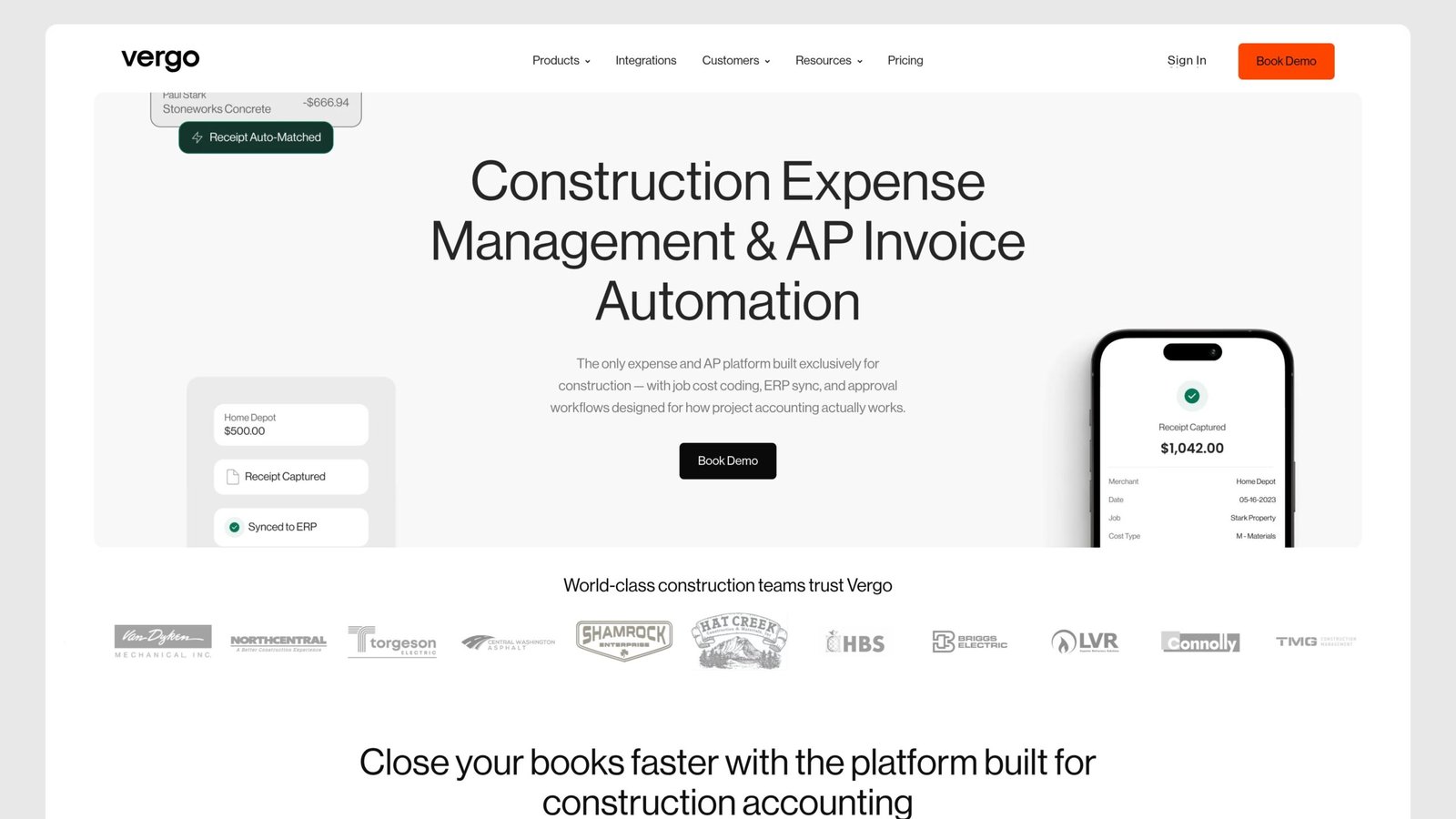
Unlike general SMB card products, Vergo was built from scratch for multi-phase job costing. Instead of treating a “project” as a mere tag, it handles it as a primary accounting object. Every single transaction maps directly to a job number, phase, and cost-code split before hitting the GL. On the mobile app, field teams can easily split one fuel receipt across three different jobs in less than 30 seconds.
Core Infrastructure & Features
• Direct Integrations: Connects natively with Viewpoint Vista and Sage 300 CRE, eliminating the need for CSV transfers, middleware, or Zapier workarounds.
• AP Invoice Automation: Embedded straight into the core workflow. Field supervisors snap photos of invoices, Vergo utilizes OCR to extract line items, passes them through customizable multi-tiered approval chains, and automatically routes the coded entries into the ERP.
• Streamlined Mobile Capture: Receipt capture is highly intuitive on mobile, meaning field subcontractors require zero training beyond simply taking a picture.
• Card-Agnostic Flexibility: Vergo is designed to work seamlessly alongside your current bank-issued cards or its own proprietary cards, making it an excellent option for general contractors who want to keep their existing commercial card rebates.
The Drawbacks
Implementation demands dedicated time and focus. Correctly mapping your current cost-code architecture into the Vergo schema generally takes a few days of concentrated effort, particularly for companies operating with legacy job numbering systems inside their ERP. Do not expect a simple plug-and-play experience; plan for this transition.
Vergo was designed specifically for multi-phase job costing, not adapted from a general SMB card product. Where most expense platforms treat “project” as a tag, Vergo treats it as a first-class accounting object. Every transaction gets mapped to a job number, phase, and cost-code split before it ever hits the GL. Field teams can split a single fuel receipt across three jobs on the mobile app in under 30 seconds.
The Infrastructure
Direct integration with Sage 300 CRE and Viewpoint Vista no Zapier, no middleware, no CSV gymnastics. AP invoice automation runs inside the same workflow: field supervisors photograph invoices, Vergo extracts line items via OCR, routes them through configurable multi-tiered approval chains, and pushes coded entries directly into the ERP.
Receipt capture is genuinely good on mobile. Subcontractors in the field don’t need training beyond “take a photo.”
Card-agnostic design means Vergo works alongside your existing bank-issued cards or its own issued cards, useful for GCs who’ve locked in commercial card rebates they don’t want to abandon.
The Catch
Implementation takes real effort. Mapping your existing cost-code structure into Vergo’s schema requires a few days of focused work, especially for firms with legacy job numbering systems in their ERP. Plan for it; don’t expect plug-and-play.
2. CenterCard – Real-Time Dynamic Card Controls for Field Operations
The Edge
CenterCard targets trade contractors who need card-level spend rules that change based on the job, the role, and the day. A foreman gets a card that works only at fuel and materials vendors, with a $500 per-transaction cap, on weekdays between 6 a.m. and 7 p.m. A project manager’s card unlocks hotel and equipment rental categories on out-of-town jobs. All of this is configured in real time from a web dashboard; no bank call required.
The Infrastructure
Mobile receipt mapping happens instantly on swipe via push notification. Receipts link to jobs via QR-coded project cards carried by field crews. Cost-code coding happens at the point of purchase, not after a weekend batch-sync.
Mid-market integration: CenterCard connects to QuickBooks and Xero natively. Sage 300 CRE integration exists but goes through a flat-file export rather than a live API workable, but worth knowing.
The Catch
Not built for retention holdbacks or complex subcontractor payment structures. If AP invoice automation across multiple sub-tiers is your primary pain, look at Vergo or Ramp first. CenterCard excels specifically at card controls; it’s not trying to own the full AP workflow.
Category B: High-Growth Corporate Card & Spend Platforms
3. Ramp – Automated Expense Workflows for Mid-Market General Contractors
Ramp’s strength isn’t construction-specific; it’s the depth of its spend automation layer. For a GC managing 200+ cardholders across multiple projects, Ramp’s AI receipt matching alone eliminates a meaningful chunk of accounting staff time. Receipts match to transactions automatically. Out-of-policy spend triggers instant Slack or email alerts. Vendor duplication gets flagged before invoices are approved.
ERP sync covers QuickBooks, NetSuite, Sage Intacct, and Xero. For firms not running heavy construction ERPs, this covers most of the market. Procore expense-tracking integration allows Ramp card data to flow into Procore’s cost module, making it genuinely useful for GCs already in the Procore ecosystem.
The construction-specific gap: job-cost coding requires custom field setup, and cost-code split across multiple jobs on a single receipt is a manual workaround rather than a native feature. High cashback rates (typically 1.5% flat) partially offset that limitation for finance teams doing the math.
4. Brex – Scalable Card Issuance for Large, Fast-Scaling Builders
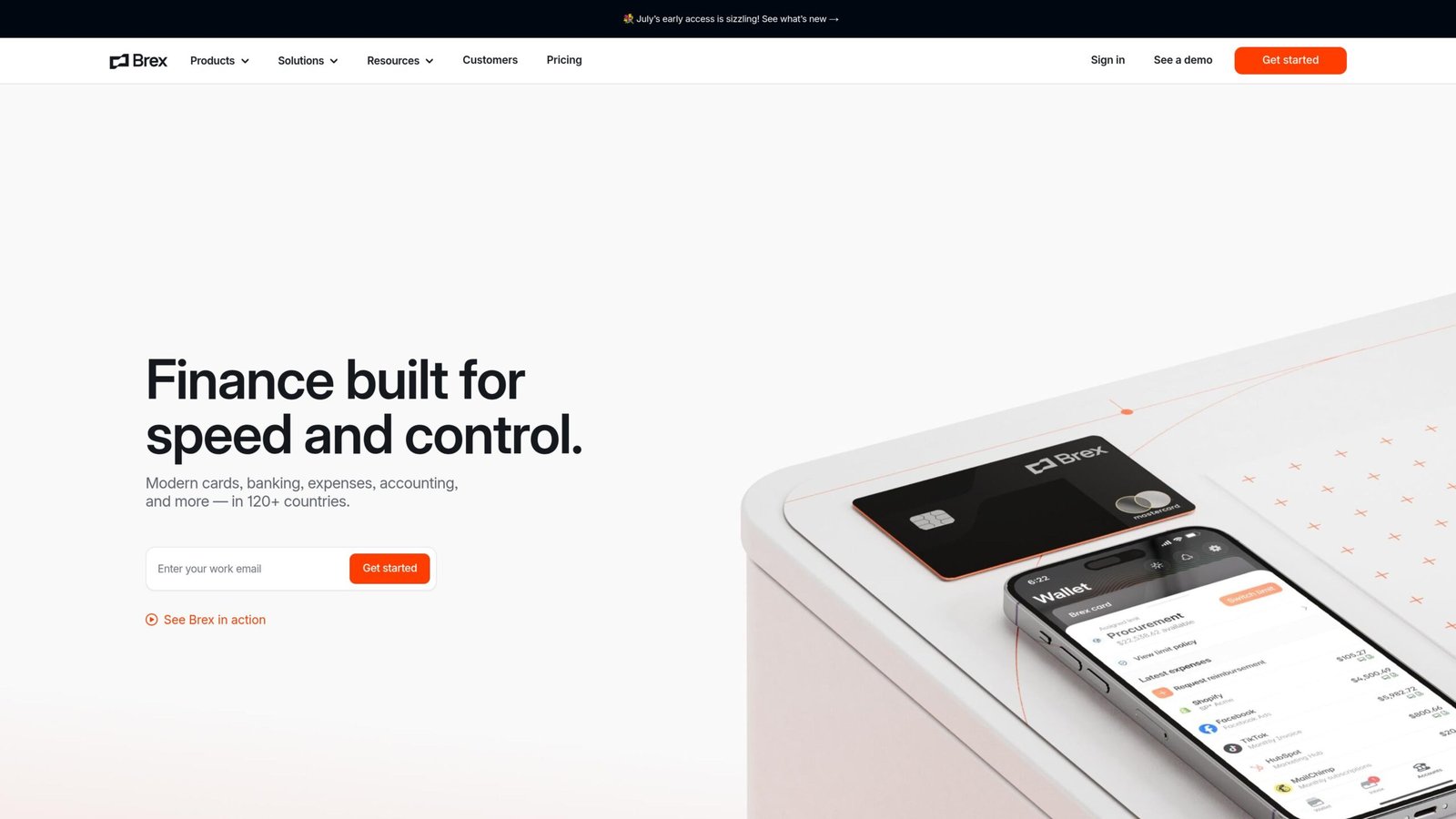
Brex plays best when the challenge is credit availability and multi-entity consolidation rather than deep job costing. Construction firms growing through acquisition, absorbing regional subs under a parent entity, need consolidated reporting across legal entities without collapsing their chart of accounts. Brex handles that cleanly.
High-limit credit lines issued without personal guarantees make Brex attractive to younger, venture-backed construction tech firms or GCs with PE backing. Global travel controls matter less in construction than in other industries, but for firms running international projects or executives traveling frequently, Brex’s built-in travel management reduces card program sprawl.
Limitation: Brex’s construction accounting depth is shallow. No native Sage 300 CRE integration. Viewpoint Vista is unsupported. If your ERP lives in the heavy construction software stack, Brex requires CSV or a middleware connector.
Category C: Specialized Fleet, Materials & Field Operations Stacks
5. Corpay (Expense Track) – Heavy Fleet & Fuel-Centric Controls
Heavy civil, utility, and highway contractors operate a different category of spend problem. When 30% of your monthly card volume is fuel at pump locations scattered across three counties, you need controls that a general expense platform wasn’t designed for.
Corpay’s construction-relevant product stack includes pump-only card restrictions (the card physically won’t authorize at non-fuel merchants), odometer-entry enforcement at the pump, and per-vehicle spend limits. Fleet managers get daily fuel exception reports showing out-of-route fills, duplicate transactions, and drivers who exceeded mileage expectations.
For equipment-heavy operations running excavators, graders, and haul trucks: Corpay integrates fuel cost data against equipment IDs, feeding into job cost reports by machine rather than just by driver. That’s genuinely useful for accurate equipment burden rates.
Less useful: Corpay’s AP invoice automation and receipt capture are thin compared to Vergo or Ramp. It’s purpose-built for fleet, not a full expense management replacement.
6. Kojo – Construction Materials Management & Field-to-Office AP

Kojo attacks the problem upstream. Before a foreman ever swipes a card at a lumber yard, Kojo pushes a digital purchase order through an approval workflow. The field team requests materials on the app; the office approves, negotiates with the supplier, and issues a PO. When the receipt comes back, it matches against the approved PO automatically.
This matters because uncontrolled field purchasing is where job budgets blow up, not at the card reader, but at the 3 p.m. “I needed it now” purchase made without an approved PO. Kojo closes that gap before it becomes an AP reconciliation nightmare.
ERP integration covers QuickBooks and some Sage platforms. AP invoice automation runs through Kojo’s three-way match: PO, receipt, and invoice must align before payment is released.
Kojo is a complement to a card platform, not a full replacement. Pair it with Ramp or Vergo for complete field-to-finance coverage.
For accounting practices managing multiple entities, corporate card controls must connect seamlessly with core accounting setups. Integrating these systems alongside a dedicated payroll system for CPA firm gives your firm complete visibility over all client disbursements
7. Foundation Field Log / HCSS HeavyJob – Direct Job-Site Production & Cost Capture

These are legacy tools for a specific audience: heavy civil contractors running Foundation Software or HCSS HeavyJob as their core accounting system.
Foundation Field Log lets foremen enter daily production quantities, crew hours, and equipment hours directly from a mobile app. Those entries flow into Foundation’s job cost module without re-keying. Cost codes are validated against the active job budget in real time; a foreman can’t code hours to a phase that doesn’t exist.
HCSS HeavyJob covers the same ground for highway, utility, and earthwork contractors. Daily field logs sync into HeavyJob accounting, giving project managers live budget-versus-actual reports without waiting for payroll to close.
Neither platform is a corporate card tool. They’re cost-capture systems that make card and AP data more accurate by grounding it in field-reported production quantities. For heavy civil shops already running these ERPs, adding a card platform that exports to Foundation or HCSS rather than requiring a migration away is almost always the right call.
Technical Migration & Integration Failure Points When Replacing Finvari
The migration itself breaks in predictable ways. Know them before you start.
Job-cost context loss during export handoffs. When you pull a CSV from Finvari and import into a new platform, transaction-level job coding often survives, but cost-code hierarchy doesn’t. A three-level code structure (job > phase > cost type) commonly flattens to a single reference field. Finance teams discover this six weeks post-migration when monthly reports look wrong, and nobody can explain why.
The fix: run a parallel period. Keep Finvari active and export the replacement platform’s data alongside it for at least one billing cycle before cutting over.
Field superintendent adoption friction. New mobile receipt capture apps require behavioral change at the job site level. Superintendents who grudgingly learned one app aren’t excited about learning another. If the new app requires more taps to submit a receipt than Finvari did, adoption drops, and paper receipt backlogs return within 60 days.
Evaluate the receipt submission workflow in-field before committing, not on a desktop demo.
Historical audit logs and retention holdbacks. Retention holdbacks tracked inside Finvari’s ledger don’t migrate automatically. They’re often embedded in custom fields that don’t map to standard GL accounts in the receiving ERP. During ERP re-mapping, these entries either disappear from the payable aging report or surface as unexplained credit balances.
Assign a controller-level resource specifically to retention holdback reconciliation before migration begins. Don’t assume it resolves itself.
Final Verdict on Selecting a Finvari Alternative
Three steps, in order:
Step 1: Audit active corporate card users by role. Pull a list of every cardholder, their monthly transaction volume, and the job codes they’re currently using. This tells you whether your primary need is field spend controls (CenterCard, Corpay), AP automation (Vergo, Ramp), or materials procurement (Kojo). Most teams have needs across two categories; the audit shows you which one is bleeding money.
Step 2: Test ERP ledger sync in a sandbox environment. Before any contract is signed, require a proof-of-concept integration with your actual ERP, not a demo dataset. Push 30 days of transaction data through the proposed sync and check whether job numbers, cost codes, and entity splits land correctly in your GL. Sage 300 CRE integration and Viewpoint Vista compatibility are meaningfully different from vendor to vendor, even when both are listed as “supported.”
Step 3: Roll out mobile apps to project managers first, not field crews. PMs are more tolerant of early-stage friction and better positioned to give actionable feedback. Get them fully functional over two to three weeks, then extend to field superintendents once you’ve resolved the config issues that surface at the PM level.
The right Finvari alternative is the one your ERP can receive data from cleanly, and your field team will actually use. Everything else is a feature list.
FAQs
Why do construction companies seek alternatives to Finvari?
The most common triggers are ERP depth and multi-entity scale. When a GC adds subsidiaries or joint ventures, managing expense approvals and AP automation across entities inside Finvari requires workarounds. Direct integrations with Sage 300 CRE, Viewpoint Vista, and Foundation are either absent or middleware-dependent, which creates reconciliation lag and coding errors that compound at month-end close.
What is the difference between a general corporate card and a construction-native expense card?
A general corporate card handles authorization, billing, and basic category controls. A construction-native expense card adds job-cost coding at the point of purchase, cost-code split across multiple jobs on a single receipt, ERP sync tied to your specific construction accounting chart of accounts, and approval chains that match field hierarchy: foreman to superintendent to CFO rather than a flat manager-employee model.
Can you integrate construction expense cards directly with Sage 300 CRE or Viewpoint Vista?
Yes, but the word “directly” matters. Vergo offers a native API-level integration with both platforms, pushing coded transactions into the GL without flat-file exports. Most general spend platforms Ramp and Brex support Sage Intacct but not Sage 300 CRE, and have no Viewpoint Vista connector at all. Always test the actual integration against your ERP version before committing to a vendor.
How does automatic cost-code splitting work for job site purchases?
On platforms built for it (Vergo, CenterCard), a cardholder photographs a receipt and assigns job percentages in the mobile app, e.g., 60% to Job 1042 / Phase 3 / Cost Type Materials, 40% to Job 1087 / Phase 1 / Cost Type Materials. The platform generates two separate GL entries, each with the correct cost-code coding, and pushes both to the ERP in the next sync cycle. The key variable is whether the platform validates those codes against your active job list in real time or lets employees free-type, which creates coding errors that don’t surface until reconciliation.