Quick answer: If you want the closest match to Retool with a lower price tag, go with Appsmith. If open source and full control over your stack matter most, look at ToolJet or Budibase. If you’re not technical and just want to build something fast without touching code, Gumloop or UI Bakery will get you there faster.
Below is the full breakdown of why, plus pricing, pros, cons, and who each tool actually fits.
Why people go looking for a Retool alternative
Retool is genuinely good at what it does. It’s one of the most established platforms for building internal tools, and for a lot of teams it still makes sense. But if you’re reading this, something is probably pushing you to look elsewhere. Usually it’s one of these:
Pricing adds up fast. Retool charges per user, and features like SSO or custom branding often sit behind the enterprise tier. For a small team building a handful of internal dashboards, that cost can feel out of proportion to what you’re actually using.
Customization has a ceiling. Retool ships with a large component library, but going beyond it means writing inline CSS or JavaScript, and a surprising number of teams end up building custom components from scratch anyway. If your internal tools need real design flexibility, this gets old.
Self-hosting is heavier than it looks. Running Retool on your own infrastructure is possible, but it comes with real setup and maintenance overhead. You’re signing up for ongoing infrastructure work, not just a one-time install.
Security and trust concerns. Retool’s code isn’t open source (I know it’s frustrating), which makes it harder to audit if you’re connecting it to sensitive production data. A 2023 data breach also left some customers with real financial fallout, and that history still shapes how security-conscious teams evaluate the platform today.
None of this means Retool is a bad product at all. It means the right alternative depends heavily on what’s actually bothering you: cost, customization, hosting, or security (and trust). That’s the lens we used below.
How we evaluated these tools
We compared each alternative across six criteria that actually matter when you’re switching:
- Pricing – What it costs at a small-team scale, not just the marketing page number
- Open source vs proprietary – Whether you can audit or self-host the code
- Self-hosting support – How realistic it is to run on your own infrastructure
- AI app generation – Whether you can build from a prompt, not just drag and drop
- Extensibility – How far you can push customization before hitting a wall
- Security and SSO – What’s available on lower tiers, not just enterprise
We’re not going to pretend one tool wins every category. Each one below is genuinely a better fit for a specific situation.
Comparison table
| Tool | Best for | Starting price | Open source | Self-hosted | AI app generation |
| Appsmith | Developers wanting a free, familiar Retool swap | Free/open source | Yes | Yes | Limited |
| Budibase | Teams wanting full control and self-hosting | Free/open source | Yes | Yes | Limited |
| ToolJet | Open-source teams with complex data integrations | Free/open source | Yes | Yes | Limited |
| Superblocks | Prompt-to-app builders with no vendor lock-in | Custom pricing | No | Yes | Strong |
| UI Bakery | SMBs wanting fast builds without enterprise pricing | Paid, mid-tier | No | Yes | Strong |
| Gumloop | Non-technical teams building without SQL | Free plan, $37/mo Pro | No | No | Strong |
| Bubble | Customer-facing apps, not just internal tools | Free plan, paid tiers | No | No | Limited |
| Teable | Teams wanting an Airtable-like, low-cost option | Free plan available | No | Limited | Limited |
| UXPin Merge | Design teams building polished, customer-facing UI | Paid | No | No | No |
If you’re looking for simple web apps or portals rather than complex data-heavy admin panels, exploring Softr competitors might give you a better fit for lightweight builds.
The alternatives, one by one
Appsmith
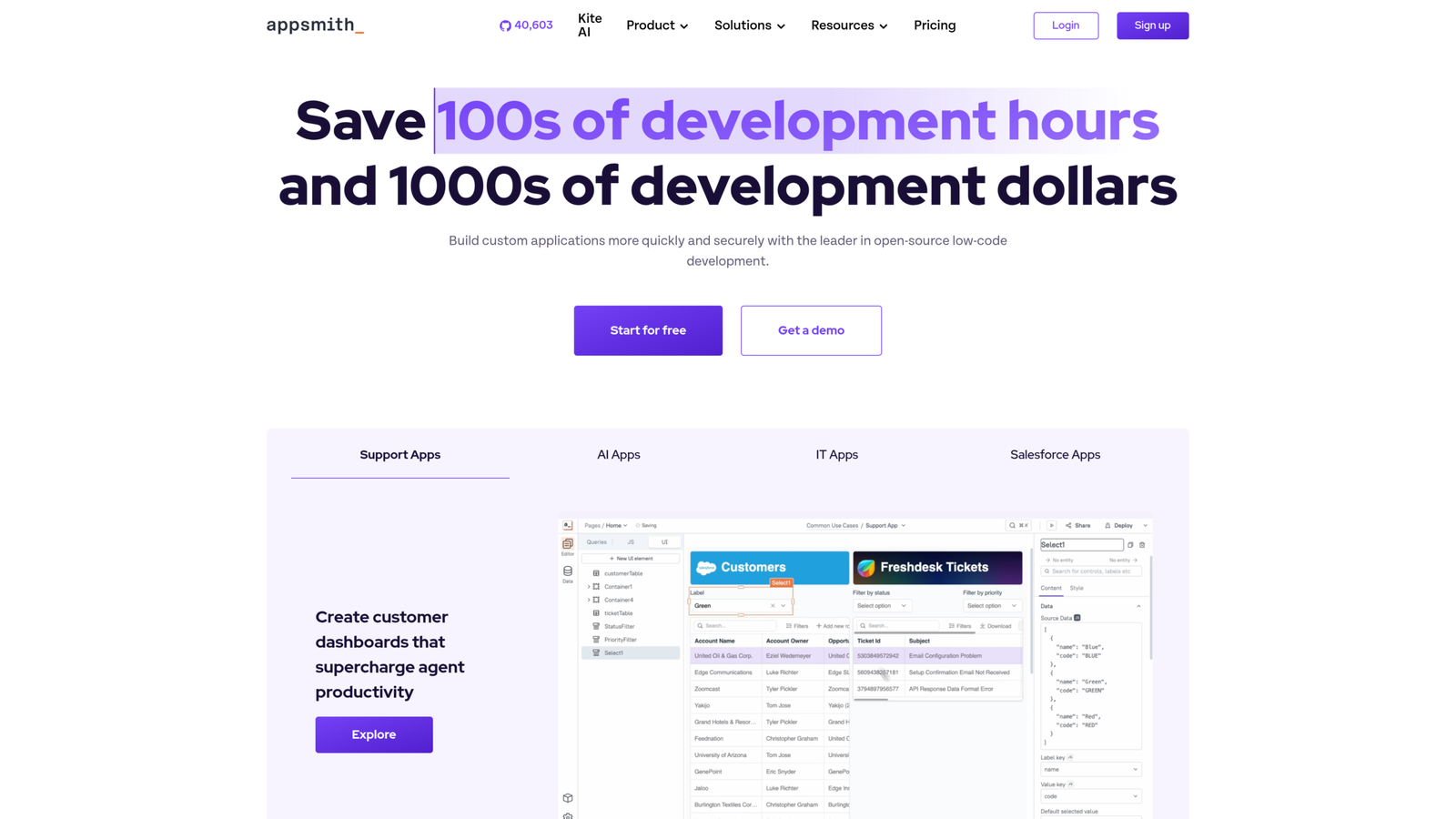
Appsmith is an open-source low-code platform built specifically for internal tools, which makes it the most direct Retool swap on this list. It’s free to self-host, and the component library covers most of what internal dashboards and admin panels need out of the box.
Pros: Free (of course, it’s good news) and open source, strong and vast developer community, self-hostable, familiar drag-and-drop builder.
Cons: Customization still requires code once you go past the basics; UI can feel less polished than paid tools.
Best for: Developers who want Retool’s core workflow without the per-seat cost.
Budibase
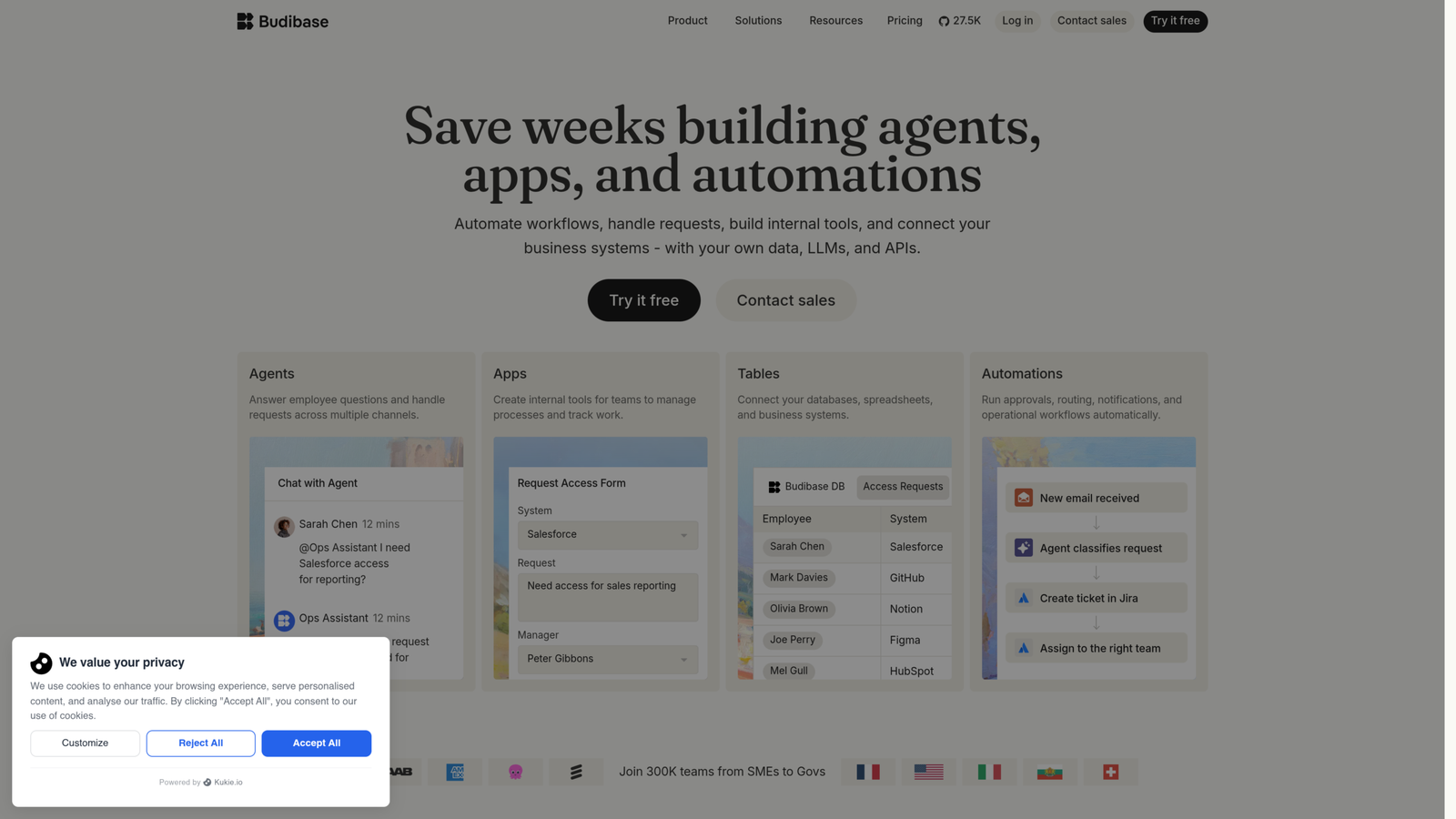
Want total control over your deployment? Budibase is probably your best open-source bet here. It leans harder into self-hosting than Appsmith, keeping you off a vendor’s cloud completely.
Pros: Open source, self-hosted, strong customization for teams comfortable managing their own infrastructure.
Cons: Steeper setup than cloud-first tools, smaller component ecosystem than Retool.
Best for: Teams that specifically want to own their deployment, not just save money.
ToolJet
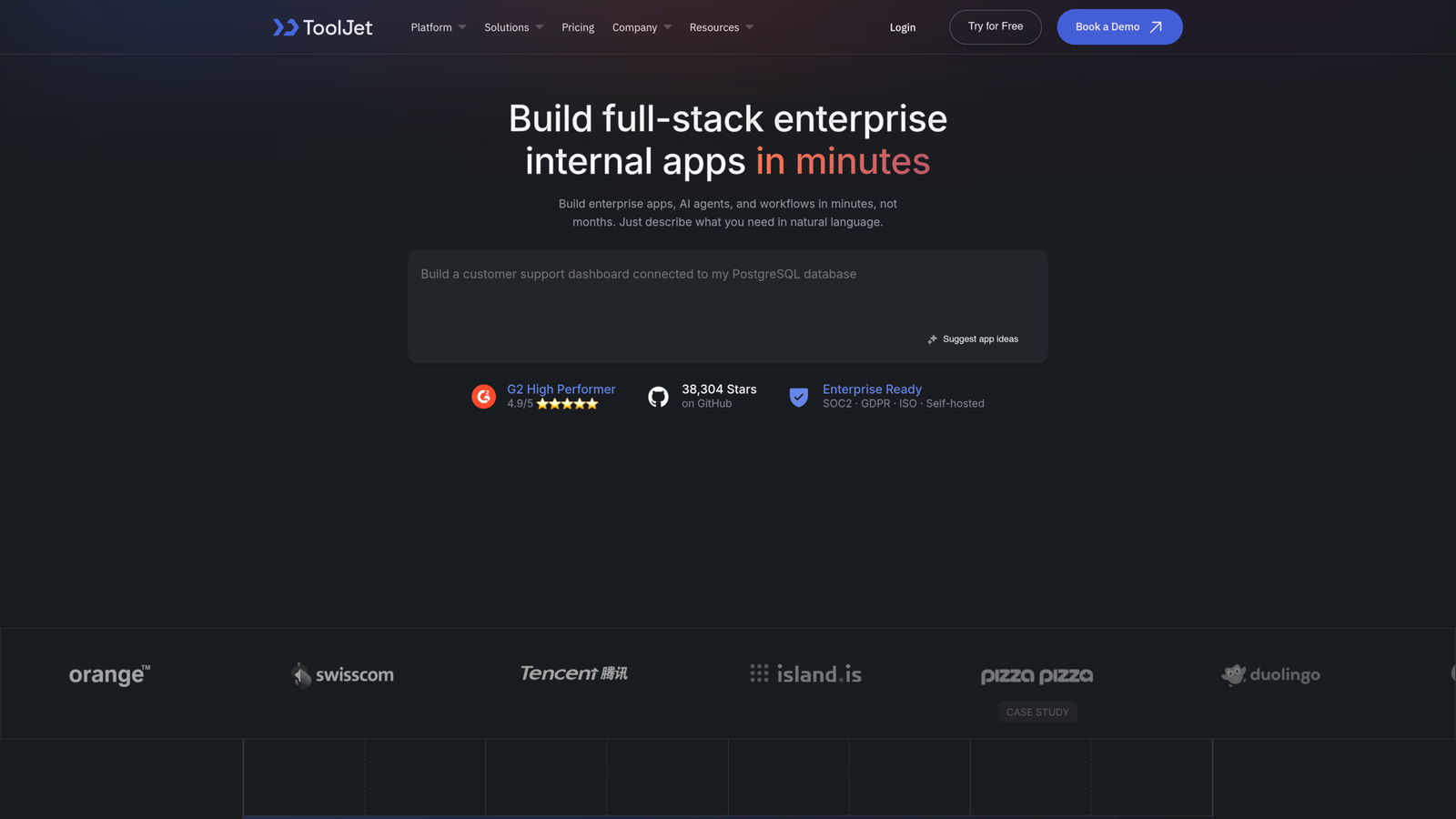
Need something that plays nice with tricky data sources? That’s really where ToolJet shines. It supports a massive range of integrations and, just like Budibase, keeps everything open source and in your control.
Pros: Broad integration support, open source, active development.
Cons: Less mature AI tooling than newer entrants, documentation can lag behind new features.
Best for: Teams juggling multiple or legacy data sources that off-the-shelf connectors don’t handle well.
Superblocks
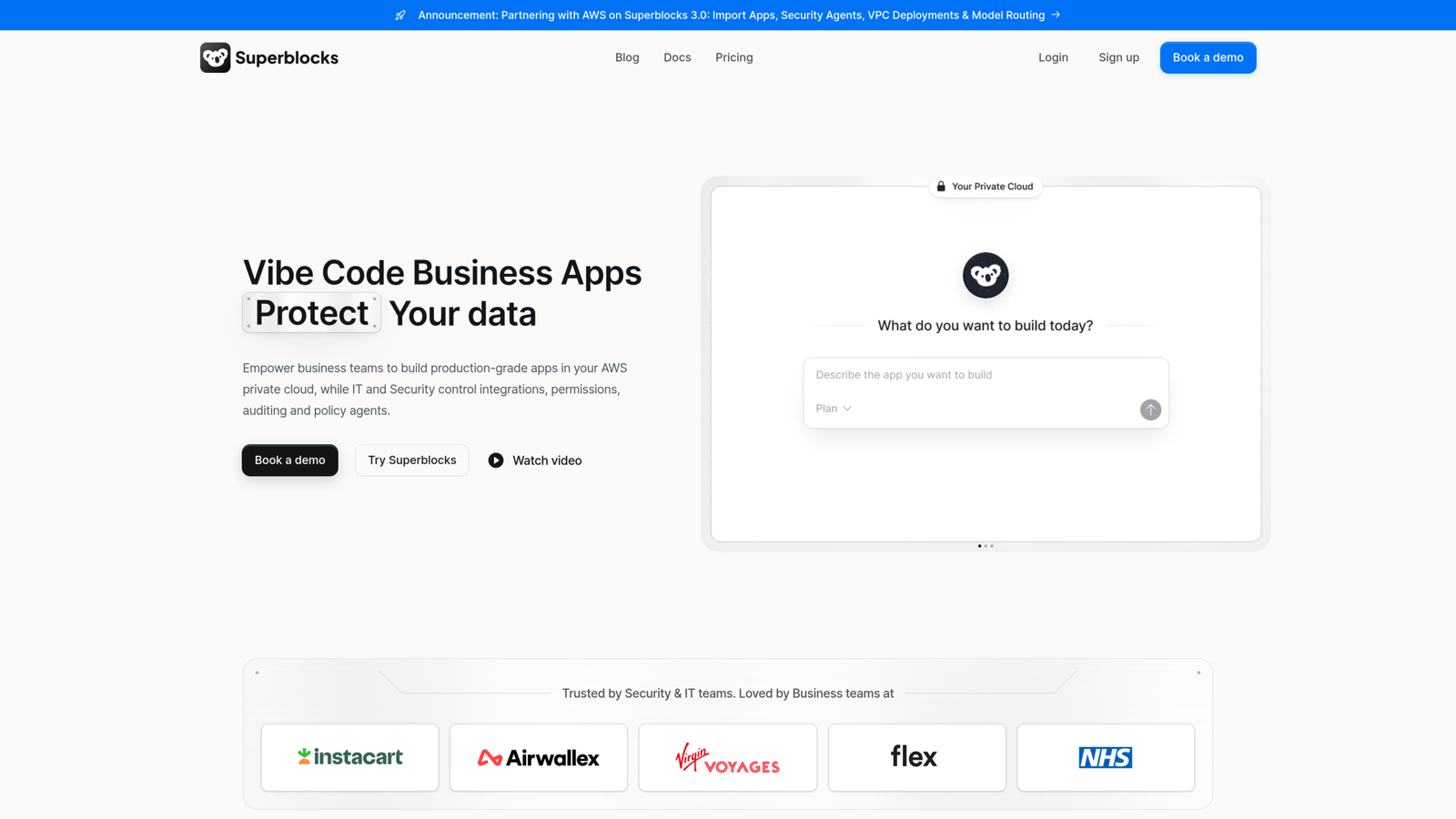
Superblocks positions itself as a true prompt-to-app builder, meaning you can generate a working application from a natural language description without getting locked into a single vendor’s ecosystem. It’s a newer entrant but built specifically to solve the pain points Retool users complain about most.
Pros: Strong AI-generated app building, no vendor lock-in by design, built with Retool’s shortcomings in mind.
Cons: Newer platform, smaller track record than established tools, pricing isn’t public.
Best for: Teams that want to build fast with AI and don’t want to get stuck on one vendor’s terms.
UI Bakery
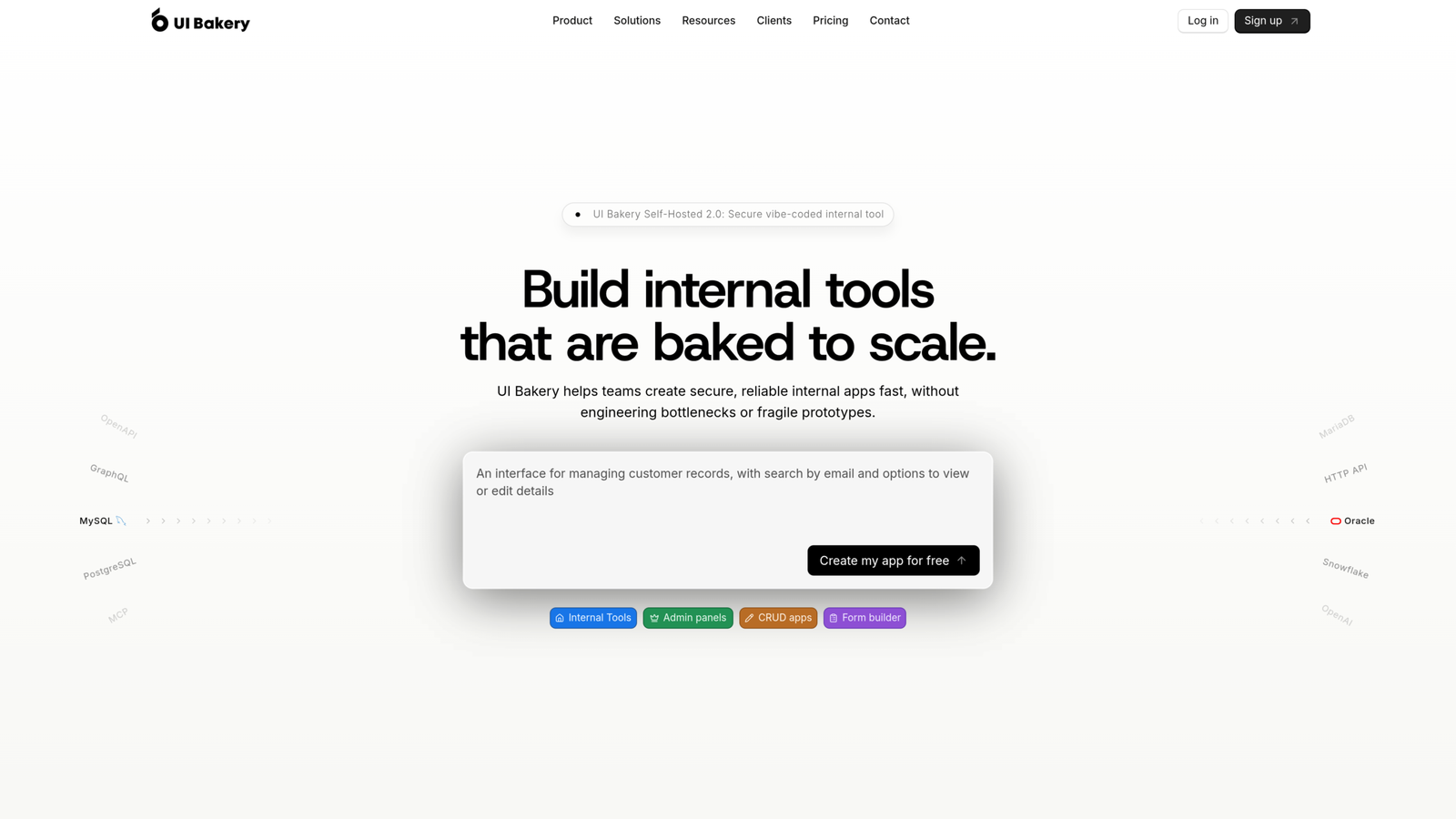
UI Bakery targets the same audience Retool does: companies that need internal apps built quickly and securely, but without enterprise-level pricing. It includes an AI agent that can generate entire applications, not just snippets.
Pros: AI-generated full applications, competitive pricing versus Retool’s enterprise tier, built for scale.
Cons: Smaller ecosystem than Retool, less brand recognition.
Best for: SMBs and mid-market teams that want Retool’s capability without Retool’s enterprise price tag.
Gumloop
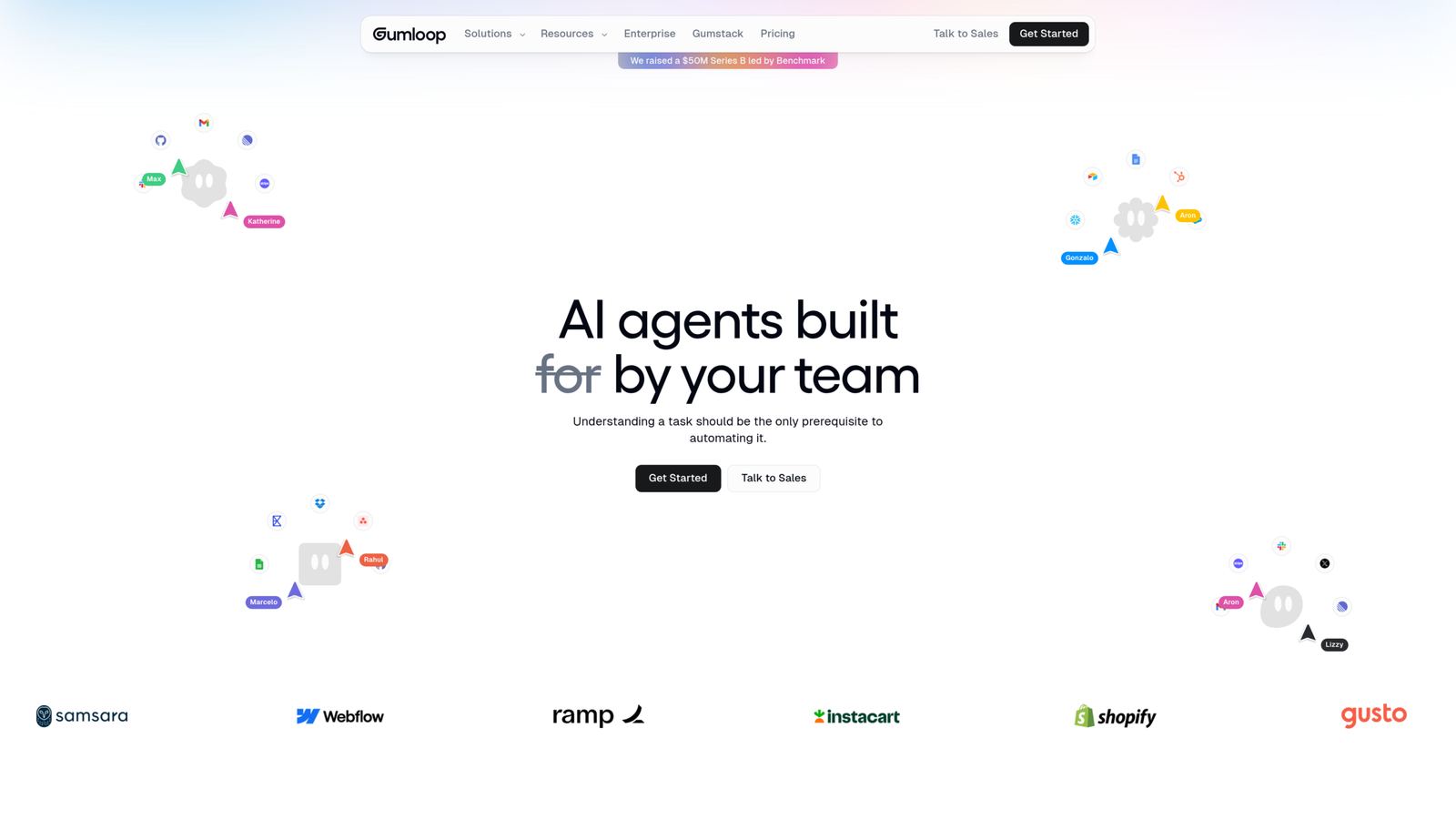
Gumloop is built for non-technical users. If you’ve been stuck waiting on developer time to tweak a Retool app, or you don’t want to write SQL just to pull data into a dashboard, this is worth a look. It has a free plan, with Pro starting at $37 a month.
Pros: No SQL required, fast to get a working version live, accessible to non-engineers.
Cons: Less depth for highly technical or complex internal tools, still maturing as a platform.
Best for: Non-technical teams who want to build without waiting on engineering.
For teams looking to automate internal decision flows or credit risk engine workflows alongside internal tools, check out our guide on taktile decision platform alternatives.
Bubble
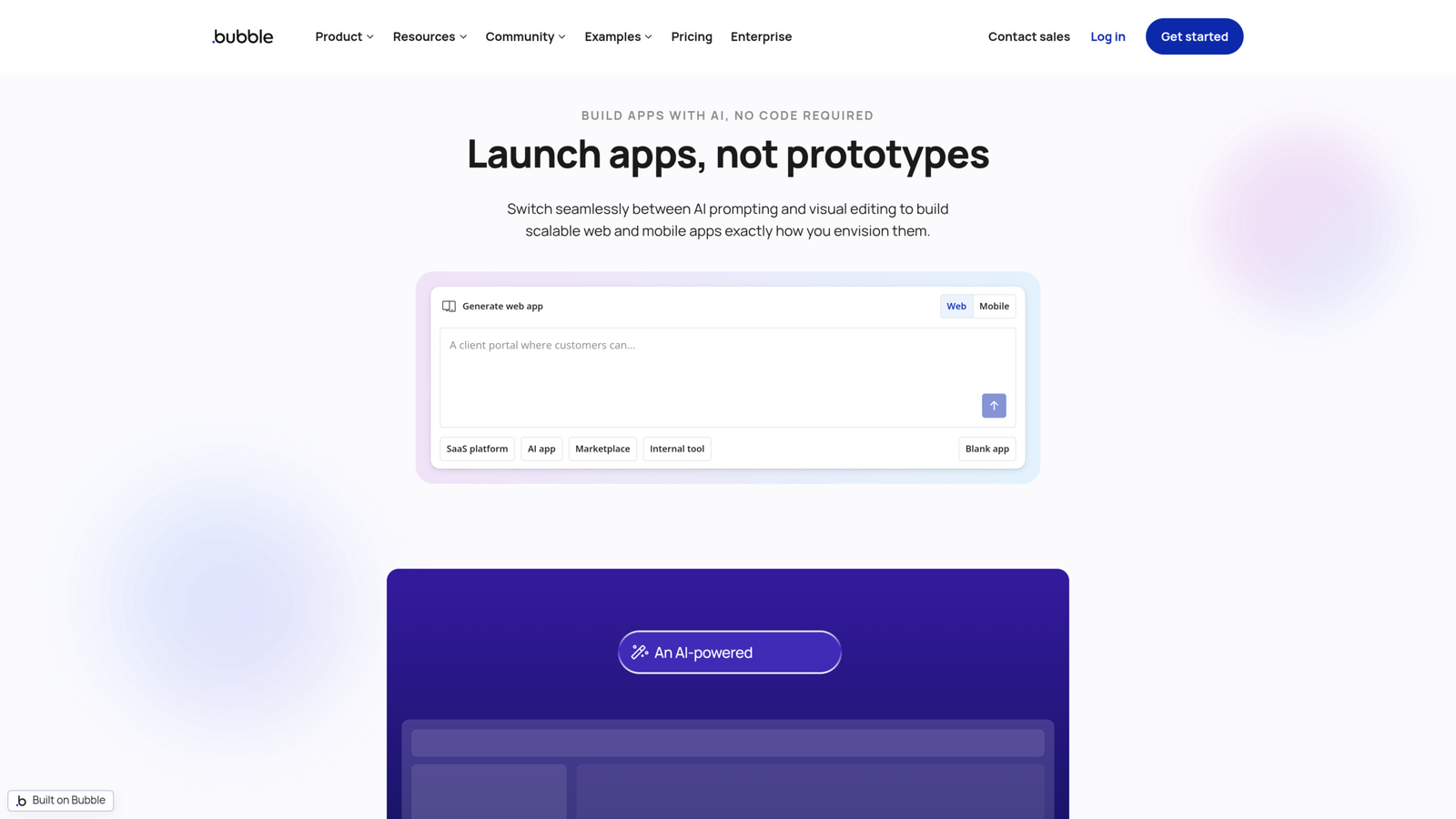
Bubble is a bit of a different animal. It’s not purely an internal tools platform; it’s built for customer-facing applications too. If what you actually need is closer to a full product than an internal dashboard, Bubble handles that better than Retool ever will.
Pros: Handles customer-facing apps, not just internal tools, large template and plugin ecosystem.
Cons: Steeper learning curve for pure internal tooling use cases, not built specifically for data-heavy admin panels.
Best for: Teams that need something closer to a customer-facing product than an internal dashboard.
Teable
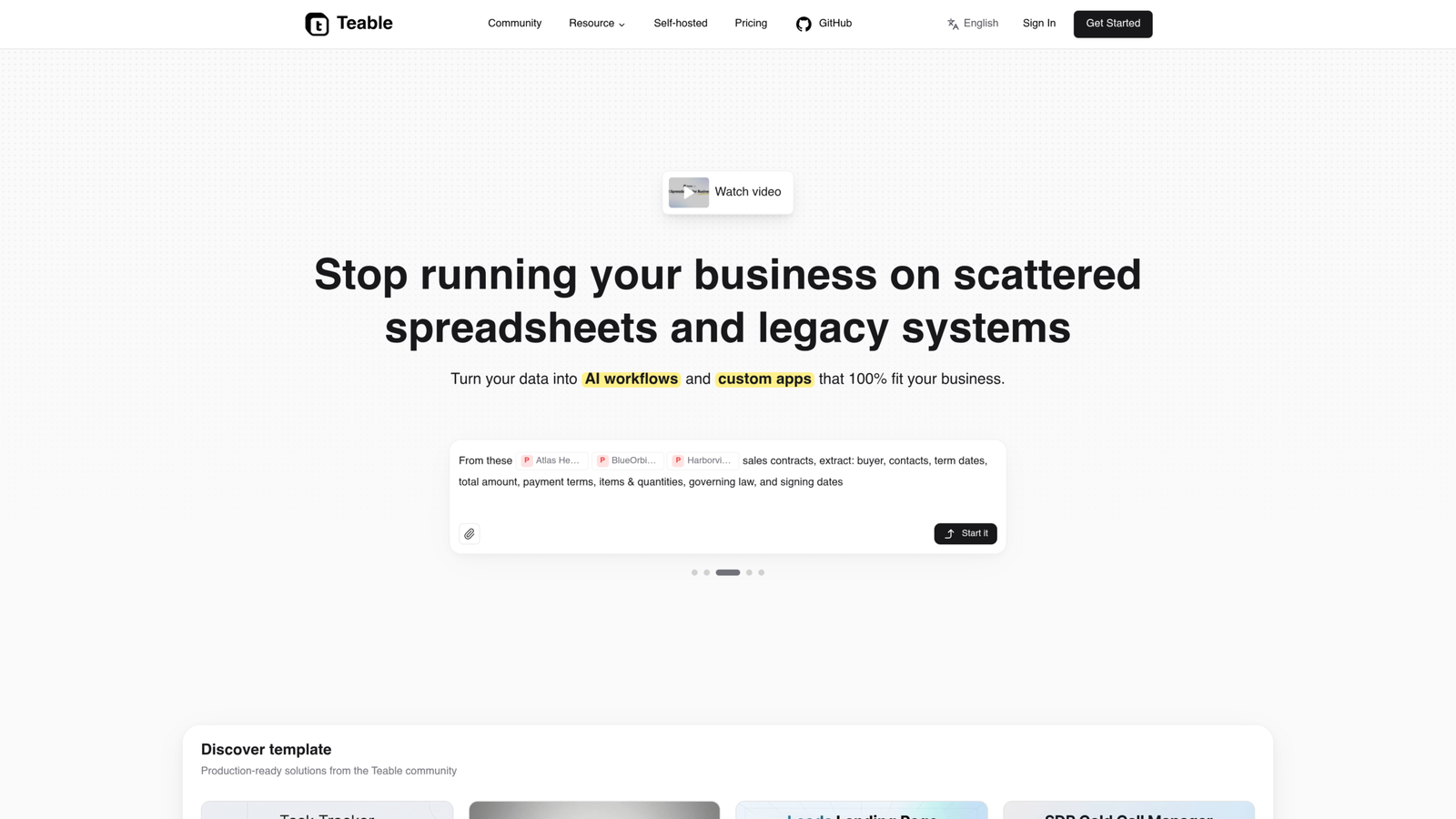
Teable positions itself as a database-first alternative, closer to Airtable in feel, with a free plan that makes it accessible for smaller teams or lighter use cases.
Pros: Familiar spreadsheet-database hybrid interface, free tier available, low barrier to entry.
Cons: Less suited to complex application logic, more limited self-hosting than open-source rivals.
Best for: Teams that want something closer to a flexible database with a UI than a full app builder.
UXPin Merge

UXPin Merge is the outlier here. It’s not built for internal tools at all; it’s built for polished, customer-facing applications where design consistency matters. Designers build interactive, code-based prototypes using components from your actual design system, and those prototypes generate production-ready code.
Pros: Strong design-to-development handoff, production-quality prototypes, ideal for customer-facing UI.
Cons: Not built for data-driven internal tools, overkill if that’s all you need.
Best for: Teams building customer-facing products where design fidelity matters more than backend data wiring.
Retool vs Appsmith: the quick version
This is the comparison most people searching for alternatives actually want answered first, since Appsmith is the closest like-for-like swap.
Appsmith wins on cost: it’s free and open source, versus Retool’s per-seat pricing. Retool wins on polish and out-of-box component depth, plus a longer track record with enterprise integrations. If budget is the main driver, Appsmith is the easier switch. If you need enterprise-grade support and don’t mind the price, Retool still holds up.
How to choose the right Retool alternative
Match the decision to what’s actually bothering you about Retool, not to whichever tool has the flashiest marketing page.
If cost is the issue: Appsmith or Budibase. Both are open source and free to self-host.
If you’re not technical: Gumloop or UI Bakery. Both are built so non-engineers can ship something working without SQL or custom code.
If security or auditability is the concern: Any open-source option, Appsmith, Budibase, or ToolJet, since you can inspect the code directly rather than trusting a closed platform.
If you need customer-facing apps, not just internal tools: Bubble or UXPin Merge, depending on whether you need a full app builder or a design-to-code workflow.
If you want AI-generated apps with no lock-in: Superblocks is built specifically around that use case.
FAQ
Is there a free Retool alternative?
Yes. Appsmith, Budibase, and ToolJet are all open source and free to self-host. Gumloop and Bubble also offer free plans with paid tiers for more advanced use.
What’s the best open-source alternative to Retool?
Appsmith is the closest match to Retool’s core workflow. Budibase and ToolJet are also strong, with ToolJet standing out for complex data integrations.
What’s the best Retool alternative for non-developers?
Gumloop is built specifically for non-technical teams who don’t want to write SQL or wait on engineering support. UI Bakery is a close second, especially for teams that want AI-generated apps.
Is switching away from Retool worth it? It depends on what’s driving the search. If cost or lock-in is the real issue, switching to an open-source option usually pays off quickly. If Retool is working fine and the only complaint is a minor one, it’s often not worth the migration effort. Old apps that work don’t need to move just because something newer exists.
Bottom line
Retool earned its spot, but it definitely isn’t the only option on the table anymore. Plenty of teams find it overpriced or way too rigid for what they need. Appsmith and Budibase fix the pricing and vendor lock-in issues head-on, while Gumloop is a lifesaver if you don’t have dedicated engineers. And if you want AI to build apps without trapping you, Superblocks is definitely worth a look.
Pick based on what’s actually broken for you, not the tool with the biggest marketing budget.