Payroll software for CPA firms gives your accounting practice a centralized hub to run payroll, file taxes, pay employees, and sync up accounting across all your clients. Unlike basic employer tools, a true accountant-ready setup lets you juggle entire client portfolios, set custom access controls, automate compliance, map out GLs, and score revenue shares or wholesale pricing.
Architecture is everything here. Basic apps are built for single business owners. A true payroll software for CPA firms lets your practice manage 20, 100, or 500+ clients at once, keeping every entity’s tax IDs, pay schedules, permissions, and bank accounts neatly organized.
That’s why modern systems ditch isolated accounts for a single multi-client setup. Take Gusto, which gives you a central Gusto Pro hub to run your whole roster, or ADP’s Accountant Connect, which bundles client management, reporting, pay runs, and GL data into one spot.
What Makes Payroll Software Different for a CPA Firm?
The key requirement is not simply payroll automation. It is portfolio-level administration.
Your team needs to jump between client accounts without logging in and out all day, but you still need rock-solid walls keeping each client’s payroll and financial data completely separate.
A capable platform should provide:
- Multi-client payroll dashboard
- Centralized client onboarding
- Delegated accountant access
- Role-based access control (RBAC)
- White-label client portals
- Direct deposit processing
- Federal, state, and local tax calculation
- Automated tax filing, including Form 941/940 workflows
- Multi-state tax compliance
- General ledger (GL) mapping
- QuickBooks, Xero, or Sage integrations
- Payroll reporting across multiple clients
- Client-level audit trails
- Year-end W-2 and 1099 processing
- Partner billing and revenue-share options
- Payroll migration assistance
- Accountant-specific support
The platform should also make authorization explicit. An accountant should not need to share a client’s username and password to access payroll data.
Take Gusto, for instance: their accountant setup lets you add clients straight to a central partner dashboard so you can handle their payroll, while firm admins control exactly who on your team gets access to what.
Core Capabilities of Multi-Tenant Accountant Payroll Systems
1. Unified Partner Dashboards
A CPA firm should have one operational control plane for its payroll portfolio.
Instead of:
Client A > Login > Payroll
Client B > Login > Payroll
Client C > Login > Payroll
The workflow becomes: Firm Dashboard > Client Portfolio > Authorized Client Workspace
That distinction becomes significant when payroll staff is responsible for dozens of entities.
A solid payroll software for CPA firms should give you an all-in-one dashboard that puts these key details right at your fingertips:
- Payroll status
- Upcoming pay dates
- Blocked payrolls
- Missing client info
- Tax filing issues
- Bank-account problems
- Compliance alerts
- Client onboarding status
- Payroll reports
- GL exports
- Employee and compensation data
Gusto Pro nails this by calling out payroll blockers, tax warnings, and client metrics front and center. ADP’s Accountant Connect takes a similar route, giving you a master hub to handle client data and pay runs without bouncing around.
ADP takes a similar portfolio approach through Accountant Connect, where accountants can manage client information and access payroll-related data from a centralized platform.
Why SSO and RBAC matter
A multi-client environment introduces a security problem that single-employer payroll doesn’t have.
An employee at the CPA firm may need access to 40 clients, but only three employees should be able to modify bank information or submit payroll.
That’s where role-based access control (RBAC) becomes operationally important.
Typical roles might include:
| Role | Typical permissions |
| Partner | Portfolio visibility, reporting, billing |
| Payroll Manager | Run payroll, review tax activity |
| Payroll Specialist | Process assigned clients |
| Bookkeeper | GL reports and accounting data |
| Client Admin | Full access to own company |
| Client Employee | Self-service only |
The exact permissions vary by vendor, but the principle is consistent: client boundaries must be enforced by the platform, not by internal spreadsheets.
2. Automated Tax Compliance & Filing
Payroll tax compliance is where the operational risk really ramps up. Great payroll software for CPA firms has to crunch withholding numbers, track tax liabilities, auto-generate every required form, and handle (or at least smooth out) tax payments and filings across every jurisdiction your clients touch.
For a CPA firm, this can include:
- Federal payroll taxes
- State income-tax withholding
- State unemployment taxes
- Local payroll taxes
- New-hire reporting
- Form 941
- Form 940
- W-2
- 1099
- State quarterly returns
- Local jurisdiction filings
This is especially important when a client has employees working across multiple states.
Handling multi-state tax compliance takes a lot more than just grabbing a basic tax-rate database. Proper payroll software for CPA firms has to track where employees actually work, manage state registrations, nail local tax jurisdictions, stay on top of filing schedules, and auto-update whenever local rules change.
QuickBooks, for example, states that its payroll service can calculate, pay, and file federal, state, and local payroll taxes, while also providing automated tax and form workflows.
That said, your firm still needs solid review controls in place. Automation wipes out the busywork, but it won’t spot a bad client setup, missed registrations, wrong employee classifications, or weird exceptions for you.
Automating pay runs and tax filings works best when integrated into a broader paperless back-office strategy. Combining payroll automation with an end-to-end paperless accounts payable process eliminates manual data entry across both payroll and vendor payment processing
3. Flexible General Ledger (GL) Mapping
Payroll doesn’t just stop once employees get paid. Your accounting stack still needs to know where every single dollar actually lands. Solid payroll software for CPA companies has to support fully customizable GL mapping instead of shoving every client into the same mold.
For example:
| Payroll Item | GL Account |
| Regular wages | 6000 · Payroll Expense |
| Overtime | 6010 · Overtime Expense |
| Employer FICA | 6020 · Payroll Tax Expense |
| Federal withholding | 2100 · Federal Tax Payable |
| State withholding | 2110 · State Tax Payable |
| Health insurance | 2200 · Benefits Payable |
| 401(k) | 2210 · Retirement Payable |
Client charts of accounts vary significantly depending on their industry. For instance, contractors handling complex job costing or prevailing wage rules often rely on specialized accounting software for HVAC, requiring your payroll platform to support granular wage-to-GL account mapping
OnPay lets you build customized accounting integrations with custom item mapping down to employee-level detail. Meanwhile, QuickBooks lets you map payroll transactions directly to custom accounts in each client’s chart of accounts.
For firms processing payroll for many clients, the objective is simple: Payroll should produce accounting-ready data without another round of manual re-entry.
4. Direct Deposit Processing
Direct deposit processing is another area where the firm’s responsibilities and the client’s responsibilities need to be separated.
The software should handle:
- Payroll calculation
- Payroll approval
- Funding
- Employee payment
- Pay-stub generation
- Payroll accounting
- Tax settlement
But the firm also needs appropriate authorization controls around bank-account changes.
A compromised admin account is way more dangerous than someone getting read-only reporting access. With payroll systems linked directly to real paychecks and live company bank accounts, one breach can drain funds instantly.
Therefore, evaluate:
- MFA
- RBAC
- Bank-account verification
- Approval workflows
- Audit logs
- Change notifications
- Segregation of duties
- Payroll submission permissions
These are not cosmetic security features. They are part of E&O liability mitigation.
Partner Revenue & Wholesale Models
Not every accounting practice wants the same setup here. Some just want to pass along referrals, while others prefer to run payroll hands-on.
Then you’ve got firms bundling payroll directly into their recurring services, expecting the provider to blend seamlessly into their own offer. That opens up a few key ways to structure your pricing:
Client-billed referral
The payroll provider bills the client directly. The CPA receives referral compensation or revenue share where applicable.
Discounted partner pricing
The firm receives preferential pricing that can be passed to clients.
Firm-billed wholesale model
Under a wholesale model, your practice buys the service at a partner rate and sets your own client pricing. Gusto covers every angle here, supporting client billing with revenue shares, client billing with partner discounts, or firm billing with partner discounts.
OnPay takes a similar route, scaling up your partner discount as you bring more clients onto the platform.
Don’t just ask, “Does this vendor have a partner program?” The real question to ask is: Can their partner program actually support how your firm monetizes payroll?
In-House Payroll Processing vs. Reseller/Partner Bureau Models
| Operating Model | Firm Role | Revenue Model | Key Operational Risk |
| Direct Accountant Console (White-Label) | Firm manages payroll directly through accountant console | Client billing, markup, or firm-billed wholesale | Firm owns more operational responsibility |
| Partner Referral Model | Firm recommends provider but doesn’t process payroll | Referral fee or revenue share | Limited operational control |
| Managed Payroll Service Provider (PSP) | Provider processes payroll while firm manages client relationship | Service margin, recurring fees, or bundled accounting package | Provider dependency and client ownership |
| Co-Sourced HR/Payroll Processing | Firm and provider divide payroll/HR responsibilities | Service fees plus partner economics | Responsibility boundaries can become unclear |
Choosing the right model comes down to your firm’s existing payroll team.
A tax practice without a dedicated payroll department shouldn’t jump into a platform built for high-touch bureau processing.
On flip side, a firm running a massive payroll book will definitely leave serious money on the table with a basic referral-only setup.
7 Best Payroll Software for CPA Firm Operations
The “best” platform depends on client size, geographic complexity, accounting stack, service model, and how much payroll responsibility the CPA wants to retain.
The seven below represent different approaches rather than seven identical products.
1. Gusto for Pros
Best for: Small to mid-sized practices juggling a big stack of SMB payroll clients.
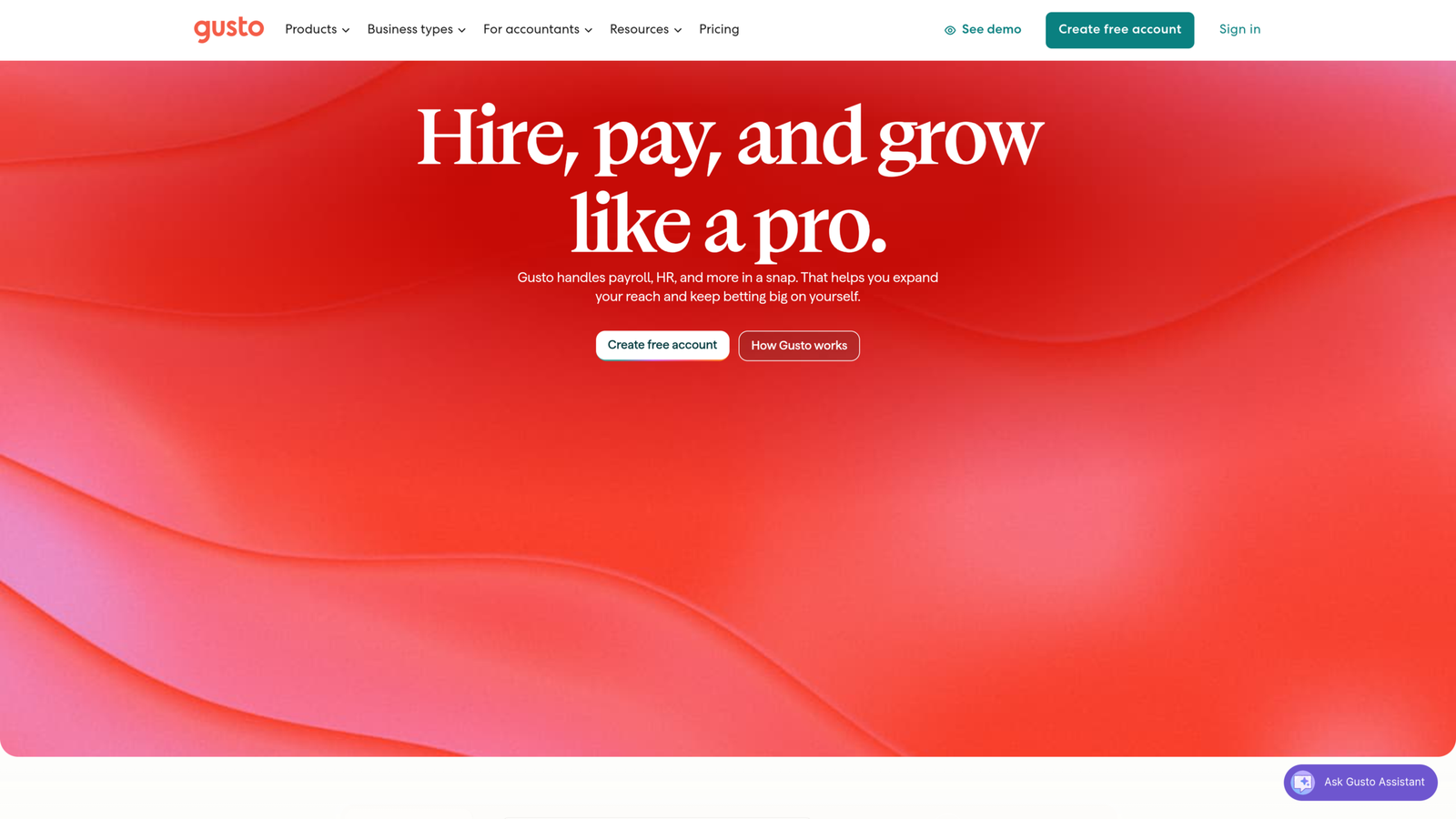
Gusto is a prime example of a payroll tool for CPA firms built around the actual accountant-client relationship instead of just single-employer setups.
Inside their Gusto Pro workspace, you get a single dashboard to onboard clients, handle pay runs, track compliance, and surface advisory insights. Over 23,000 accounting practices rely on Gusto Pro to run their client operations.
Where Gusto stands out
Multi-client management
An accountant dashboard gives you one central command center to manage your firm’s entire client portfolio, so your team doesn’t have to jump between separate payroll workflows.
Partner economics
Gusto brings tiered partner benefits and revenue-share options to the table, with their current partner program advertising up to 20% revenue share depending on your tier level.
Client onboarding
Accountants can add multiple clients straight from the partner dashboard, including bulk additions using spreadsheets.
Accounting integrations
Gusto integrates with accounting platforms including QuickBooks, Xero, and FreshBooks.
Best fit
Go with Gusto if your firm mainly serves U.S. small businesses and you want an easy-to-use accountant setup paired with solid client self-service.
2. Rippling
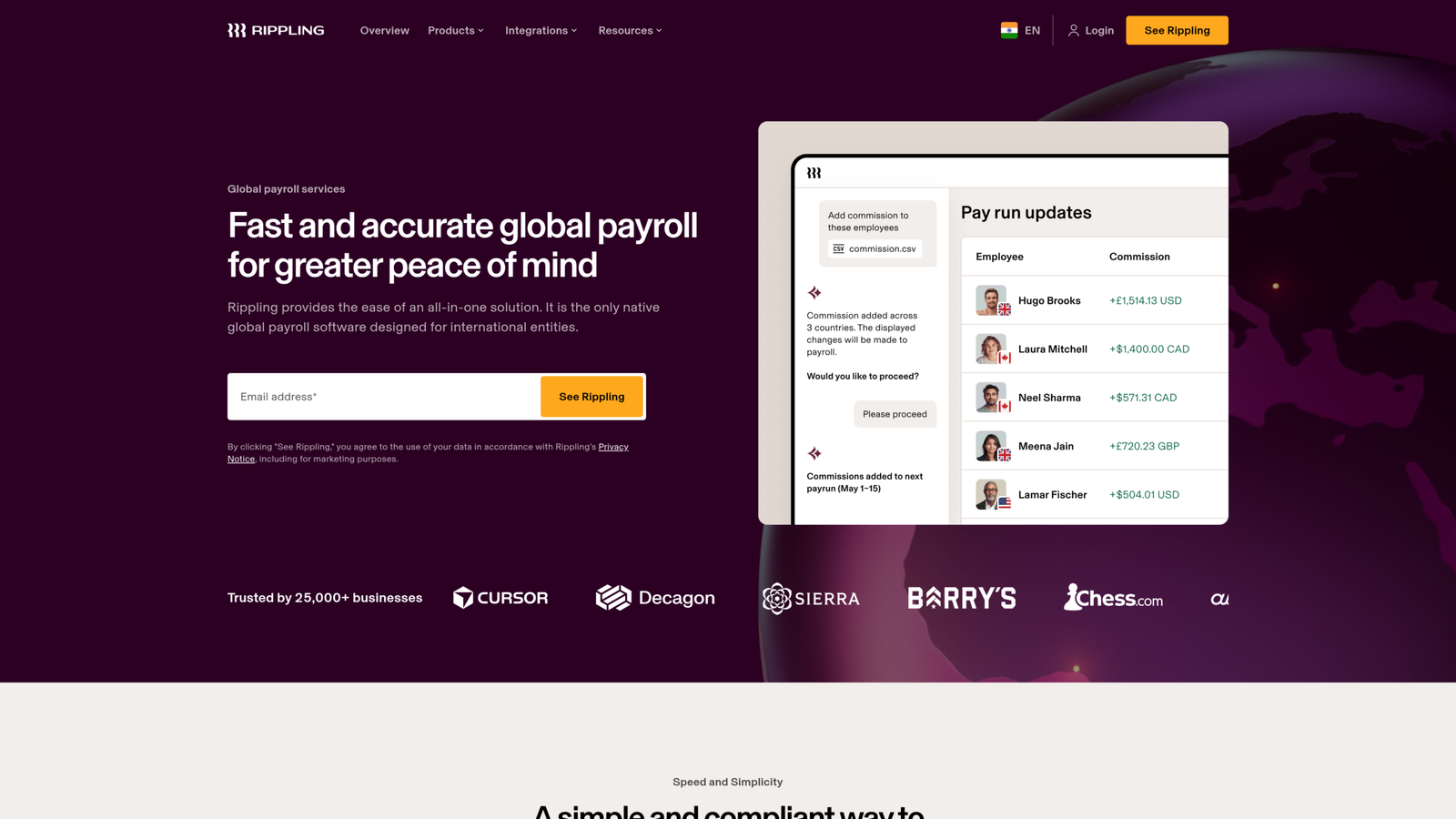
Best for: Tech-heavy clients that need payroll, HR, and IT fully synced up.
Rippling takes a way broader approach here. Instead of locking payroll in a silo, it bakes it right into a total workforce platform covering HR, benefits, finance, IT, equipment, and full employee lifecycles.
For accounting practices, that opens up a totally different advisory play. You’re not just crunching numbers and running paydays anymore—you get to guide clients using their overall workforce operations data.
Rippling claims over 1,000 pre-built workflows and 650+ integrations under the hood, with an accountant setup built to standardize and automate your operations across your whole client list.
The technical differentiator
Rippling’s workflow engine can connect events across systems.
For example: New hire > HR record > payroll > benefits > IT account > device > accounting
That is fundamentally different from a payroll-only architecture.
Its platform also emphasizes global workforce management and detailed general-ledger integrations, which can make it more relevant for technology companies and distributed organizations.
Best fit
Rippling makes way more sense when a client needs a full workforce operating system instead of just a basic payroll tool.
For a traditional small-business bookkeeping client, though, all those extra bells and whistles are probably total overkill.
3. OnPay
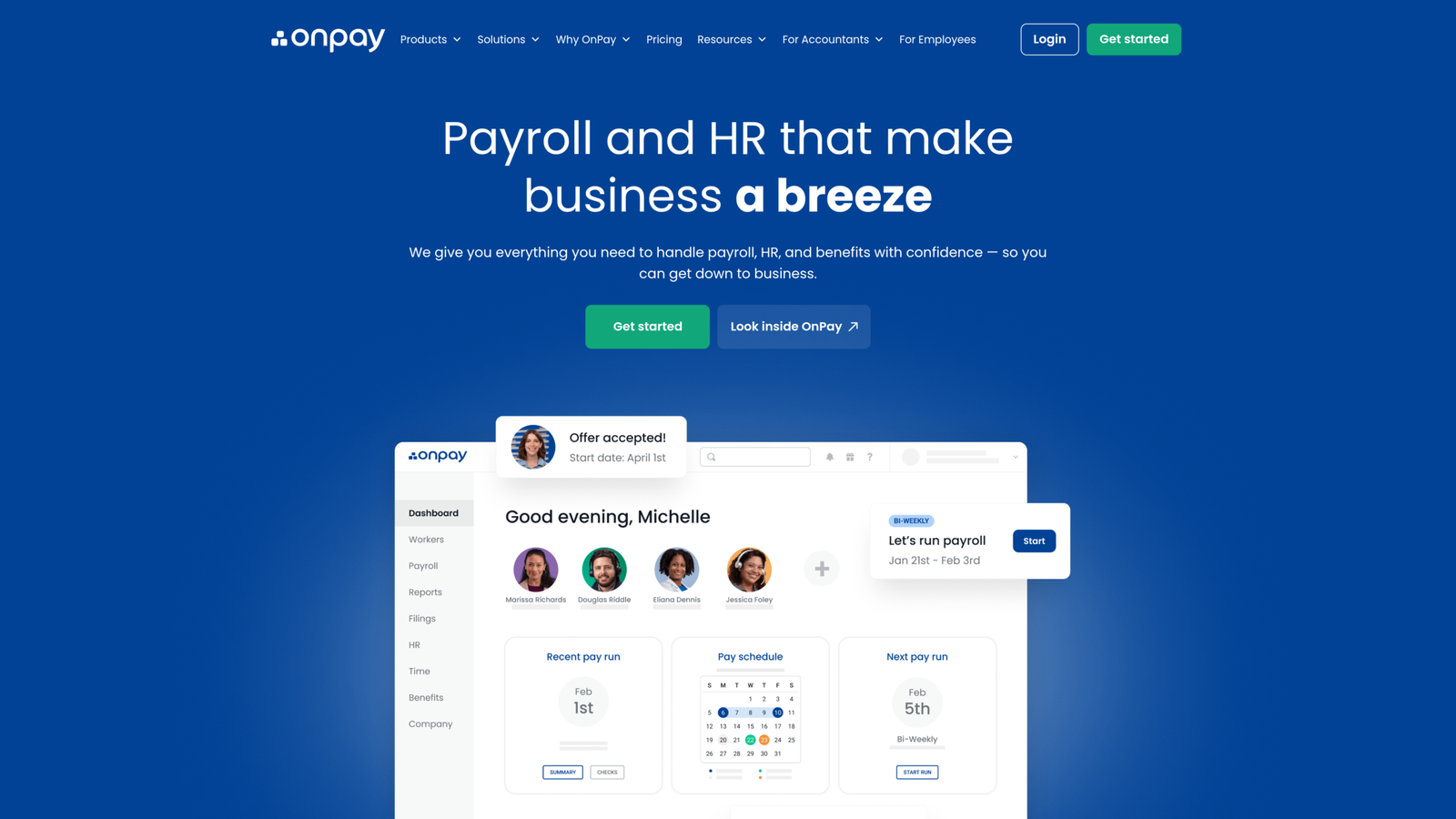
Best for: Accounting firms looking for simple administration and straightforward partner perks.
OnPay keeps things simple when it comes to accountant payroll. Its partner program hands you a dedicated dashboard, direct partner support, free client migration help, and price discounts that scale up as your client volume grows.
The platform includes:
- Unlimited payroll runs
- Federal, state, and local tax filings
- W-2 and 1099 filings
- Multi-state payroll
- Accounting integrations
- Partner support
OnPay states that its Partners Team handles client setup and migration at no charge.
GL integration is a notable strength
OnPay lets you map out custom accounting syncs down to employee-level detail.
That’s a huge win for CPA firms that need payroll journal entries to match a client’s specific chart of accounts instead of some rigid, generic template.
Partner economics
Its current partner program advertises discounts that increase with the number of clients:
- 1–2 clients: 10%
- 3–19 clients: 15%
- 20–49 clients: 20%
- 50+ clients: higher partner benefits
The program also includes free payroll for the accounting firm’s own business.
4. QuickBooks Payroll
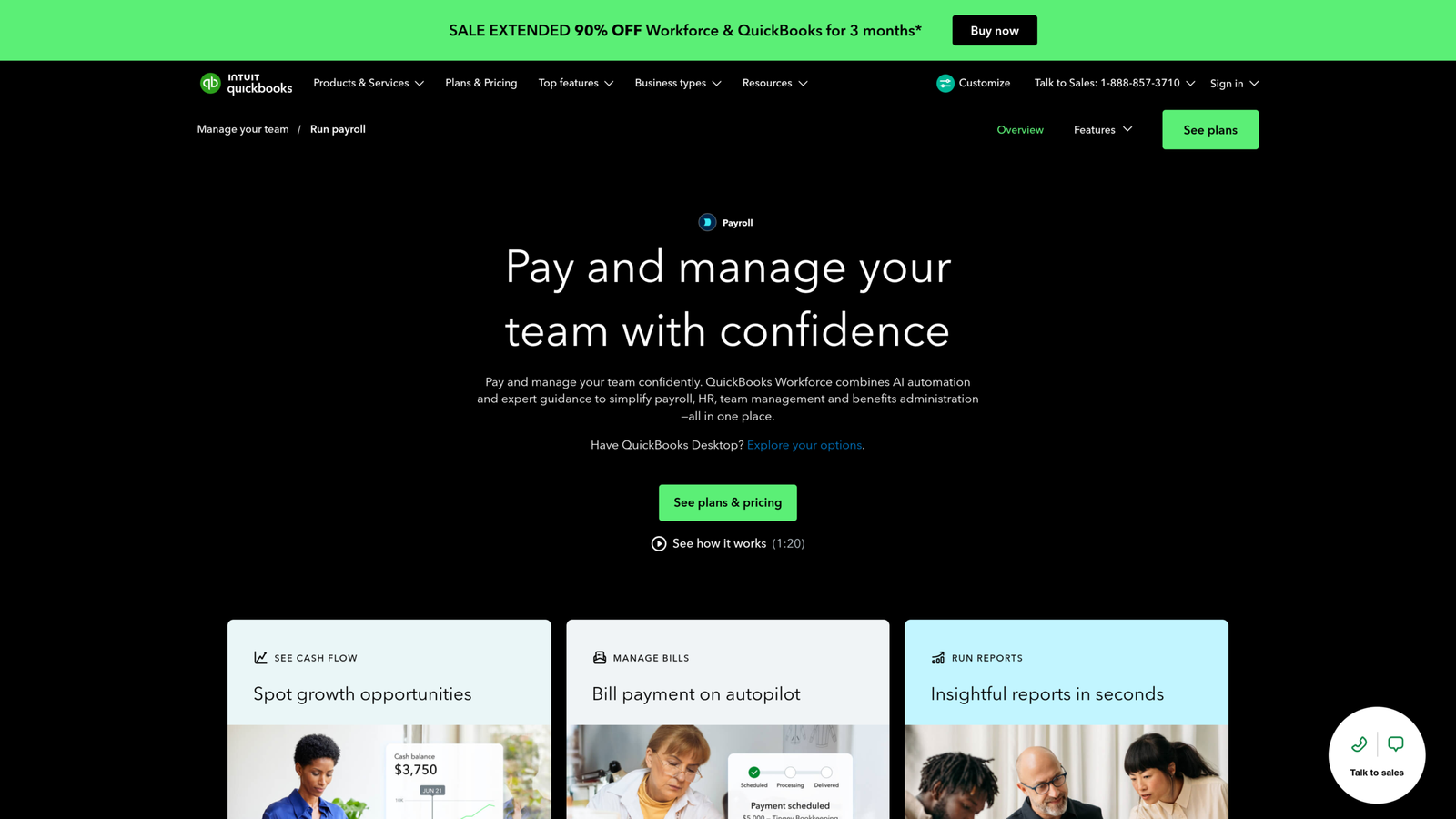
Best for: Firms already fully standardized on QuickBooks Online.
QuickBooks Payroll’s biggest edge isn’t that it’s the absolute most sophisticated platform out there; it’s ecosystem proximity.
If your firm is already managing client books inside QuickBooks Online Accountant, dropping payroll into that exact same setup cuts down on the extra software your team has to learn and reconcile.
Plus, accountants can attach payroll directly to client company files right from QuickBooks Online Accountant.
Accounting integration
This is where QuickBooks becomes particularly compelling.
Payroll transactions can be mapped to customized accounts in the client’s chart of accounts.
QuickBooks also connects payroll with time tracking and other workforce functionality, creating a relatively integrated workflow from employee hours through payroll and accounting.
Tax automation
QuickBooks Payroll supports automated payroll tax payments and filings, depending on the selected service.
Partner economics
Current ProAdvisor options include firm billing, client billing, discounts, and revenue-sharing arrangements.
Best fit
If 80% of your client portfolio already runs on QuickBooks Online, introducing another accounting ecosystem solely for payroll deserves scrutiny.
5. ADP RUN / Accountant Connect
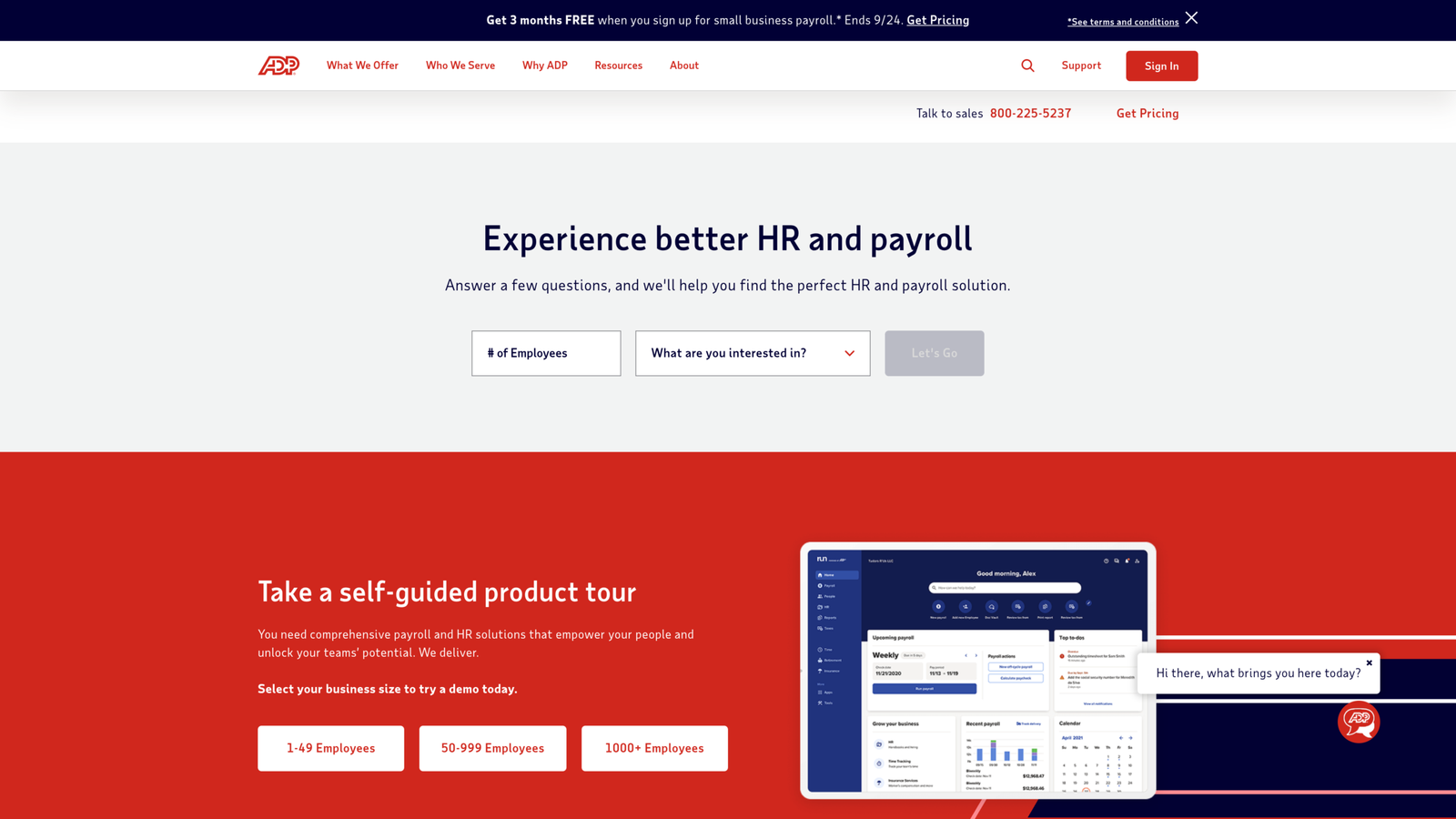
Good for: Practices handling intricate payroll setups and clients with stricter compliance demands.
ADP shines brightest once your payroll needs scale past basic small-business processing. Its accountant platform links RUN Powered by ADP for Partners with Accountant Connect, giving your firm one unified control center for client payroll data, reporting, pay runs, and general ledger syncs.
Multi-client architecture
Accountant Connect is explicitly designed around managing an accounting firm’s client base.
ADP says firms can generate multi-client payroll reports, process payroll, and import general ledger data through the platform.
Integration ecosystem
ADP also integrates with accounting applications such as:
- QuickBooks
- Xero
- Sage
It can connect payroll with time tracking, workers’ compensation, retirement, and other services.
Partner model
RUN for Partners is positioned as a wholesale solution for accounting professionals, allowing the firm to remain the face of payroll processing while using ADP’s underlying infrastructure.
Best fit
ADP is definitely worth a look if your CPA firm manages multi-state employers, deals with complex payroll setups, or supports clients needing full-scale HR infrastructure.
6. Paychex Flex
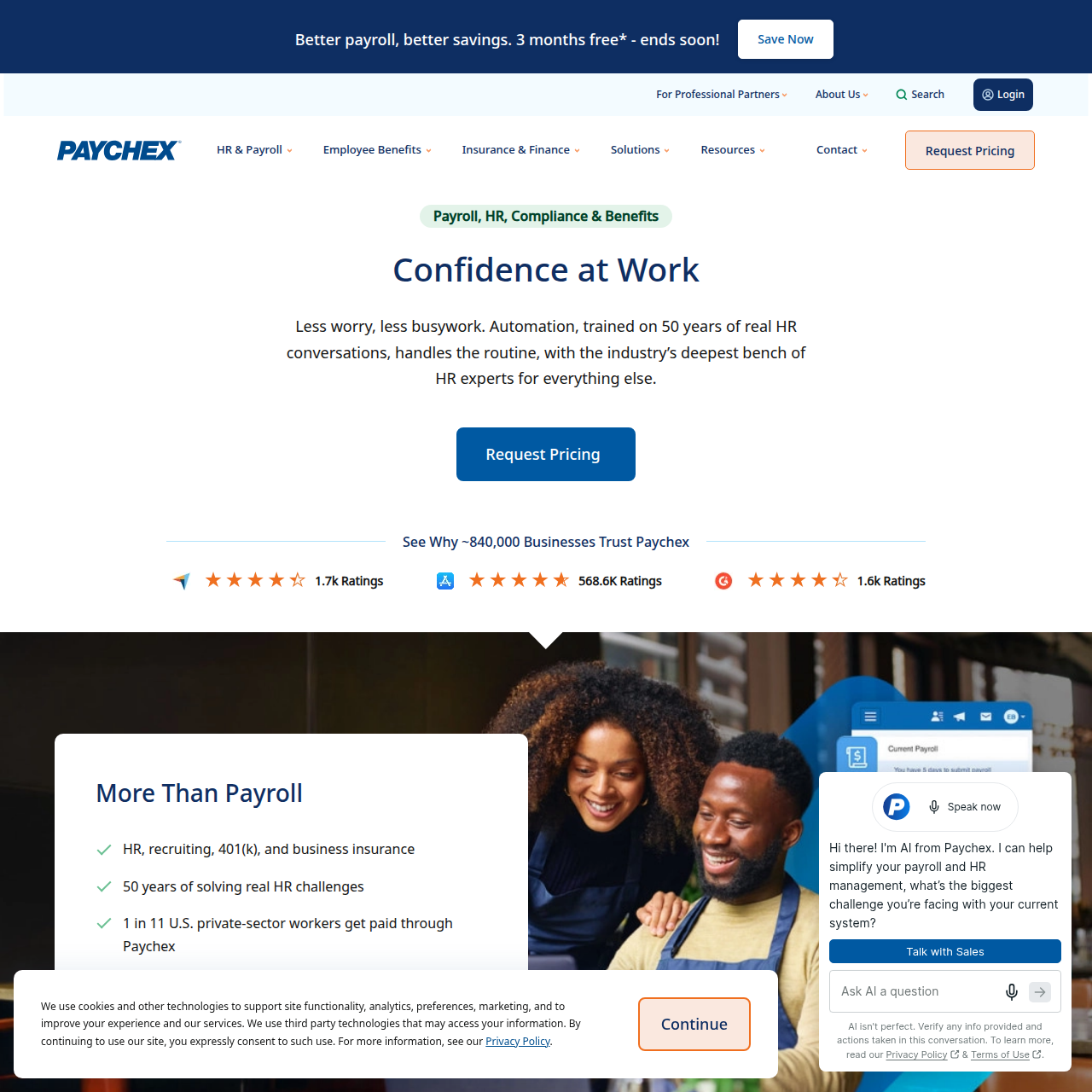
Best for: CPA firms wanting payroll plus scalable HR co-sourcing.
Paychex approaches the accountant relationship through both technology and partnership infrastructure.
Paychex Partner Pro gives accountants centralized access to shared client payroll and HR information.
The firm’s accountant program also supports several partnership models, including:
- Standard referral
- Payroll acquisition
- Reseller opportunities
- Revenue share
Paychex currently advertises optional revenue-share structures and partner benefits tied to mutual client volume.
Why it matters for CPA firms
Some firms eventually hit a point where handling payroll processing eats up way too much staff capacity.
Paychex explicitly offers an acquisition model that lets accounting practices transfer their client payroll base and free up bandwidth for higher-value services.
That makes Paychex a serious option not just for firms trying to scale a payroll practice, but also for those deciding whether to exit the business altogether.
7. Paycor
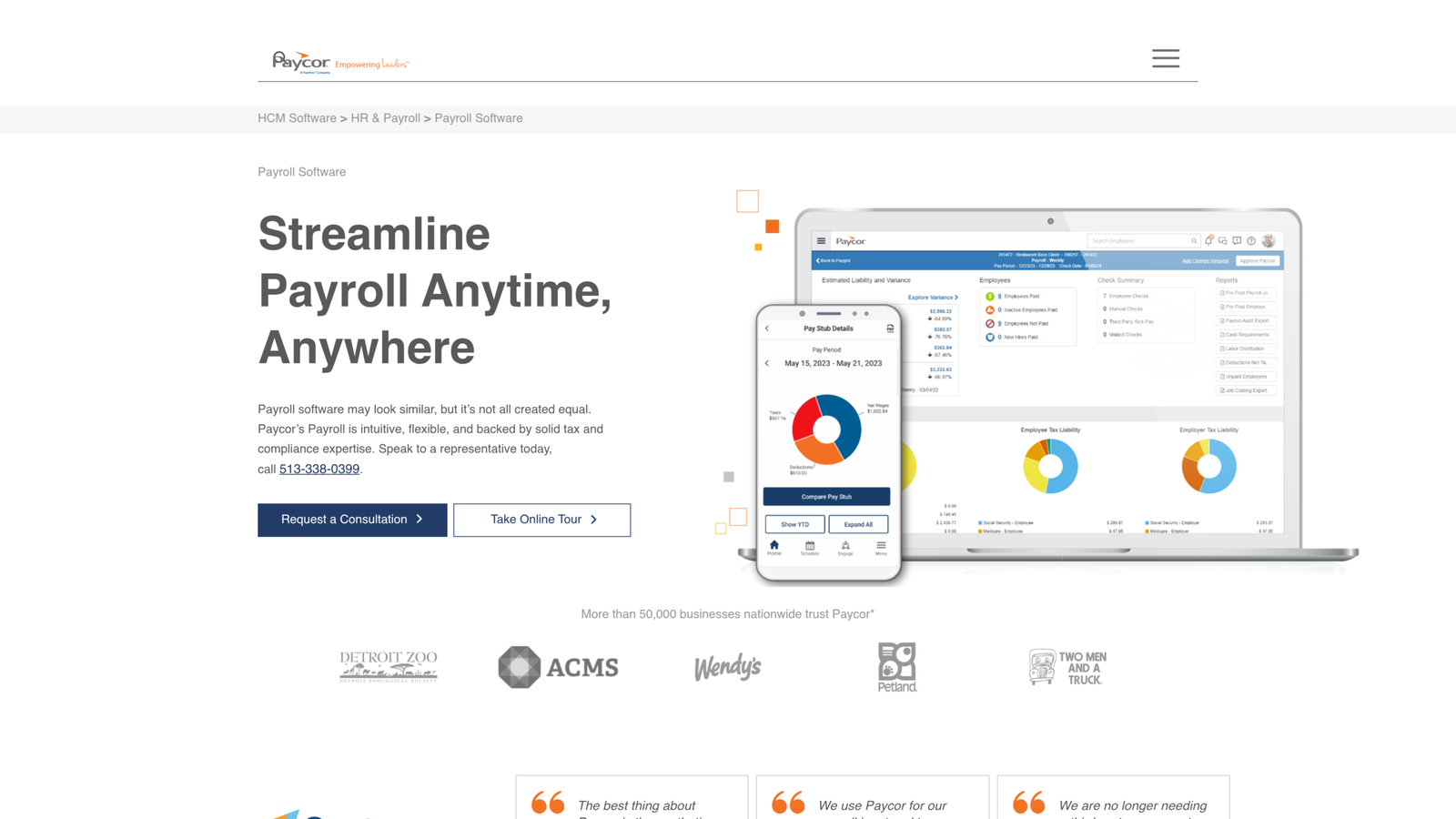
Best for: Advisory practices combining payroll, HR, reporting, and workforce management
Paycor positions its CPA partner program around helping accountants move beyond tax compliance into broader HR and payroll advisory.
The platform supports multiple partnership structures, including firms that process payroll themselves and firms that fully outsource payroll processing. (Paycor)
Reporting
Paycor provides payroll and general-ledger reporting, labor allocation reporting, dashboard views, and exports to Excel.
Its CPA Partner program also emphasizes access to real-time HR and payroll data for client advisory.
Partner support
Paycor’s Partner Care service provides accountants with a dedicated support channel, reporting assistance, access to client information, and year-end support.
Integration architecture
Paycor also provides a marketplace and developer tooling for connecting payroll and HR data with other applications. Its integration platform includes hundreds of marketplace connectors and developer APIs.
That makes it more interesting for firms supporting clients with larger or more customized technology stacks.
Payroll Software Comparison for CPA Firms
| Platform | Best For | Multi-Client Management | Partner Model | Accounting Integration | Complexity |
| Gusto | SMB accounting practices | Excellent | Revenue share/discount / firm billing | QBO, Xero, FreshBooks | Low–Medium |
| Rippling | Tech-enabled businesses | Strong | Partner program | Extensive GL integrations | High |
| OnPay | Simple accountant payroll | Strong | Discount / partner program | QBO, Xero | Low–Medium |
| QuickBooks Payroll | QBO-centric firms | Strong ecosystem integration | Discount/revenue share / firm billing | Native QBO | Low–Medium |
| ADP RUN | Complex payroll portfolios | Excellent | Wholesale / partner | QBO, Xero, Sage | Medium–High |
| Paychex Flex | Payroll + HR co-sourcing | Excellent | Referral/reseller / revenue share/acquisition | Multiple accounting integrations | Medium–High |
| Paycor | Advisory + workforce management | Strong | Multiple CPA partnership models | GL + marketplace + APIs | Medium–High |
Important: These products should not be ranked purely by feature count. A platform that is technically more capable can be a worse choice if its operating model doesn’t match the firm’s client portfolio.
White-Label Client Portals: What CPAs Should Actually Evaluate
“White-label” gets thrown around too casually in payroll software.
There are several different concepts.
1. Co-branded access
The client sees both the payroll provider and accounting firm relationship.
2. Accountant-managed client portal
The client retains direct access while the CPA maintains delegated administrative permissions.
3. True white-label experience
The payroll system operates substantially under the accounting firm’s brand.
These are not equivalent.
If maintaining client ownership is important, ask the vendor:
- Can our logo appear in the client experience?
- Who owns the client relationship?
- Can the provider market directly to our client?
- Can we control client billing?
- Can we transfer clients between staff members?
- Can clients revoke accountant access?
- Can multiple accountants access one client?
- Can we restrict access by client?
- What happens when an employee leaves our firm?
These questions often matter more than whether the software has another 20 payroll reports.
Compliance Automation and E&O Liability Mitigation
Payroll software can reduce operational exposure, but it cannot transfer every professional responsibility away from the CPA firm.
The firm should distinguish between:
Software responsibility
- Tax calculations
- Filing generation
- Filing submission
- Payment processing
- Payroll calculations
- Compliance alerts
and:
Firm/client responsibility
- Correct employee data
- Correct entity information
- Tax registrations
- Bank information
- Employee classification
- Pay schedules
- State nexus decisions
- Client authorization
- Approval of payroll
This distinction matters for E&O liability mitigation.
A payroll platform may guarantee tax calculations or provide penalty protection under certain conditions, but the contract terms matter.
Before standardizing on a platform, review:
- Tax penalty protection
- Filing guarantees
- Funding guarantees
- Error correction policies
- Service-level commitments
- Data retention
- Audit logs
- Security controls
- Cyber insurance requirements
- Indemnification language
Do not treat “tax filing included” as equivalent to “the vendor assumes all compliance liability.” It doesn’t.
When managing payroll for clients in regulated fields like healthcare, security goes far beyond standard E&O liability. Your practice must ensure all software tools and client portals comply with strict data protection frameworks, such as standard SaaS HIPAA compliance protocols, to safeguard sensitive employee health data
Common Implementation Problems for CPA Firms
Data Migration Errors
Payroll migration is not simply importing employee names.
The migration dataset may include:
- Employee demographics
- Tax elections
- Pay rates
- Historical wages
- Deduction balances
- Benefits
- PTO balances
- Tax jurisdictions
- Employer registrations
- Direct deposit information
- Year-to-date tax liabilities
A migration can appear successful while still producing incorrect year-to-date balances.
Run parallel validation before terminating the legacy payroll system.
Client Authorization Limits
A CPA may technically be able to access payroll while lacking authorization to perform certain actions.
That creates an operational trap.
Document exactly who can:
- Edit employee information
- Change bank accounts
- Approve payroll
- Submit payroll
- Modify tax settings
- Access W-2s
- Export employee data
Never solve permission problems by giving everyone administrator access.
A client hiring its first employee in another state can create a registration dependency before payroll can be processed correctly.
The payroll platform may assist with registration, but the firm should track:
New state > registration > account number > withholding setup > unemployment setup > payroll activation
Don’t wait until the first payroll deadline to discover the registration is incomplete.
Year-End W-2/1099 Bottlenecks
Year-end is where weak payroll processes get exposed.
The firm needs a client-level checklist for:
- Employee address verification
- Legal entity verification
- Compensation reconciliation
- Benefits reconciliation
- Taxable fringe benefits
- Owner compensation
- W-2 review
- 1099 review
- Final payroll reconciliation
Centralized dashboards help, but the firm still needs an internal review process.
3-Step Rollout Checklist for CPA Firms
Step 1: Evaluate the Architecture
Before comparing prices, map the firm’s current payroll portfolio.
Document:
- Number of clients
- Employees per client
- Number of states
- Accounting systems
- Payroll frequencies
- Current payroll providers
- Staff who process payroll
- Client self-service requirements
- Desired partner revenue model
Then identify which clients require advanced capabilities.
Do not force every client onto the same configuration simply because the firm prefers one vendor.
Step 2: Configure Governance Before Migration
Create the firm’s permission model first.
Define: Partner > Payroll Manager > Payroll Specialist > Bookkeeper > Client Administrator
Then configure:
- RBAC
- MFA
- Client access
- Approval workflows
- Bank-change controls
- GL mapping
- Payroll calendars
- Tax responsibilities
- Escalation procedures
The technology should enforce the operating model rather than employees remembering it.
Step 3: Migrate in Controlled Waves
Don’t migrate 150 clients simultaneously. Start with a small pilot group representing different scenarios:
- Single-state SMB
- Multi-state employer
- Hourly workforce
- Salaried workforce
- QBO client
- Xero client
- Complex GL mapping
- Benefits-heavy client
Validate each migration against the legacy system. Once payroll totals, taxes, deductions, GL entries, and employee records reconcile, expand the migration cohort.
Final Verdict
The best payroll software for a CPA firm isn’t automatically the one packed with the most features; it’s the platform that scales your firm’s specific operating model across your whole client roster.
For accounting practices focused on small and mid-sized businesses, Gusto Pro and OnPay deliver a solid mix of accountant-tailored workflows, client management tools, integrations, and strong partner economics. Meanwhile, QuickBooks Payroll becomes a no-brainer if your firm is already deeply rooted in the QuickBooks Online ecosystem.
If you’re managing clients with more complex workforce requirements, platforms like ADP RUN, Paychex Flex, Rippling, and Paycor are worth a deeper look. They stretch far beyond basic pay runs into full HR infrastructure, workforce management, advanced analytics, and expanded partner-service models.