Softr is one of the fastest ways to turn Airtable or Google Sheets into a working portal. For many teams, that’s enough. But as projects grow, its block-based builder starts to feel restrictive.
The biggest pain points usually appear when you need a relational database frontend with complex multi-table relationships, conditional layouts, or granular role-based access control (RBAC). Teams also run into limitations when connecting to SQL databases, building custom workflows, or supporting thousands of external users without increasing seat costs.
That’s why many businesses begin searching for Softr alternatives. The right platform depends less on flashy templates and more on the type of application you’re building. A customer portal connected to Airtable has very different requirements than an internal operations dashboard powered by PostgreSQL or a mobile app for field technicians.
This guide compares eight leading platforms based on database flexibility, permission management, customization, workflow automation, scalability, and real-world business use cases.
Quick Key Takeaways
If you only need the short answer:
- Retool is the strongest option for SQL-powered internal tools, API-driven workflows, and enterprise operations.
- Noloco and Stacker are excellent choices for Airtable and PostgreSQL-powered client portals thanks to advanced permissions, flexible layouts, and better handling of complex relational data.
- Glide and Adalo are better suited for mobile-first applications, while AppSheet shines inside Google Workspace environments.
Softr Alternatives Decision Matrix
| If you need… | Best Choice | Why |
| Internal operations using SQL databases and APIs | Retool | Native SQL support, JavaScript customization, enterprise integrations |
| B2B client portals with Airtable or PostgreSQL | Noloco | Flexible layouts, granular permissions, relational database support |
| Native Airtable workflows | Airtable Interfaces | Zero-sync architecture and built-in automation |
| Mobile-first operational apps | Glide | Excellent responsive interface and fast app generation |
| Native iOS and Android apps | Adalo | Publish directly to app stores with native components |
| Google Workspace operations | AppSheet | Tight integration with Google Sheets, Drive, and Workspace |
| Employee intranets and business workflows | Assembly | Team engagement and operational workflows in one platform |
| Enterprise Airtable governance | Stacker | Advanced row-level permissions and white-label portals |
Top Softr Alternatives for Advanced Relational Portals & Database Frontends
1. Noloco
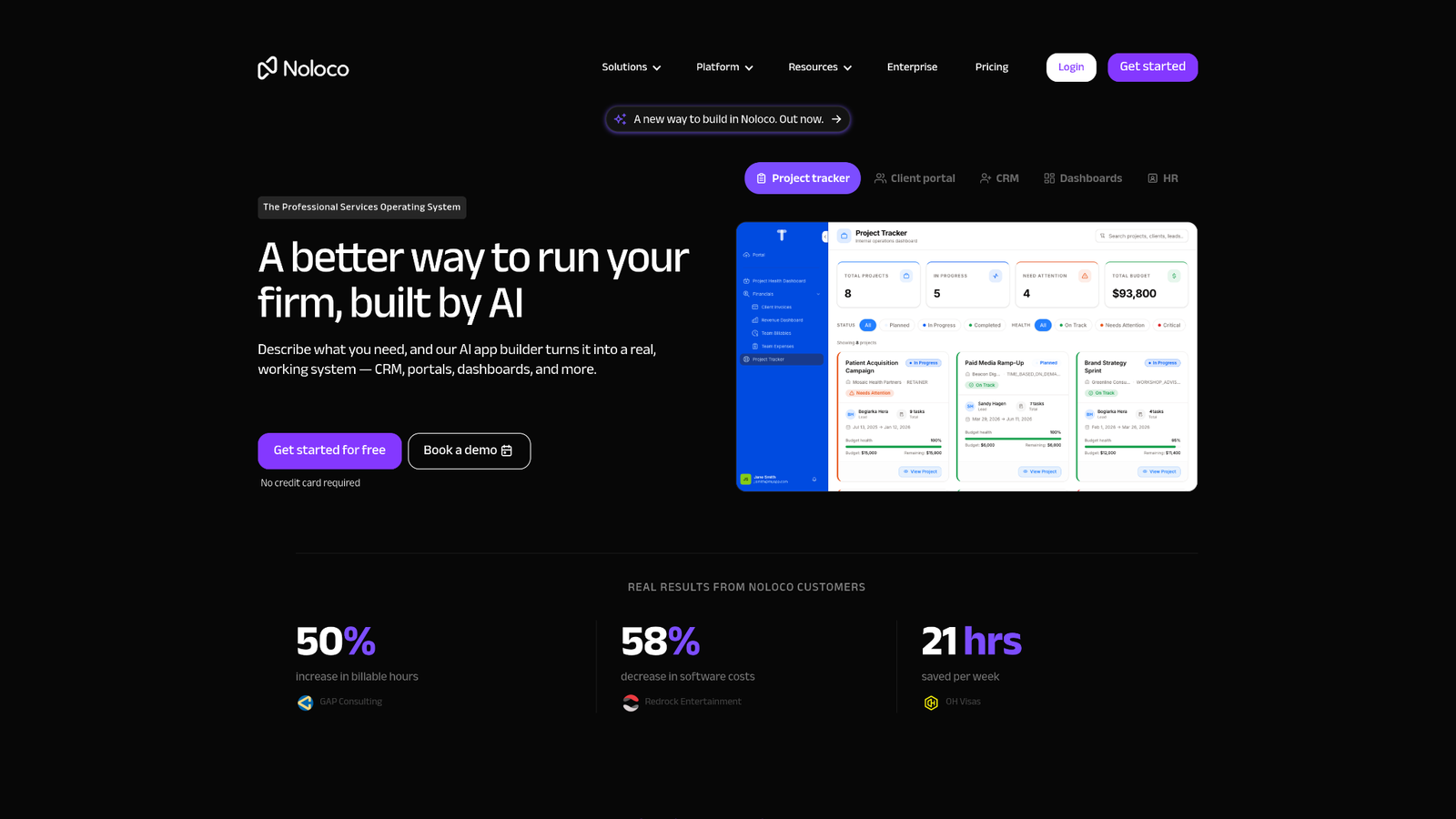
Best for: Deep relational B2B client portals powered by Airtable, PostgreSQL, SmartSuite, and SQL databases.
If your biggest frustration with Softr is its rigid block system, Noloco is one of the strongest upgrades available.
Instead of focusing on landing-page-style layouts, Noloco is designed around databases and business processes. It handles multi-table relationships much more naturally, making it easier to build customer portals, supplier dashboards, project management systems, and operational workspaces.
One of Noloco’s biggest strengths is permission management.
Rather than assigning simple user roles, administrators can build layered access rules based on user records, organizations, ownership, departments, or custom logic. That makes it much easier to build secure portals where every customer, vendor, or employee only sees records they’re supposed to access.
Layout customization is another noticeable improvement.
Unlike Softr’s predefined blocks, Noloco offers more flexibility when displaying collections, related records, cards, kanban boards, calendars, and custom forms. This becomes especially useful once applications begin growing beyond a few database tables.
Noloco also supports multiple backend options including:
- Airtable
- PostgreSQL
- SmartSuite
- Google Sheets
- Xano
This reduces vendor lock-in and gives teams more flexibility as applications mature.
Another advantage is built-in workflow automation. Applications can trigger actions, update records, send notifications, and synchronize business processes without relying entirely on third-party automation platforms.
Where Noloco shines
- Advanced granular role-based access control (RBAC)
- Excellent support for relational databases
- Flexible collection views
- Better client portal experience than Softr
- Supports multiple database backends
Potential drawbacks
- Smaller template marketplace than Softr
- Learning curve increases with complex permission structures
- Less suitable for marketing websites or landing pages
2. Stacker
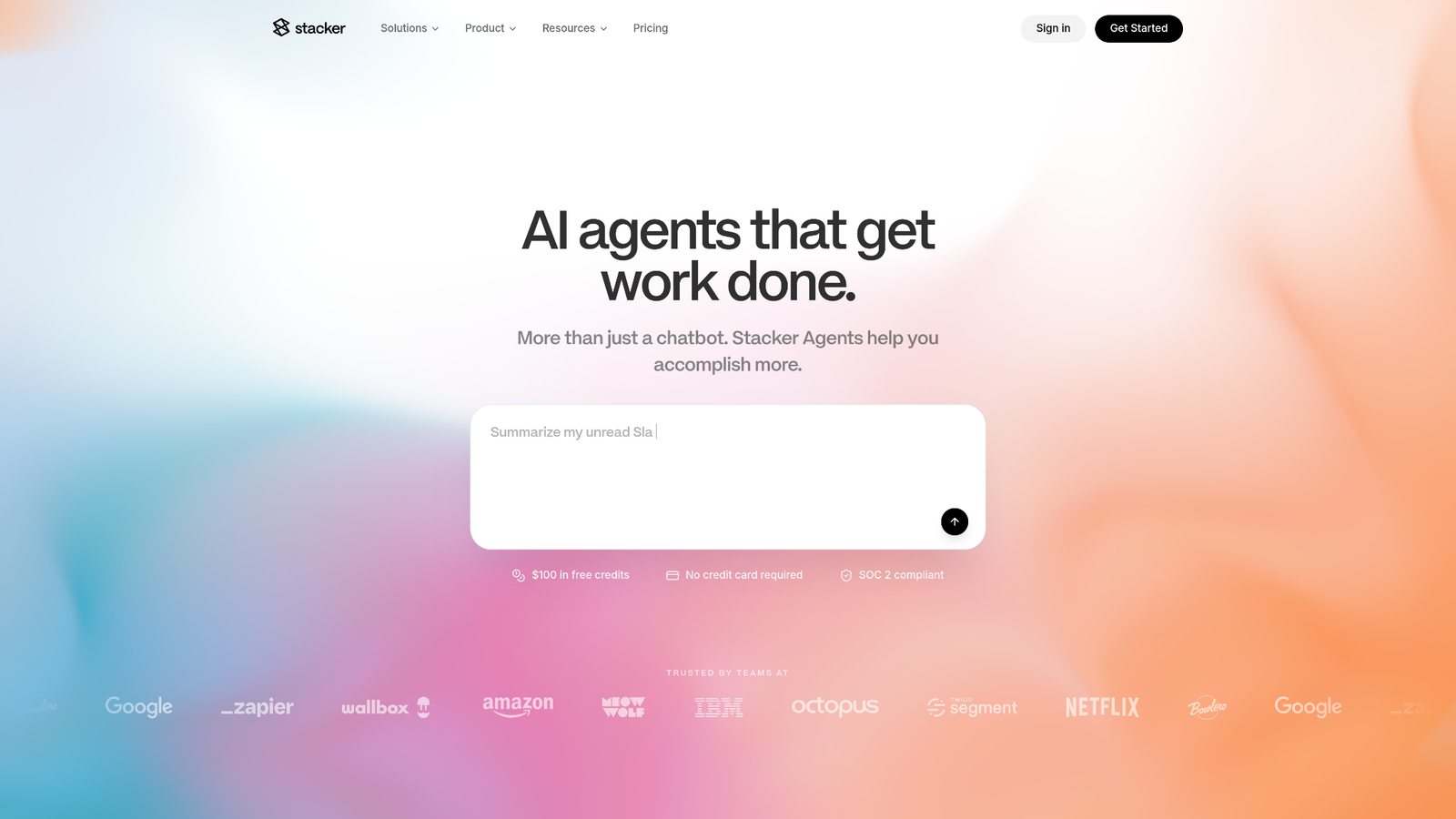
Best for: Enterprise Airtable portals requiring strict governance and customer-specific permissions.
Stacker takes a different approach from many no-code builders.
Instead of emphasizing visual design, it focuses on secure data access and operational governance. Organizations using Airtable as their primary database often choose Stacker because it provides significantly more control over who can view, edit, approve, or manage records.
Its permission engine supports both row-level and field-level visibility. This is particularly valuable for customer portals, vendor management systems, partner dashboards, and internal business operations where different users require different views of the same underlying database.
White-label capabilities are another major advantage.
Businesses can deliver fully branded portals without exposing Airtable to external users, creating a more professional client experience.
Stacker also supports multiple applications connected to shared datasets, making it easier to manage separate portals for customers, suppliers, employees, and administrators without duplicating information.
Compared to Softr, Stacker generally offers stronger governance features for organizations handling sensitive operational data.
Highlights
- Advanced row-level permissions
- Field-level visibility controls
- White-label client portals
- Airtable-focused architecture
- Shared datasets across multiple applications
Consider before choosing
- Best suited for Airtable-heavy environments
- UI customization is more business-oriented than design-focused
- Premium pricing may not fit smaller teams
3. Airtable Interfaces
Best for: Teams that want to stay entirely inside the Airtable ecosystem.
Sometimes the best Softr alternative is removing the extra layer altogether.
Airtable Interfaces lets businesses build dashboards, internal workspaces, approval systems, reporting pages, and lightweight client experiences directly within Airtable. Because the interface runs on the same database, every change appears instantly, without synchronization delays or API bottlenecks.
For organizations already relying heavily on Airtable Automations, this native architecture simplifies operations.
Instead of managing connectors between separate products, users can build interfaces that work directly with existing bases, automations, formulas, linked records, and permissions.
Interfaces also benefit from Airtable’s existing support for:
- Linked records
- Multiple views
- Automation triggers
- Page-level permissions
- Record filtering
- Dashboards
- Charts
- Forms
While Airtable Interfaces cannot fully replace dedicated portal builders for customer-facing applications, they’re an excellent option for internal teams that primarily need reporting dashboards, operational workspaces, approval flows, and lightweight CRUD interfaces.
The trade-off is flexibility.
Design customization remains limited compared to dedicated no-code application builders, and external user experiences are not as polished as platforms purpose-built for client portals.
Why choose Airtable Interfaces
- Zero data synchronization delays
- Native Airtable automation support
- No additional middleware
- Lower software costs
- Excellent for internal business operations
Potential limitations
- Limited public-facing portal functionality
- Less customizable UI
- External authentication options remain basic compared to dedicated portal platforms
4. Retool
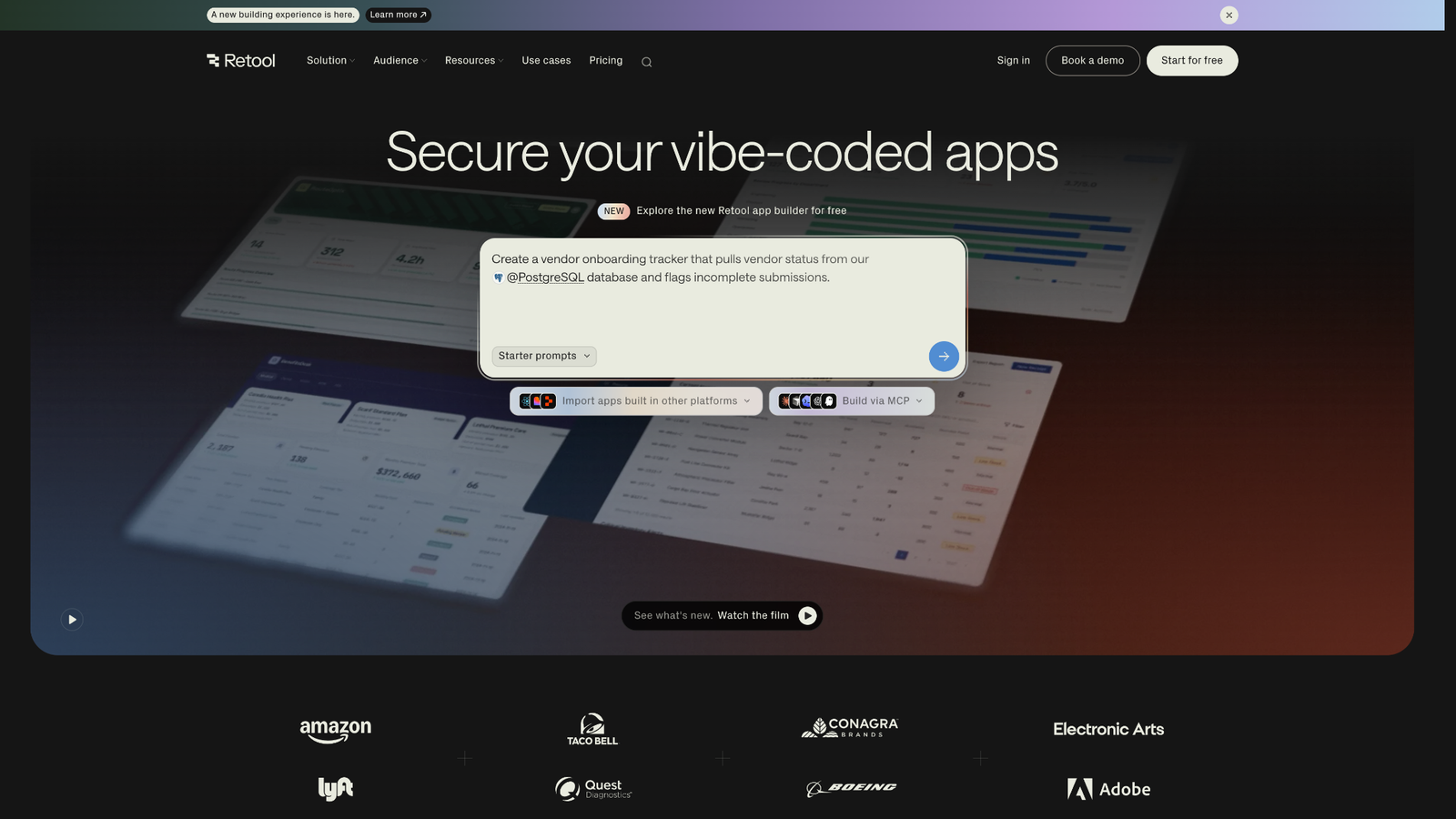
Best for: Internal tools powered by SQL databases, APIs, and custom business logic.
If your team has outgrown Airtable and needs direct access to production databases, Retool is one of the strongest Softr alternatives available.
Unlike Softr, which depends on external data sources like Airtable or Google Sheets, Retool connects directly to PostgreSQL, MySQL, Microsoft SQL Server, Oracle, MongoDB, Redis, REST APIs, GraphQL, Firebase, Snowflake, and dozens of other services.
That means you can build applications that read and write data without relying on third-party synchronization.
Retool is built for developers and technical operations teams. While it includes a drag-and-drop interface, it also supports full JavaScript customization, enabling the creation of highly interactive dashboards, approval workflows, inventory systems, CRM tools, finance portals, and support consoles.
One area where Retool clearly outperforms Softr is enterprise governance.
Organizations can implement audit logs, single sign-on (SSO), Git-based version control, environment management, granular permissions, and reusable components across multiple applications. These features are especially valuable when building mission-critical internal software.
Retool also supports workflow automation, allowing users to trigger SQL queries, call APIs, send Slack notifications, update CRM records, or chain multiple actions together from a single event.
For companies with engineering resources, Retool provides almost unlimited flexibility.
What Retool does exceptionally well
- Native SQL connections
- Direct CRUD operations
- JavaScript support
- REST API and GraphQL integrations
- Enterprise audit logs
- Git version control
- Workflow automation
- Highly customizable dashboards
Things to keep in mind
- Steeper learning curve than Softr
- Better suited for internal applications than public websites
- Technical knowledge helps unlock its full capabilities
5. AppSheet
Best for: Google Workspace organizations and field operations.
AppSheet, now part of Google Cloud, takes a different approach from most no-code builders.
Instead of emphasizing visual design, it focuses on helping businesses turn operational data into working applications with minimal setup.
If your organization already relies on Google Sheets, Google Drive, Gmail, Google Maps, or Google Forms, AppSheet fits naturally into that ecosystem.
A warehouse team can build an inventory tracker. A construction company can create inspection forms. A logistics business can deploy delivery tracking apps. A sales team can manage customer visits.
Many of these applications work offline, synchronizing automatically when internet access returns. This makes AppSheet particularly useful for field teams that spend much of their day away from reliable network connections.
It also includes built-in support for barcode scanning, GPS location capture, image uploads, digital signatures, notifications, and approval workflows.
Compared to Softr, AppSheet offers stronger automation for operational processes but less freedom when designing customer-facing interfaces.
Best capabilities
- Deep Google Workspace integration
- Offline data collection
- Barcode scanning
- GPS tracking
- Approval workflows
- Automated reports
- Mobile-friendly interface
Potential drawbacks
- Design customization is fairly limited
- Works best within Google’s ecosystem
- Less suitable for branded customer portals
Check out: Mailjet Alternatives
Top Softr Alternatives for Mobile-First Applications
6. Glide
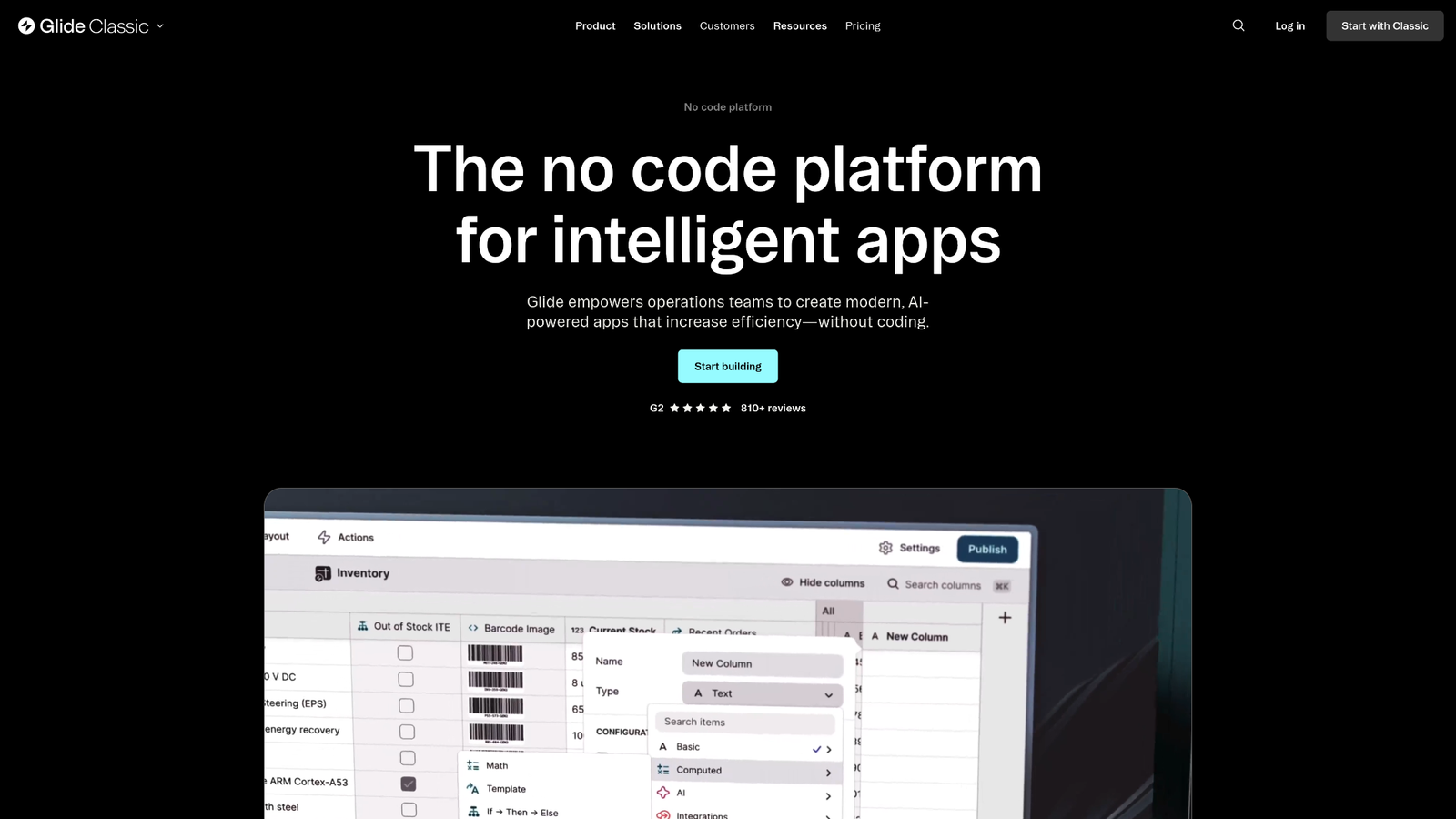
Best for: Beautiful mobile-first web apps and progressive web applications.
Glide has evolved far beyond its original spreadsheet app builder.
Today, it supports Airtable, SQL databases, BigQuery, Excel, Google Sheets, and other data sources while producing polished applications that feel much closer to professionally designed software than traditional no-code tools.
Where Softr emphasizes block-based pages, Glide focuses on responsive components that automatically adapt across phones, tablets, and desktops.
Its interface library includes:
- Cards
- Lists
- Kanban boards
- Calendars
- Maps
- Charts
- Forms
- Dashboards
- Interactive detail pages
Building workflows is also straightforward.
Users can create multi-step action sequences that update records, send emails, trigger automations, generate PDFs, call webhooks, or launch integrations with external services.
For organizations building customer portals, employee apps, inventory systems, booking platforms, or sales dashboards, Glide offers an excellent balance between ease of use and flexibility.
Performance is another advantage. Applications typically load quickly and maintain a polished appearance without requiring custom CSS or front-end development.
Why businesses choose Glide
- Excellent responsive design
- Fast application development
- Rich component library
- Progressive Web Apps
- Automation actions
- Multiple database connectors
- Modern user experience
Limitations
- Native mobile apps are not its primary focus
- Advanced backend logic can require external automation tools
- Complex enterprise permissions aren’t as extensive as Retool or Stacker
7. Adalo
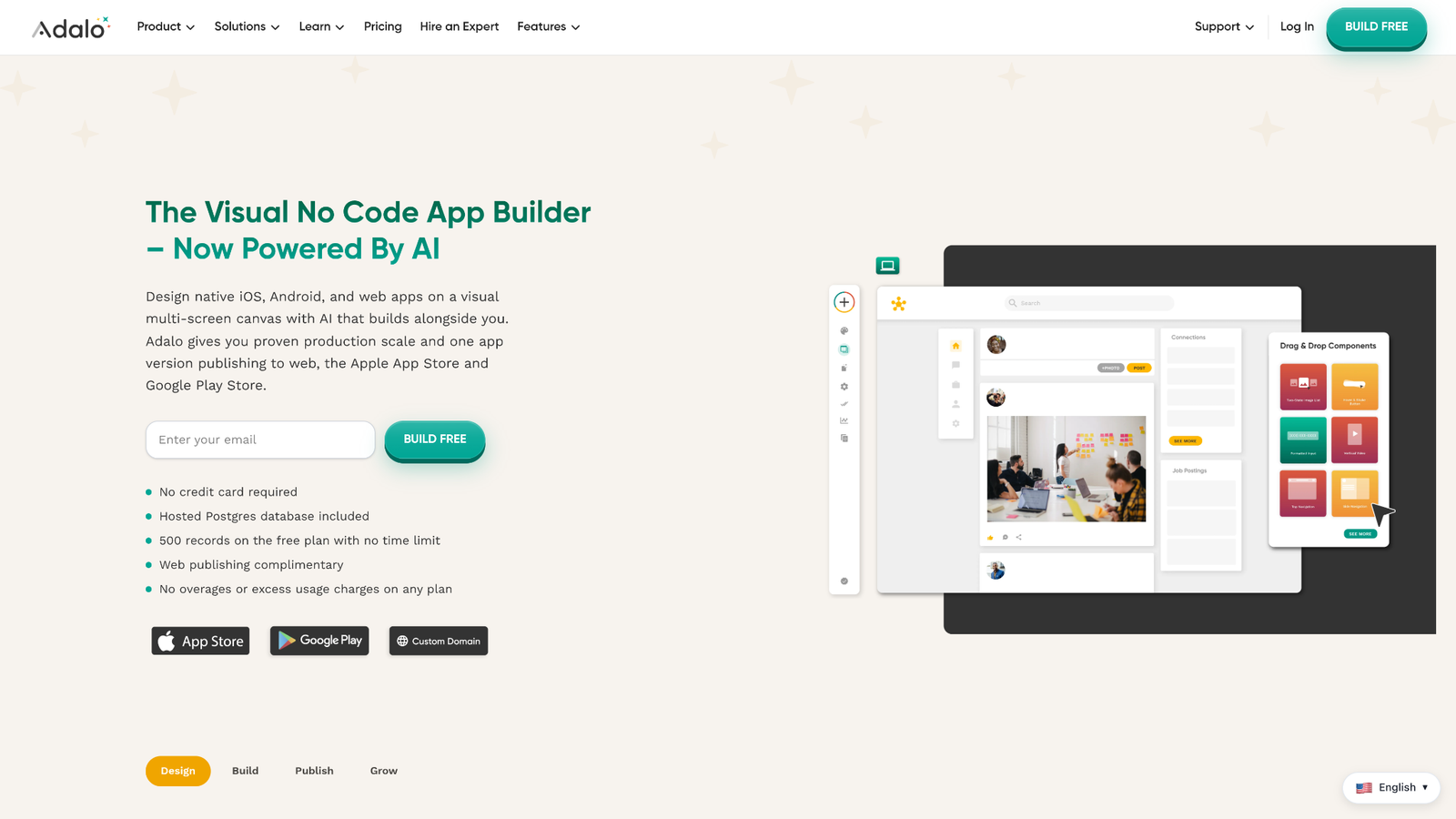
Best for: Publishing native mobile apps to the Apple App Store and Google Play.
If your end goal is a real mobile application instead of a browser-based portal, Adalo deserves serious consideration.
Unlike Softr, which primarily creates responsive web applications, Adalo builds native mobile apps capable of being submitted directly to both major app stores.
Its drag-and-drop builder allows non-developers to design screens, manage navigation, create forms, configure custom database relationships, and build user authentication without writing code.
Adalo also supports several mobile-specific capabilities, including:
- Push notifications
- Camera access
- GPS
- Image uploads
- Payments
- In-app purchases
- Third-party APIs
These features make it well suited for marketplaces, membership apps, appointment booking platforms, fitness applications, educational products, and customer loyalty programs.
While Adalo can build web apps, its real strength remains native mobile experiences.
Strong points
- Native iOS deployment
- Native Android deployment
- Mobile hardware integrations
- Custom databases
- Drag-and-drop interface
- App store publishing
Drawbacks
- Complex apps can become slower as they scale
- Limited flexibility compared to fully custom development
- Advanced backend workflows may require additional services
8. Assembly
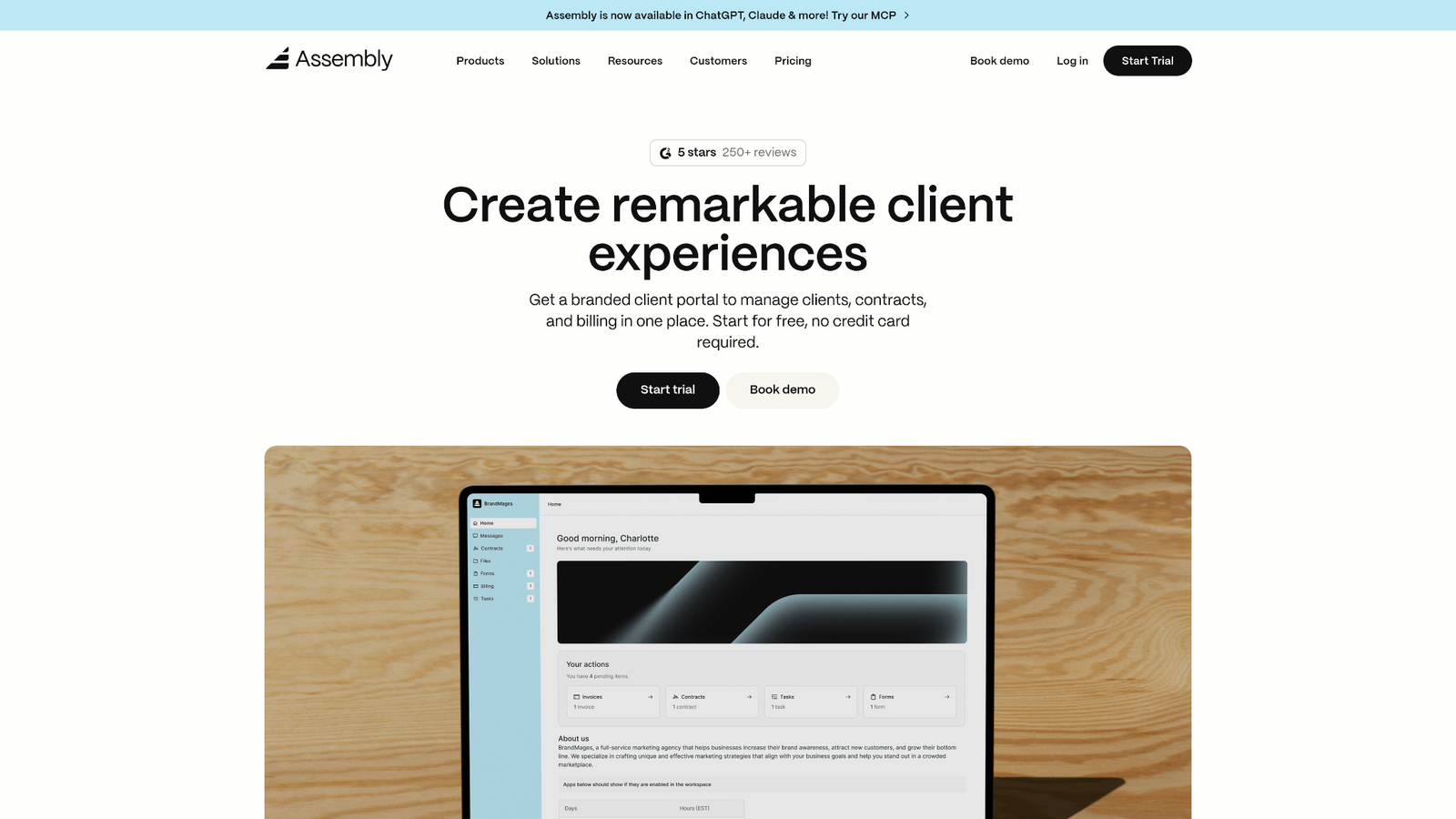
Best for: Employee engagement, intranets, and internal business workflows.
Assembly isn’t trying to compete directly with general-purpose no-code builders.
Instead, it focuses on improving communication, recognition, employee engagement, and operational workflows inside organizations.
Companies can quickly launch:
- Employee portals
- Team announcements
- Recognition programs
- Internal forms
- Knowledge bases
- Surveys
- Company directories
- Workflow approvals
Assembly includes pre-built templates designed around HR, operations, and internal communications, helping businesses deploy solutions without building everything from scratch.
Compared to Softr, Assembly sacrifices flexibility in exchange for speed within its target use case.
If your goal is building customer portals or database-driven SaaS products, other platforms on this list offer far more customization.
If your goal is improving internal collaboration, Assembly is purpose-built for that job.
Standout features
- Employee engagement tools
- Internal workflow automation
- Team recognition
- Operational templates
- Company intranet features
Before choosing
- Not intended for customer-facing applications
- Limited database customization
- Narrower scope than general no-code platforms
Also read: Coworking Membership Management Platform
Architectural Limitations: When to Switch Away From Softr Alternatives
Softr remains one of the easiest platforms for turning Airtable or Google Sheets into a working portal. But as applications become more complex, many teams discover that the platform’s simplicity comes with trade-offs.
If any of the following limitations are slowing your team down, it’s probably time to evaluate other options.
1. Block-Based Layouts Become Restrictive
Softr’s visual builder is based on pre-designed blocks. While this speeds up development, it also limits how much control you have over the final interface.
As projects grow, teams often want to build:
- Nested dashboards
- Highly customized customer portals
- Interactive data tables
- Multi-column workflows
- Advanced navigation patterns
- Pixel-perfect branded experiences
These requirements can be difficult to achieve using fixed block templates.
Platforms like Glide, Noloco, and Retool offer significantly more flexibility when arranging components and presenting relational data.
2. Basic Permission Management
For many businesses, simple user roles are enough.
However, larger organizations usually require much more sophisticated access rules.
Examples include:
- Customers can only view their own records.
- Managers can approve requests for their department.
- Regional teams can access location-specific data.
- Vendors can update purchase orders but cannot view financial information.
- HR staff can edit employee records while managers have read-only access.
These scenarios require granular role-based access control (RBAC), row-level permissions, and field-level visibility.
Platforms such as Stacker and Noloco provide much stronger permission models than Softr’s standard role system.
3. No Native Database Layer
One of Softr’s biggest architectural differences is that it isn’t a database.
Instead, it depends on external services like:
- Airtable
- Google Sheets
- HubSpot
- SmartSuite
- Notion
This works well for lightweight applications but introduces additional complexity as systems grow.
Organizations using PostgreSQL, MySQL, SQL Server, Oracle, or enterprise data warehouses often prefer platforms that connect directly to production databases.
Retool stands out here by offering native SQL connections, direct CRUD operations, API integrations, and support for complex backend workflows.
4. API Limits and Synchronization Challenges
When applications handle thousands of records or frequent updates, API limits can become noticeable.
Because Softr communicates with external databases, every read and write depends on another platform’s API.
As usage increases, teams may experience:
- Slower page loads
- Delayed record updates
- API rate-limit restrictions
- Higher infrastructure costs
- More complex automation workflows
Applications with real-time operational requirements, such as inventory management, dispatch systems, customer support dashboards, or finance operations, generally benefit from platforms with direct database connectivity.
5. Scaling Costs
Softr’s pricing can become difficult to justify as organizations add more authenticated users, administrators, and client portal members.
While the platform remains cost-effective for smaller teams, larger deployments often require higher subscription tiers.
Depending on your architecture, alternatives such as Airtable Interfaces, Glide, or Retool may provide a better long-term cost structure, especially if you’re already paying for external databases and automation tools.
Feature Comparison
| Platform | Primary Data Sources | SQL Support | Mobile Experience | RBAC | White Label | Best For |
| Noloco | Airtable, PostgreSQL, SmartSuite | Yes | Good | Advanced | Yes | Client portals |
| Stacker | Airtable | Limited | Good | Advanced | Yes | Enterprise portals |
| Airtable Interfaces | Airtable | No | Good | Moderate | No | Internal workspaces |
| Retool | PostgreSQL, MySQL, APIs, GraphQL | Native | Good | Enterprise | Limited | Internal tools |
| AppSheet | Google Sheets, SQL, Google Workspace | Yes | Excellent | Moderate | Limited | Field operations |
| Glide | Airtable, SQL, Google Sheets | Partial | Excellent | Moderate | Limited | Mobile web apps |
| Adalo | Internal database, APIs | Limited | Native Apps | Moderate | Limited | iOS & Android apps |
| Assembly | Internal workflows | No | Good | Basic | Limited | Employee engagement |
Pricing Snapshot
| Platform | Free Plan | Entry-Level Pricing* | Pricing Model |
| Noloco | Yes | Per workspace | Subscription |
| Stacker | Limited | Per workspace | Subscription |
| Airtable Interfaces | Included with Airtable | Airtable plans | Per seat |
| Retool | Yes | Per user | Usage + seats |
| AppSheet | Trial available | Per active user | User-based |
| Glide | Yes | Per app/users | Subscription |
| Adalo | Yes | Per app | Subscription |
| Assembly | Demo / Trial | Custom | Subscription |
*Pricing changes frequently. Always verify current plans before making a purchasing decision.
Final Verdict: Choosing the Right Softr Alternatives
There isn’t a single replacement that’s best for every business. The right choice depends on your data architecture, user base, and application requirements.
Choose Noloco if you’re building sophisticated B2B client portals with Airtable, PostgreSQL, or SmartSuite and need advanced permissions.
Choose Stacker if governance, row-level security, and enterprise-grade Airtable portals are your highest priorities.
Choose Retool if your applications connect directly to SQL databases, APIs, or GraphQL services and require extensive customization.
Choose Glide if your users primarily work on mobile devices and you want polished progressive web apps with minimal setup.
Choose AppSheet if your organization runs on Google Workspace and needs operational apps for field teams.
Choose Adalo if your goal is publishing native iOS and Android applications through the Apple App Store and Google Play.
Choose Assembly if you’re improving employee communication, internal workflows, or company intranets.
If you’re already happy with Softr’s simplicity, there’s no urgent reason to migrate. But once your applications require richer database relationships, stronger permissions, native SQL connectivity, or more flexible interfaces, these Softr alternatives provide room to grow without forcing a complete rebuild later.
Frequently Asked Questions
What are the main limitations of using Softr?
Softr is easy to learn, but larger applications often run into limitations around layout customization, advanced relational database support, native SQL connectivity, granular role-based access control, and real-time data operations. Organizations with complex workflows may eventually need a more flexible platform.
Is Glide better than Softr for mobile applications?
Generally, yes. Glide focuses on responsive, mobile-first experiences and progressive web apps. If your users primarily access your application from phones or tablets, Glide usually provides a more polished interface than Softr.
Can I build a client portal using Airtable’s native features?
Yes, using Airtable Interfaces. It’s ideal for internal teams and lightweight portals where users already work inside the Airtable ecosystem. However, businesses that need branded customer portals, white-label experiences, or advanced authentication typically choose Noloco or Stacker instead.