Most HVAC businesses don’t bleed out from a shortage of service calls. They bleed from job leaks nobody catches, a compressor swap that got underpriced by $200, a technician’s drive time that never hit the invoice, or a batch of refrigerant canisters logged on the truck manifest but never charged to a job. The numbers look fine in the bank until a slow January lands, and suddenly the margins everyone assumed existed simply aren’t there.
Standard small-business accounting tools weren’t designed or built for this. They’re built to track money coming in and going out. What HVAC operations actually need is a single ledger that connects dispatch assignments, labor-hour logs, parts pulled from a service van, and customer payment cycles to show whether Job #1447 made or lost money before the technician drives back to the shop.
That’s the precise problem that distinguishes HVAC contractor accounting software from generic financial platforms and why choosing the wrong one costs more than the subscription ever would.
Evaluating the Data Gap: Core Ledgers vs. Field Service Management Systems
A general ledger platform does one thing extremely well, and it records what happened financially after it happened. Transactions come in, expenses get categorized, and bank feeds reconcile. Clean, functional, and entirely backward-looking.
A field service management integration engine does something fundamentally different. It captures operational data as the job runs, who’s on site, what parts are being used, how long the diagnostic phase took, whether a flat-rate or time-and-material structure applies, and pushes that data toward financial records automatically.
The disconnect between these two systems is where most mid-sized HVAC companies quietly hemorrhage margin. A technician completes a residential mini-split installation. That job touches a dispatch log, a parts pull request, a labor tracking sheet, a customer invoice, and eventually a revenue recognition log. When none of those systems talk to each other, someone on the admin side is re-entering data manually across all five points. Each manual transfer is a place where errors multiply and billable time evaporates.
Flat-rate pricebooks eliminate part of this problem at the field level. Instead of a technician estimating labor on a napkin, they select a predefined job code with a locked price. But flat-rate pricebooks only protect margin if the pricebooks themselves were built using accurate historical job cost data, which is exactly what poor accounting systems fail to produce.
Static Invoice Trap: Companies that invoice from templates without connecting those invoices to real-time job costing data are essentially pricing in the dark. A residential equipment replacement that involves four parts, two technicians, and a crane rental looks simple on a $4,200 template invoice until the actual job costs hit $3,950, and nobody flagged it because there was no live cost-versus-budget mechanism tied to the work order. This scenario is one of the most common reasons HVAC companies with strong revenue still finish quarters with negative net margins.
Visit our other cool blog where we compared the top Email Marketing Platforms for Nonprofits
The Top 9 HVAC Contractor Accounting Software Platforms Reviewed
QuickBooks Online – The Industry-Standard General Ledger Core
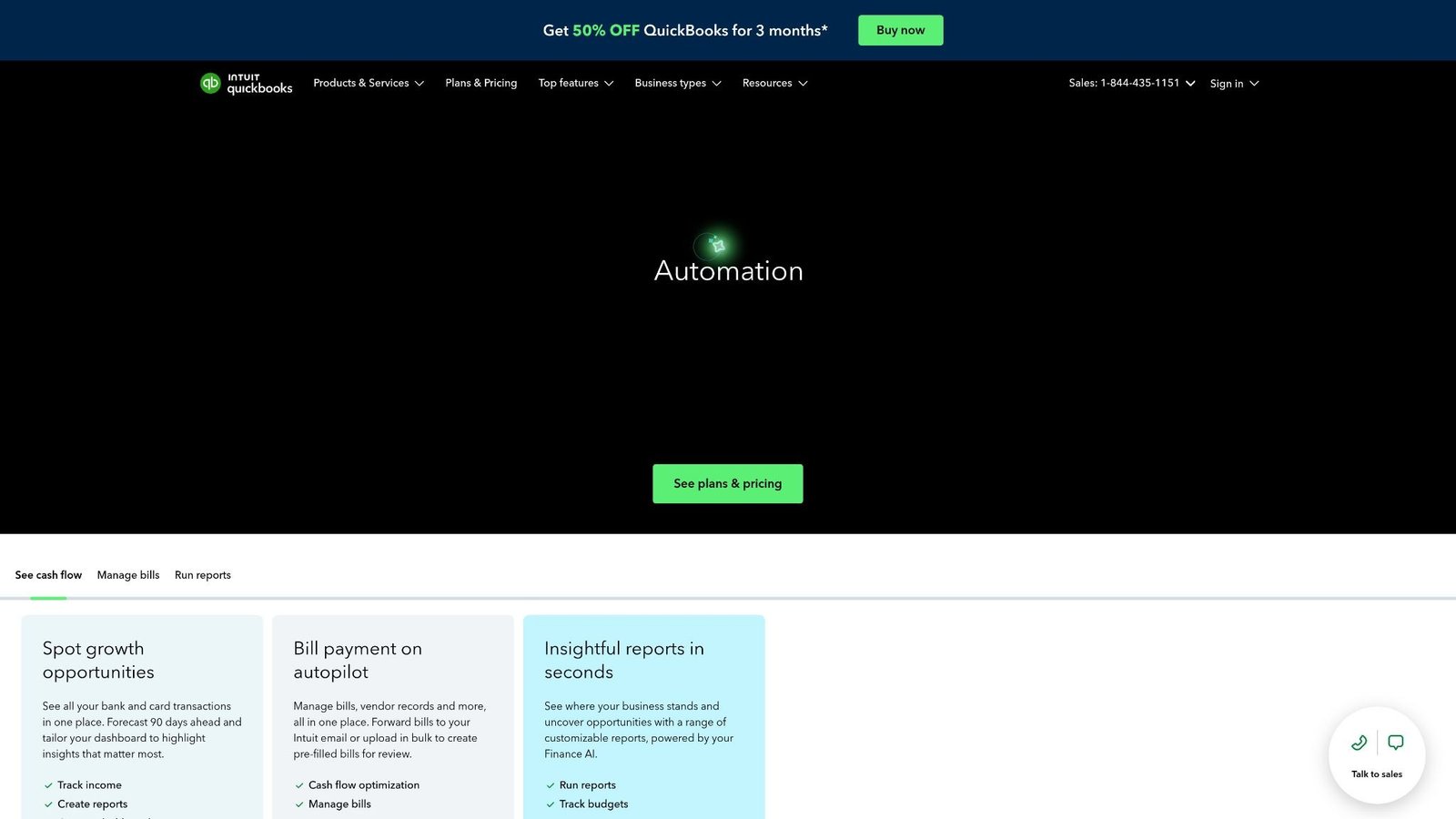
The foundational platform that nearly every trade management system builds an integration bridge toward. Not because it’s the most feature-rich option for field work, but because it’s where the accountant, the bookkeeper, and the bank already live.
Native HVAC Trade Integrations That Sync Without a Third-Party Bridge:
| Platform | Sync Type | Data Pushed |
| ServiceTitan | Native two-way | Invoices, payroll, job costs |
| Jobber | Native one-way | Invoices, expenses, client data |
| Housecall Pro | Native one-way | Payments, invoices, time logs |
Key Advantages Every CPA in North America already knows it. When tax time hits, there’s no need for a translation layer. Bank reconciliation is fast. Payroll integrations are pre-built.
Managing field expenses requires more than basic bookkeeping; implementing a full paperless accounts payable workflow ensures subcontractor bills and material receipts automatically sync with your general ledger without manual data entry
The Architecture QuickBooks Online handles the financial back-end, while an FSM platform handles dispatch and field execution. The sync pushes completed job data, invoices, expenses, and time entries into QuickBooks automatically, eliminating double data entry. Works best when the two systems are configured from day one to share the same chart of accounts.
The Catch QuickBooks does not natively handle equipment inventory tracking at the truck level. No dispatch board. No technician GPS. No flat-rate pricebook. It is the ledger, not the operating brain.
ServiceTitan – Heavyweight Enterprise Operating Engine
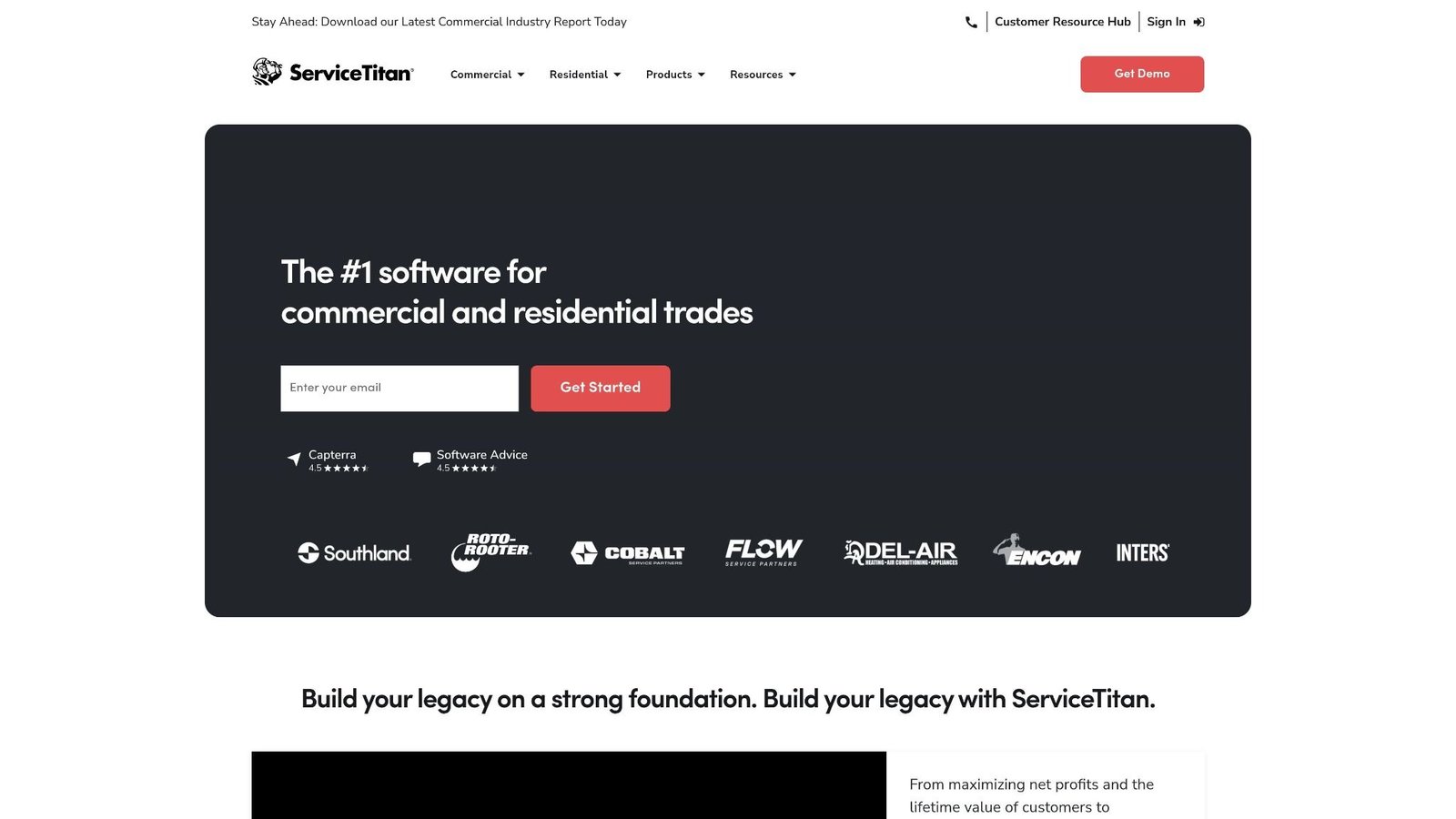
ServiceTitan isn’t accounting software with field features bolted on. It’s a full operating platform, dispatching logic, customer relationship history, technician performance scoring, revenue recognition logs, and a financial reporting suite all under one roof. The accounting layer is deep enough for most commercial and residential operations without requiring a separate general ledger platform, though QuickBooks Online integration exists for those who need it.
Edge: The dispatching logic inside ServiceTitan is genuinely sophisticated. Technicians are assigned based on location, skillset, and availability. When a job closes, revenue recognition logs update automatically. Managers can see real-time job costing for every active work order, not a summary report three days later, but a live figure while the truck is still parked in the driveway.
Flat-rate pricebooks inside ServiceTitan are dynamic. Price changes cascade across all active pricebook entries simultaneously. For companies managing hundreds of SKUs across multiple technicians, this alone prevents significant margin erosion.
The Architecture Built for residential service businesses at scale. Ties together marketing attribution, call booking, dispatch, field execution, invoicing, and financial reporting inside one platform. The automated invoicing tools are connected to job completion triggers, so invoices go out the moment a technician closes a work order on their mobile device.
The Catch: The cost. ServiceTitan runs on enterprise-tier pricing and requires a meaningful implementation timeline. For a team of under 8 technicians, the overhead typically outweighs the operational gain. This is a platform you grow into, not one you start with.
Jobber – Automated Invoicing Tools for Small Teams That Actually Work
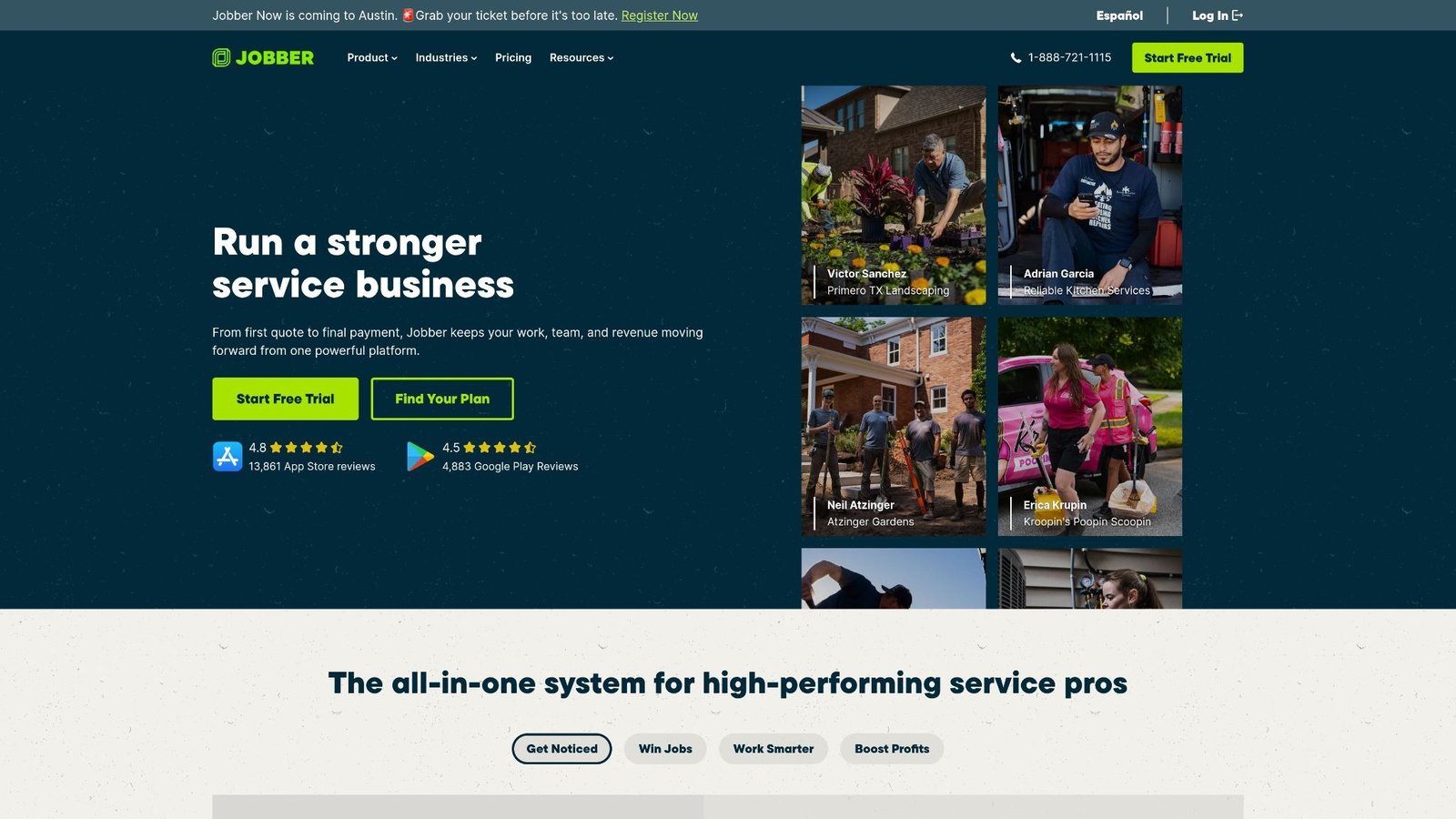
Jobber is what happens when software designers prioritize speed-to-invoice over complexity-of-features. The automated invoicing tools inside Jobber are genuinely fast: jobs close, invoices generate, and payment reminders are sent automatically on a schedule the owner configures once and forgets.
For an HVAC company running 2–5 technicians, Jobber covers the operational basics without requiring an IT consultant to configure it. Scheduling, quoting, client notifications, mobile job access, and payment collection all function out of the box. The QuickBooks Online sync handles the accounting back-end cleanly.
Where Jobber falls short: commercial contract management and progress billing for large installs. Progress billing, the practice of invoicing in stages tied to project milestones, requires manual workarounds in Jobber that more expensive platforms handle natively. For residential-only operations, this limitation rarely surfaces.
Housecall Pro – Mobile-First, Driveway-Ready Payment Collection
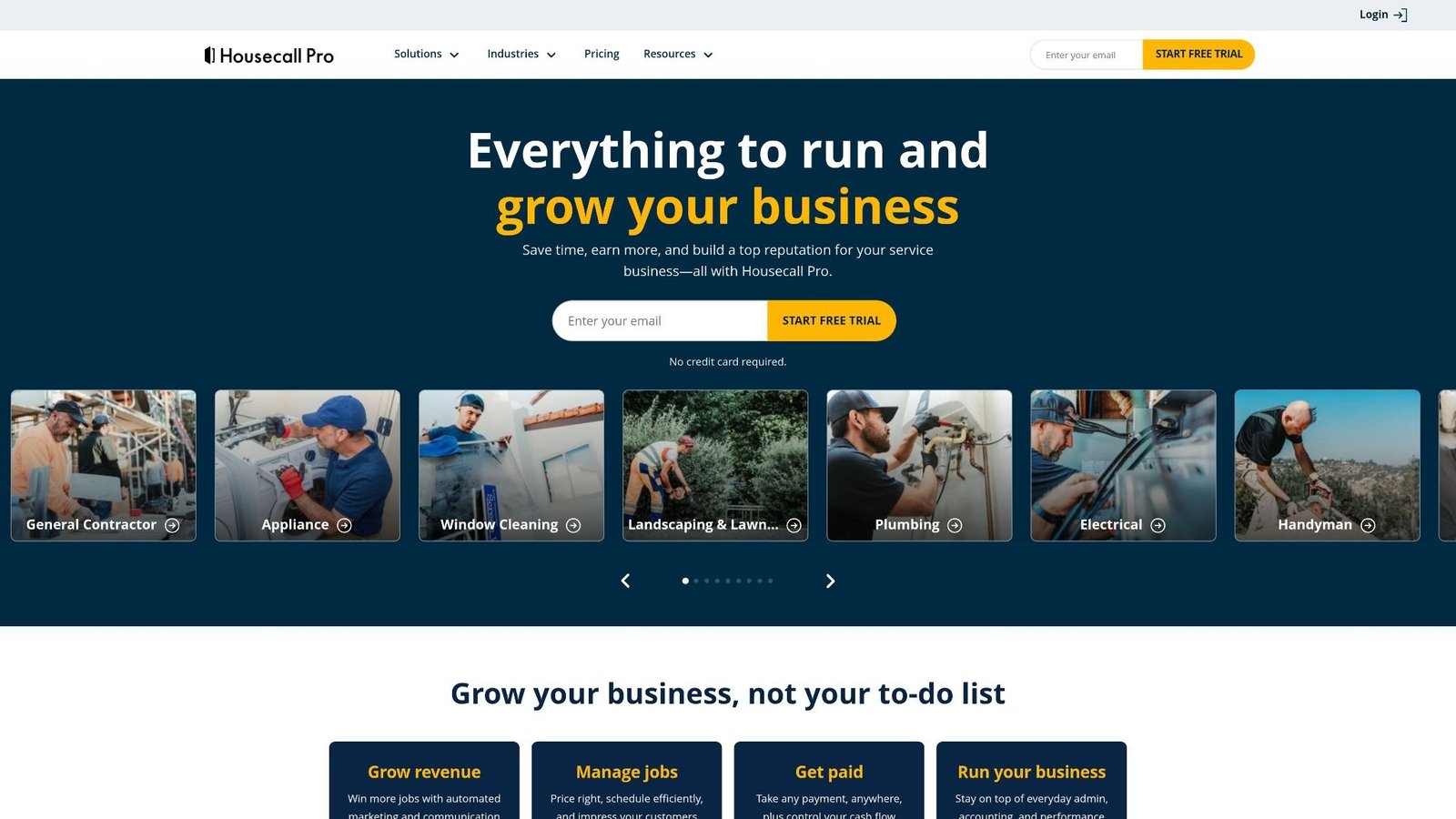
The platform technicians actually like using. Housecall Pro’s mobile app lets a technician pull up a job, build an estimate from a pricebook, get a signature, and run a card all without stepping out of their work boots. For HVAC companies where the owner is also often the lead tech, this kind of field autonomy is operationally significant.
The automated invoicing tools inside Housecall Pro send payment-due follow-ups at intervals the owner sets, which measurably shortens collection cycles on residential accounts. The dispatching logic is straightforward drag-and-drop scheduling with a color-coded calendar, functional for smaller fleets without being overwhelming.
What it doesn’t offer at a useful depth: multi-phase commercial billing, equipment inventory tracking across multiple trucks, or revenue recognition logs sophisticated enough for companies managing maintenance agreement portfolios.
FreshBooks – Expense Tracking Built for the Owner Who Does Everything

FreshBooks carved out a specific position: the solo HVAC operator or two-person crew that needs invoicing, mileage tracking, and expense management without the complexity of a full FSM platform.
The time-tracking module is one of the cleanest available at this price tier. Log hours per job directly from a mobile browser. Snap receipt photos in the field and assign them to a job instantly. Create proposals that convert to invoices on client approval.
FreshBooks doesn’t offer dispatching logic, flat-rate pricebooks, or equipment inventory tracking. It’s not trying to. The ceiling is clear: FreshBooks is the right tool until your operation reaches the point where a dedicated FSM integration becomes economically necessary.
Xero – Cloud Ledger Precision for Companies Scaling Past QuickBooks
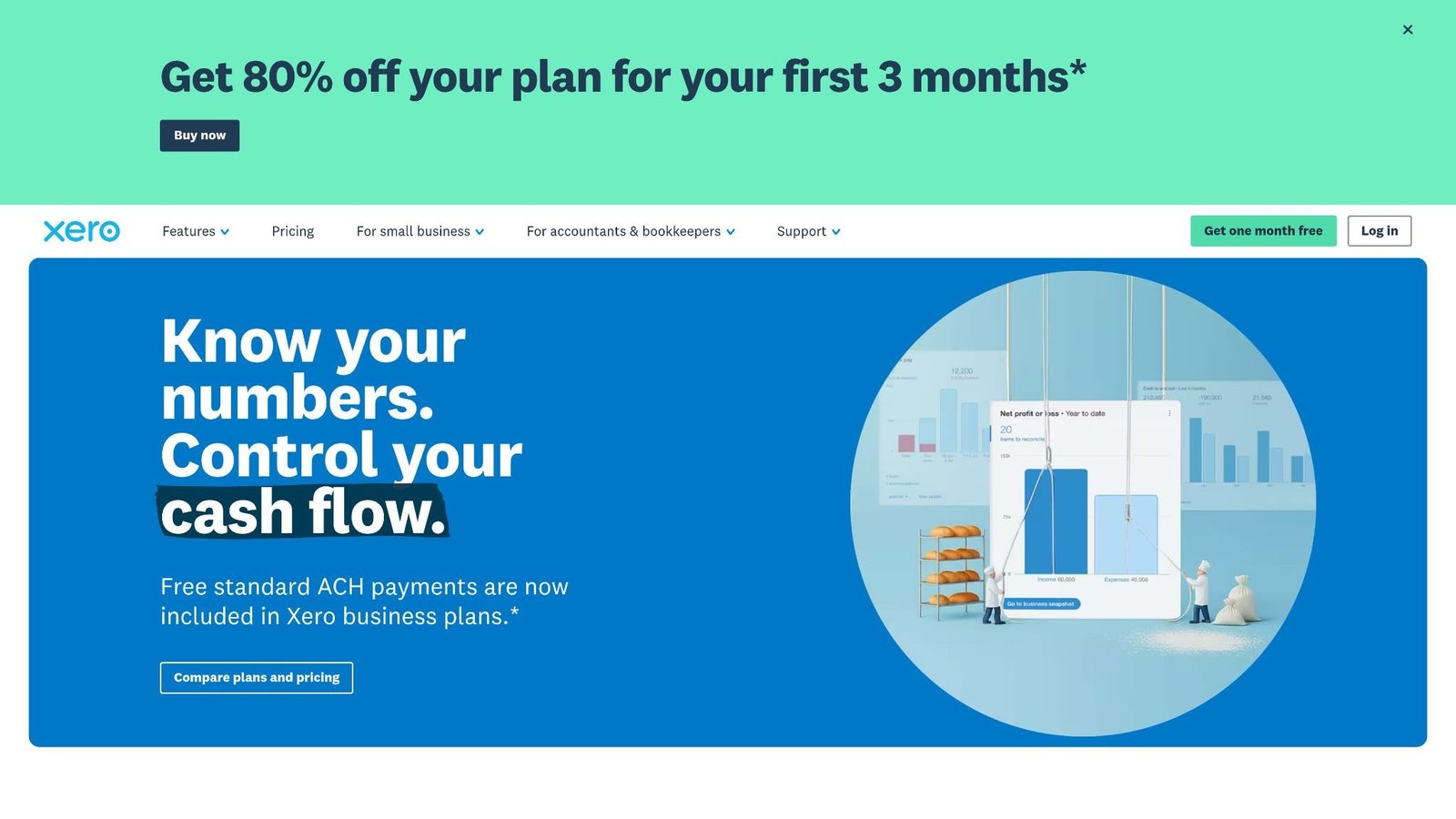
Xero’s advantages become most visible when a company reaches the point where QuickBooks starts feeling like a ceiling. Bank feed automation in Xero is technically cleaner. Multi-currency handling is genuinely usable for contractors working cross-border. The double-entry audit trail is structured and precise, the kind of clarity that makes lender due diligence and line-of-credit reviews significantly less painful.
Xero integrates natively with Fergus and simPRO, two FSM platforms built specifically for trade contractors. For HVAC companies transitioning from residential to commercial work, the Xero + simPRO stack handles both revenue recognition logs and progress billing with more granularity than the QuickBooks + Jobber equivalent.
The UI takes longer to master than QuickBooks Online. Worth the investment if the business is growing in complexity; overkill if it’s staying residential and simple.
Wave Accounting – Zero-Cost Foundation for Technicians Going Independent
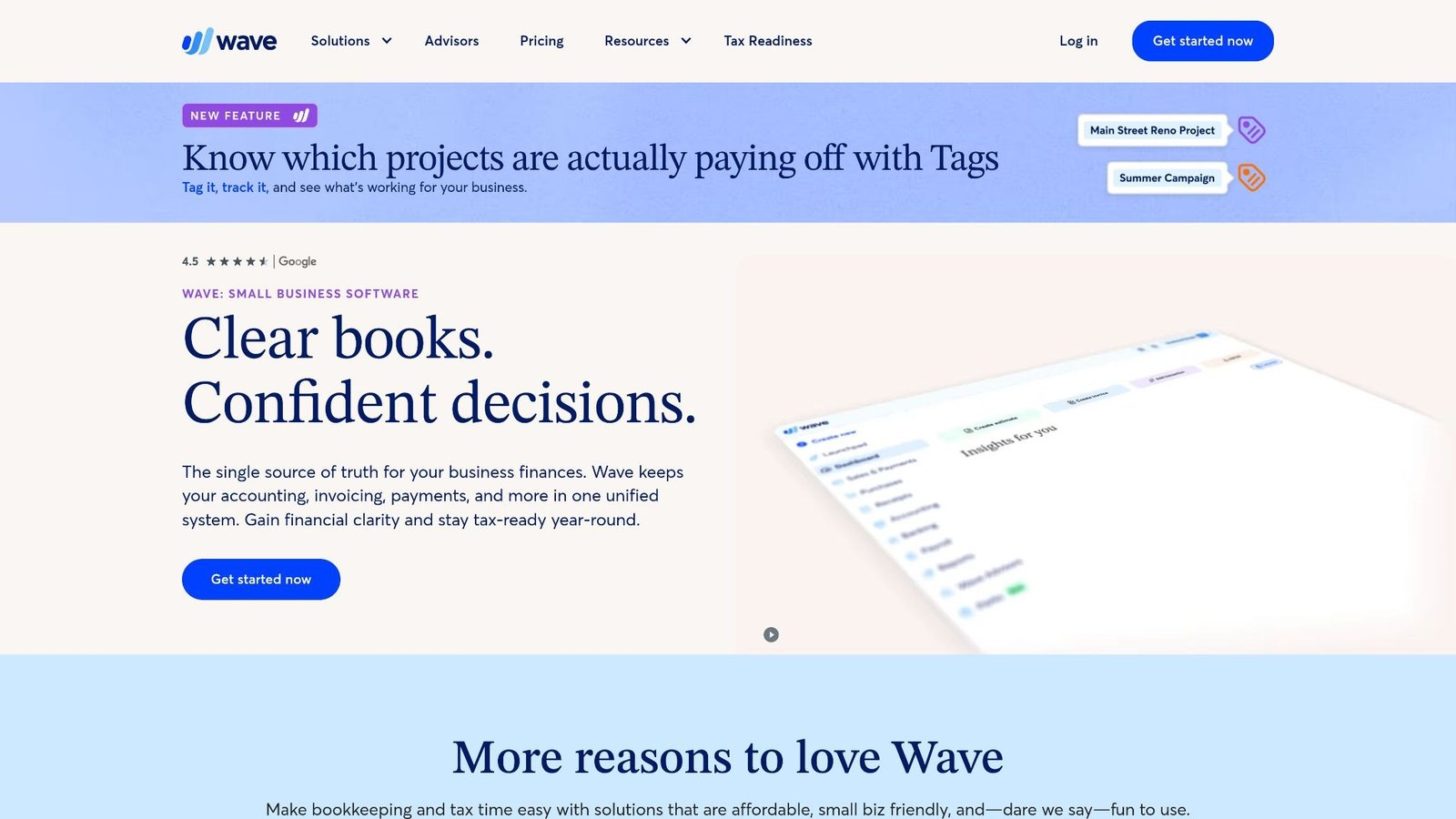
Free means exactly that. Wave Accounting charges nothing for invoicing, expense tracking, and basic financial reporting. For a technician who just left an employer’s truck and is running their first few months of solo calls, Wave removes the financial software barrier entirely.
Invoices look professional. Bank connections function. Receipts can be logged via mobile. But Wave provides none of the field operations infrastructure, no dispatching, no pricebooks, no equipment inventory tracking, and no integration pathways into FSM platforms without manual export/import workflows. Treat it as a starting block, not a destination.
simPRO – Progress Billing Engine for Commercial HVAC at Scale
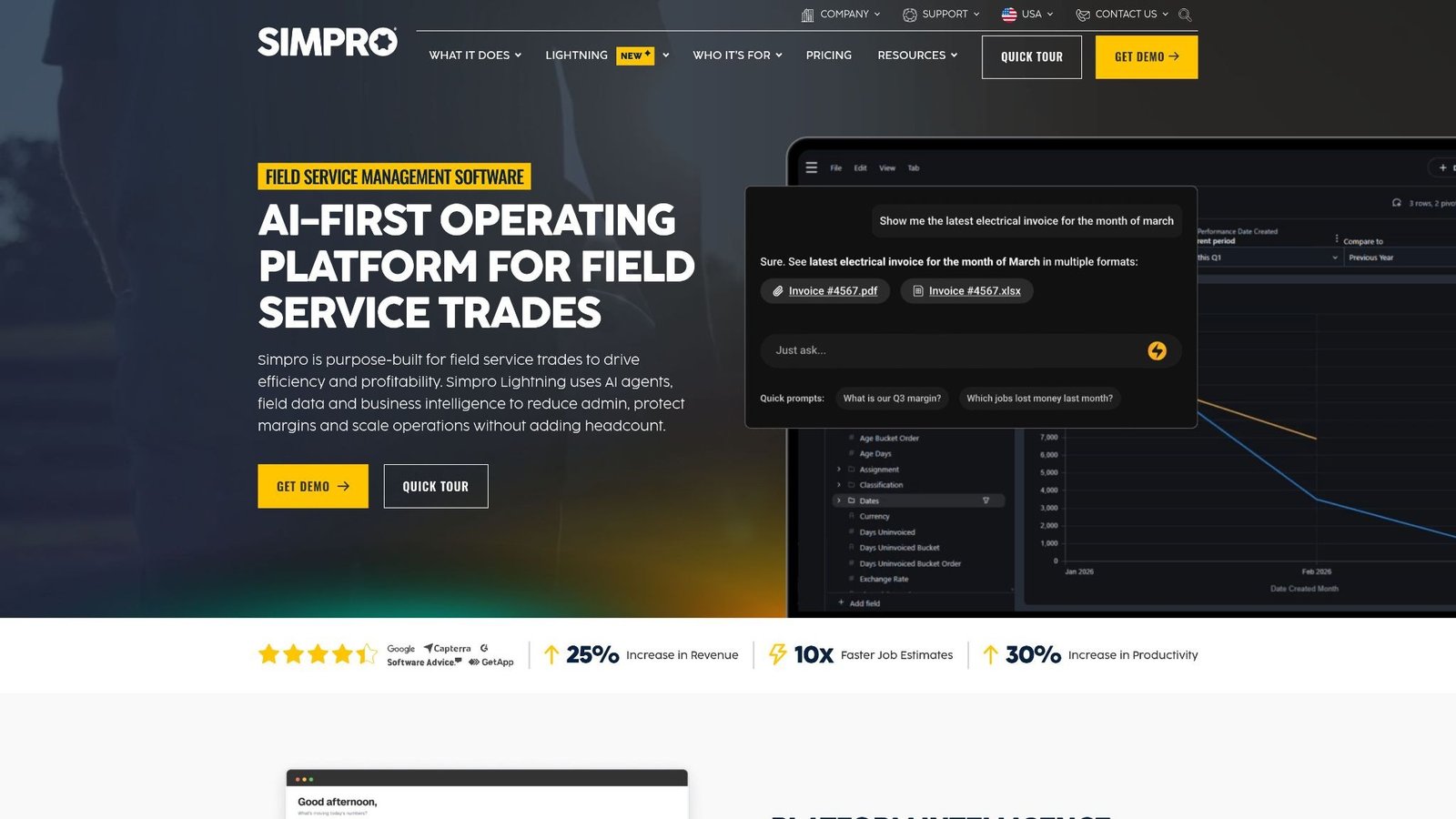
SimPRO was built for the types of jobs that most consumer-facing platforms quietly avoid: multi-phase commercial HVAC installations, preventive maintenance contracts, asset-tagged equipment portfolios spread across multiple client sites.
Progress billing inside simPRO is configurable by project phase, percentage complete, or milestone trigger, the kind of granularity that commercial property managers and general contractors expect when they require monthly draw schedules.
Equipment inventory tracking across service trucks and warehouse stock is a native function, not an add-on. Technicians log parts usage from the field; simPRO deducts from tracked inventory and ties consumption back to job cost. When material costs on a commercial job are running 15% over budget, simPRO’s job costing dashboard flags it before the project closes rather than after the invoice goes out.
The platform pairs with Xero and QuickBooks Online for general ledger reconciliation.
Successware – Trade Platform With Its Own Accounting Brain
Most FSM platforms stop at operations and hand off to QuickBooks for the financial back-end. Successware doesn’t make that hand-off. It runs its own internal accounting framework, accounts payable, accounts receivable, general ledger, and payroll processing inside the same environment that manages dispatch, service agreements, and technician scheduling.
For companies that find the two-platform approach chronically messy, this matters. Revenue recognition logs update when jobs close. Invoice totals flow directly into the general ledger without a sync delay or integration mapping issue. The technician dispatch screen and the financial reporting suite pull from the same underlying data.
The tradeoff: Successware requires more training investment than lighter platforms, and the UI hasn’t kept pace aesthetically with its enterprise-tier competitors. The financial logic, however, is sound, particularly for companies managing both residential service and light commercial work from the same office.
Operational Evaluation Guide for HVAC Contractor Accounting Software
Selecting the right HVAC contractor accounting tool comes down to one core question before all others: Where does most of the money get lost?
For residential service fleets, the leak is almost always in job costing and invoice timing. Parts get pulled, labor runs long, and invoices go out days later with numbers that don’t reflect the actual job. In that context, platforms with strong dispatching logic, mobile invoicing, and automated invoicing tools, such as ServiceTitan, Housecall Pro, and Jobber, address the real problem directly.
For commercial operations managing multi-site maintenance agreements and large equipment replacements, the loss point shifts to progress billing miscalculations and inventory overruns. SimPRO and Successware are built for that specific exposure.
For businesses in transition, growing past 6 technicians, adding commercial clients to a residential base, or preparing for a credit facility, Xero’s clean accounting infrastructure, paired with a purpose-built FSM integration, offers a financial architecture that scales without being rebuilt.
Evaluate in this order:
- Fleet size and job type before platform features
- Integration path to your existing accounting system before switching ledgers
- Real-time job costing access for field staff before dispatch sophistication
- Progress billing capability before assuming invoicing is invoicing
Recently, we talked about our best Taktile Competitors for Fintechs
Final Verdict on Selecting Your HVAC Contractor Accounting Software
The right HVAC contractor accounting software solution stack doesn’t need to be the most expensive option or the platform with the longest feature list. It needs to close the gap between what happens on a job site and what hits the general ledger with as little manual intervention as possible in between.
Start with the accounting layer. If your CPA is already inside QuickBooks Online, keep that as the back-end and layer a field operations platform over it. If the business is scaling commercially, evaluate whether Xero’s infrastructure or Successware’s integrated model fits your operational complexity better.
Then evaluate the field layer for how it handles the five operational realities that actually drive margin: real-time job costing, automated invoicing tools, equipment inventory tracking, flat-rate pricebooks, and progress billing. Those five variables tell you more about platform fit than any feature comparison table.
Deploy in phases. Get the accounting foundation clean first. Then build field integrations on top of a ledger that already works, not the other way around. Technicians don’t need to experience the migration. They need to close jobs and get paid. Everything else is back-office infrastructure.
People Also Ask These Queries
Why do HVAC companies need specialized job costing features in their accounting software?
Because a service call isn’t a retail transaction, it’s a multi-variable job with parts, labor, drive time, and overhead components that each affect whether the job made money. General accounting software records the invoice total. Real-time job costing records the margin on that invoice by comparing every cost that touched the job against what the customer paid. Without that comparison, HVAC companies routinely underprice labor-intensive jobs because the profitability data only surfaces at month-end, long after pricing decisions were made.
Can you run an entire field service business on basic QuickBooks without an FSM integration?
Technically yes. Operationally, it creates compounding inefficiencies. QuickBooks has no dispatch board, no technician location tracking, no flat-rate pricebook, and no equipment inventory tracking. A company using QuickBooks alone is doing all of those functions manually, spreadsheets, text messages, phone calls, and then manually entering the results into QuickBooks afterward. That works until it doesn’t, typically somewhere around technician 4 or 5, when the manual overhead becomes its own full-time job.
How do automated invoicing tools speed up service call collection times?
Two mechanisms. First, invoices are sent the moment a job closes, rather than the next business day when someone in the office gets around to it; that alone compresses the average collection window by 24 to 72 hours on residential accounts. Second, automated payment reminder sequences remove the human awkwardness from following up on overdue balances. Customers receive timed reminders at configurable intervals without anyone on the admin team making an uncomfortable phone call. The cumulative effect on days-sales-outstanding is measurable within 60 days of implementation.