An AI meeting note taker for teams listens to your calls, transcribes who said what, and turns endless chatter into clear action items. Instead of just taking notes, modern tools make your meetings searchable and auto-sync key details straight into your CRM and project tools.
For enterprise teams, it’s not just about who can “take notes”; it’s about where your audio goes, where data is stored, who gets access, how long it’s kept, and which systems end up receiving that information.
The tech setup matters; your meetings host everything from customer data and pricing to secret product plans, HR talk, and legal details.
Core Capabilities of Modern Meeting Intelligence Systems
Think of a serious team rollout like a data pipeline:
Audio capture > Speech-to-text > Speaker tagging > Meaning extraction > Clean summary > Workflow triggers > Data retention & security
Every single step brings its own set of demands for accuracy, security, and integration.
1. Speaker Diarization & Acoustic Separation
Speaker diarization figures out who said what. Without it, your transcript is just a giant, confusing wall of text where everyone blends. A good tool tags every single sentence to the exact person talking, so you actually know who promised to send that proposal.
This becomes harder when meetings include:
- Multiple speakers talking over one another
- Poor microphones
- Remote participants
- Accents and dialects
- Cross-talk
- Background noise
- Conference-room microphones
Enterprise teams should test speaker attribution rather than assuming transcription accuracy equals speaker accuracy.
A transcript can be 95% accurate while still assigning an important commitment to the wrong person.
2. Natural Language Understanding and Intent Parsing
Transcribing audio into raw text is one thing. Actually understanding what those words mean in context is where natural language processing comes in.
Take a line like: “I’ll get Sarah to review the contract before Friday.”
A useful meeting intelligence system should identify:
- Owner: Speaker
- Task: Get Sarah to review the contract
- Deadline: Friday
- Object: Contract
- Type: Action item
This is the difference between transcription and operational meeting intelligence.
The system should also distinguish:
- Decisions
- Questions
- Risks
- Commitments
- Deadlines
- Customer objections
- Requirements
- Open issues
- Follow-up tasks
3. Automated CRM and Task Pipeline Mapping
The highest-value enterprise use case often occurs after the meeting.
Instead of leaving the summary inside an AI note-taking application, teams can map meeting intelligence into their existing systems.
Typical destinations include:
| Meeting Output | Destination | Operational Use |
| Call summary | Salesforce | Update opportunity activity |
| Customer pain points | HubSpot | Enrich contact/deal records |
| Action items | Asana | Create assigned tasks |
| Engineering decisions | Jira | Create or update tickets |
| Internal updates | Slack | Share meeting recap |
| Product feedback | Knowledge base | Preserve customer insights |
| Decision records | Notion | Maintain project documentation |
Instead of locking notes inside another standalone app, this turns your calls into automated pipeline data.
Take Fathom, for example: it automatically pushes call recaps and next steps right into Salesforce or HubSpot, while Zapier hooks fire off updates to Slack or your project tools.
The core takeaway for enterprise teams: meeting insights need to flow straight into your workflows as usable data, not sit in documents waiting to be copied and pasted.
4. Multilingual Processing and Async Clipping
Global teams need way more than basic English transcripts.
Modern systems handle multilingual meetings on the fly, translating discussions and cranking out summaries for anyone who missed the call. A tool like tl;dv, for instance, handles transcription, translation, and recaps across 30+ languages.
Timestamped highlights are just as crucial. Nobody has time to re-watch a full hour-long recording just to track down a quick decision made at minute 42.
A 60-minute meeting should not require a manager to replay the entire recording to find a decision made at minute 42.
Useful outputs include:
- Decision timestamps
- Action-item timestamps
- Customer objection clips
- Product feedback clips
- Topic chapters
- Speaker-specific sections
- Shareable video highlights
That turns meeting recordings into an async knowledge layer for distributed teams.
Virtual Calendar Bots vs. System-Audio Capture
The biggest architectural decision is how the software obtains meeting audio.
There are two common approaches.
Virtual calendar bots jump right into your Zoom, Google Meet, or Teams calls as a visible participant. Once inside, the bot grabs the live audio stream and routes it straight to the transcription engine for processing.
System audio recorders operate on the user’s device. They capture microphone and system audio without appearing as another participant in the meeting.
Neither architecture is universally better.
The correct choice depends on meeting-platform coverage, consent requirements, device management, security policy, and the sensitivity of the conversations being recorded.
Before deploying automated bots, ensure your underlying calendar sync is properly configured; such as connecting Zoom to Outlook calendar so meeting agents never miss a scheduled event.
| Deployment Model | Architecture | Best Suited For | Key Compliance Advantage |
| Virtual Calendar Joiners (Bots) | Calendar integration schedules a bot to enter the video conference as a participant | Sales, customer success, recurring team meetings | Visible participant makes recording activity easier to communicate and audit |
| Client-Side System-Audio Capture (Bot-Free) | Desktop application captures microphone and system audio locally or through controlled device processing | Executive calls, research, confidential client meetings | No third-party meeting participant and less dependence on conferencing-platform APIs |
| Enterprise API / Phone Integration | Meeting platform, telephony, or conferencing API sends audio directly into the processing pipeline | Contact centers, large sales operations, support teams | Centralized identity, logging, access control, and integration governance |
| Hybrid Local-LLM Synthesizers | Local/device capture combined with cloud or local models for transcription and synthesis | Privacy-sensitive teams and regulated workflows | Enables tighter control over where raw audio and generated meeting data are processed |
Why the bot vs. bot-free distinction matters
Calendar bots make life ridiculously easy because they automatically pop into your scheduled calls without you lifting a finger.
Take Fathom, for example. It connects right to your Microsoft calendar and jumps straight into scheduled Teams meetings. Plus, admins get full control over recording rules, consent prompts, user access, and data retention settings.
The trade-off is visibility.
Some clients hate seeing a random bot pop into confidential calls. When that’s a dealbreaker, recording system audio directly is a much better fit.
Tools like Jamie and Granola skip the bot entirely. Jamie records right from your computer’s audio without showing up as a participant, while Granola uses device audio and merges the transcript with your own typed notes.
But bot-free does not mean consent-free.
Organizations still need a recording and transcription policy that complies with applicable laws, customer agreements, internal policies, and employee expectations.
Detailed Review of the 7 Best Tools for Teams
There is no single best AI note taker for teams.
Sales teams need seamless CRM sync. Product teams care way more about digging through user research. Executive teams usually care most about bulletproof privacy and zero meeting disruptions.
The following platforms represent different approaches to team meeting intelligence.
1. Fathom
Ideal fit: Sales and RevOps teams
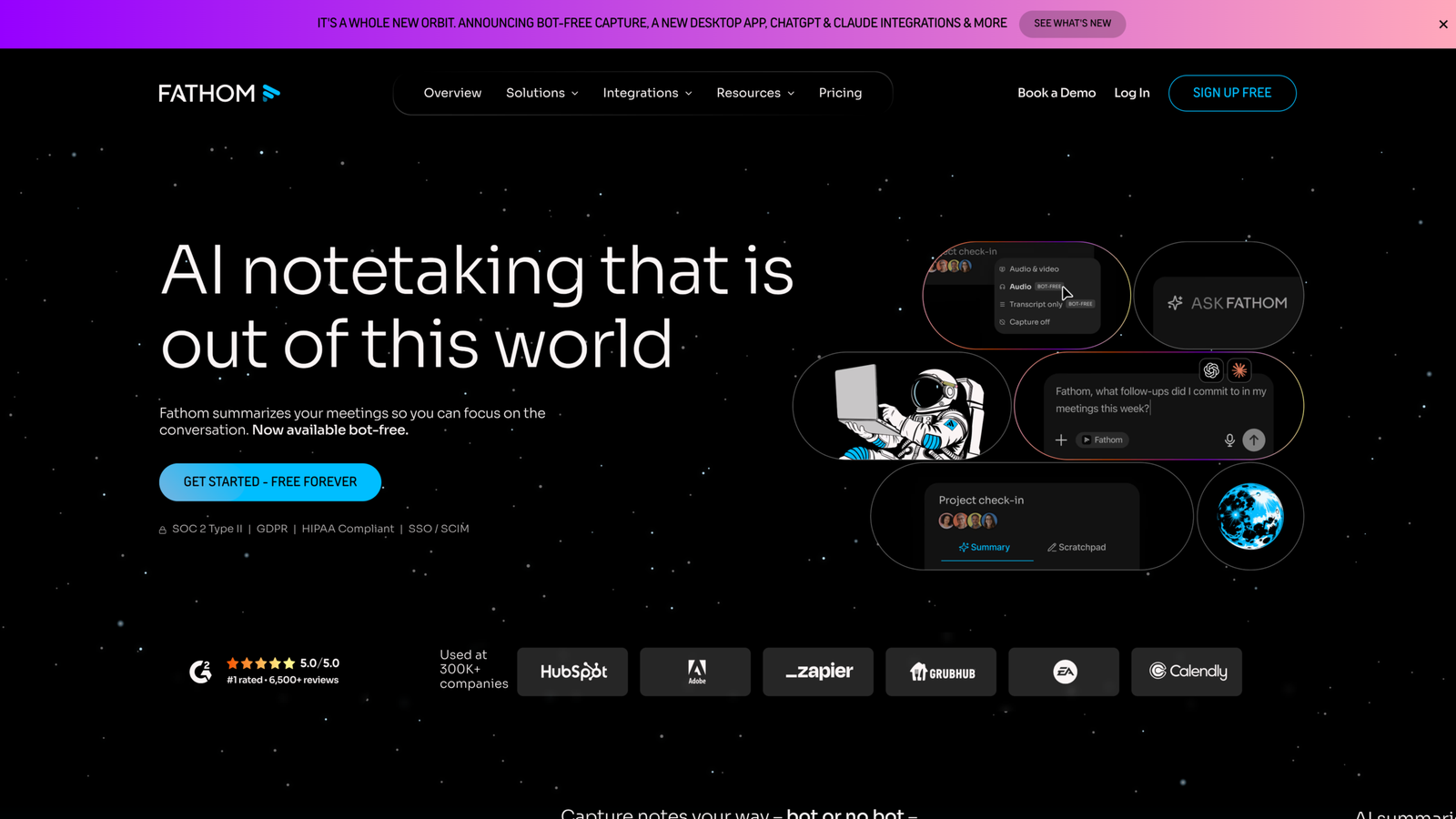
Fathom hits the spot if you want notes heading straight into your pipeline without extra fuss.
Its Salesforce setup writes call recaps, action items, and key highlights directly to contacts, accounts, and active deals. HubSpot gets the same treatment, mapping summary sections right into your custom CRM fields.
Mapping meeting insights directly into deal fields helps revenue teams reinforce their core SaaS sales methodology execution by ensuring key objections and MEDDPICC criteria are logged automatically.
For teams evaluating the best AI meeting note taker for teams software from a sales operations perspective, its workflow depth is more important than the quality of its summary alone.
Useful capabilities include:
- Automated action-item extraction
- Salesforce and HubSpot synchronization
- Meeting highlights
- Custom summary templates
- Microsoft Teams support
- Slack and Zapier workflows
- Organization-level recording controls
- Retention and access settings
Fathom also gives you a public API, so you can build custom automations around your summaries, transcripts, and action items.
The enterprise verdict: a killer choice if your goal is turning meeting chatter into structured CRM data.
2. Fireflies.ai
Great choice for teams building a searchable meeting database
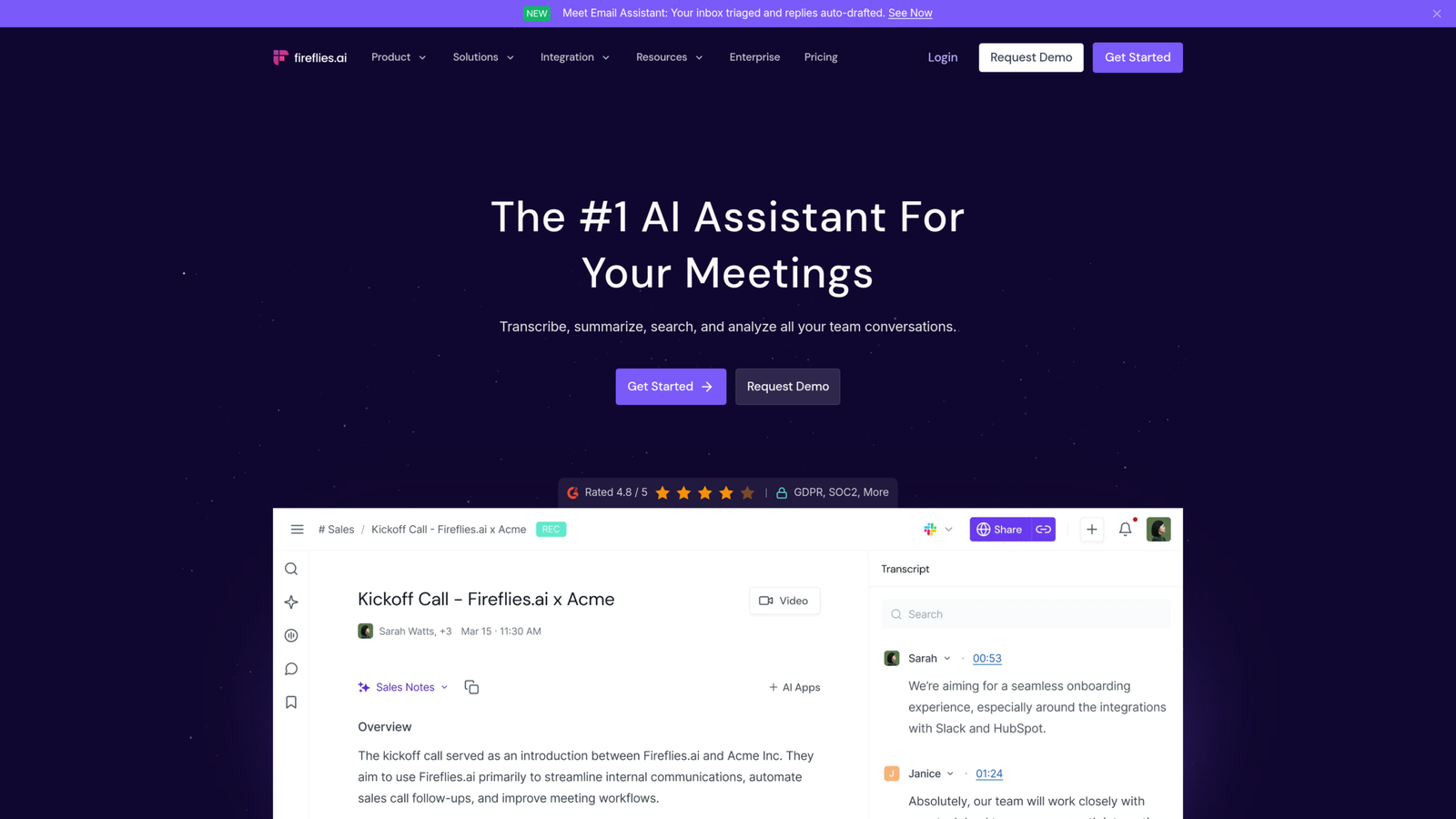
Fireflies AI does way more than just transcribe; it gives you deep search, topic tracking, custom AI prompts, and call analytics.
With Topic Tracker, admins set up custom keywords to automatically flag key moments across all calls. You can use this to track pricing talk, rival mentions, feature requests, or common customer objections.
Then there’s AskFred, their built-in assistant. Instead of skimming full transcripts, you just ask questions directly or set up custom AI prompts to pull out project blockers, feedback, and milestones automatically.
That shifts Fireflies from answering “What happened in this call?” to answering “What have customers said about pricing across our last 500 meetings?”
On top of that, you get high-level conversation analytics and trend tracking across all your call history.
Enterprise verdict: A standout pick for deep conversation intelligence, searchable meeting archives, and custom call analysis.
3. Jamie
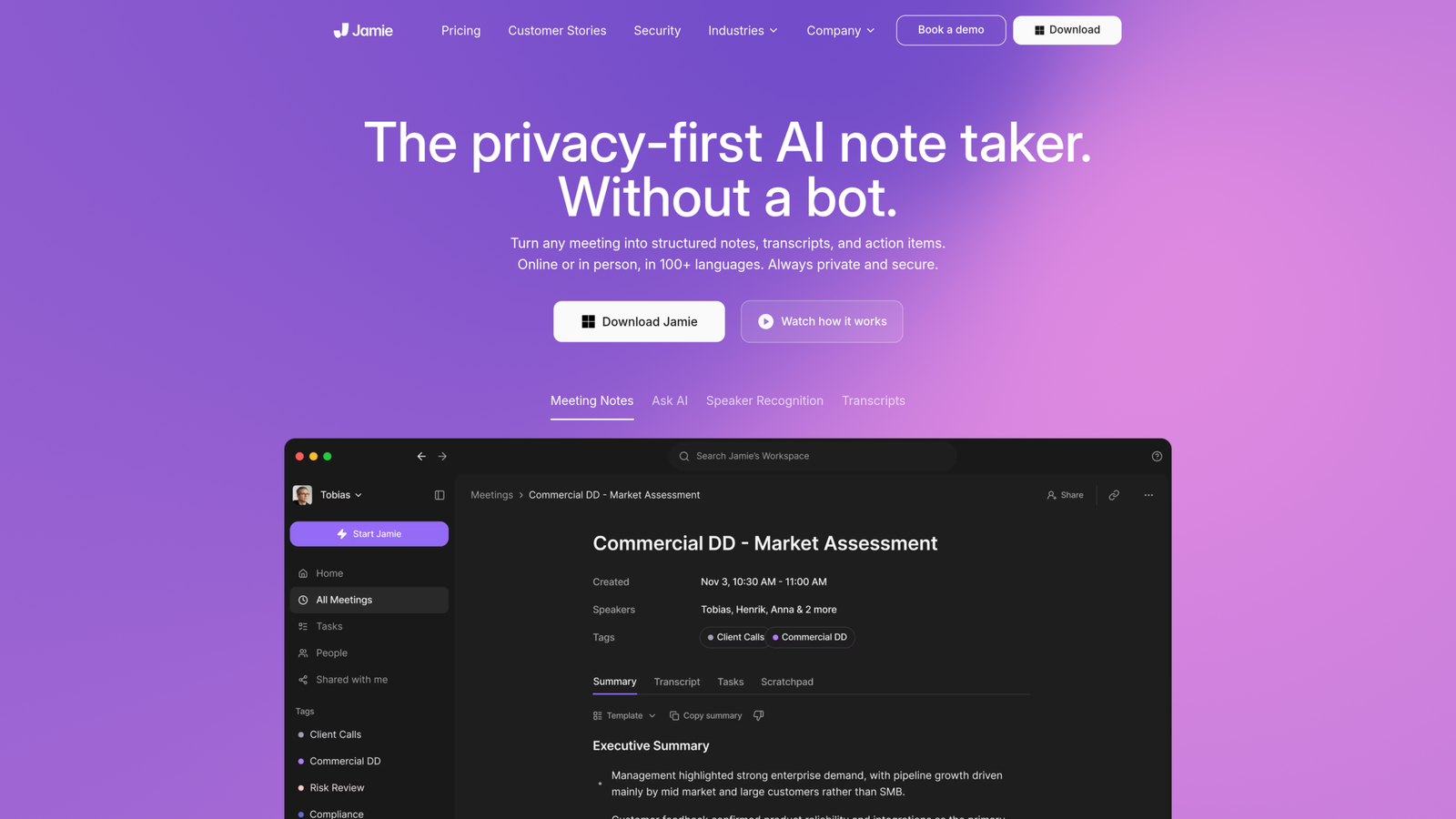
Ideal for: Privacy-first teams ditching meeting bots
Jamie skips the bot entirely. Rather than barging into Zoom or Teams calls as a visible participant, its desktop app quietly records computer audio directly to handle transcripts, notes, and action items.
Privacy is its biggest selling point. Audio gets wiped immediately after transcription, and all data stays hosted and processed in Europe. You also get standard enterprise protections like SSO, SCIM provisioning, retention rules, and ISO 27001 certification.
That makes it particularly relevant for:
- Executive meetings
- Consulting engagements
- Customer research
- Legal discussions
- Financial services
- Confidential product conversations
One big catch: you still need a consent policy. Even without a visible bot joining the call, Jamie explicitly reminds you that you’re still on the hook for letting people know they’re being recorded.
Enterprise verdict: A standout choice if privacy and a seamless call experience matter more to your team than hands-off, automated bots.
4. Otter.ai
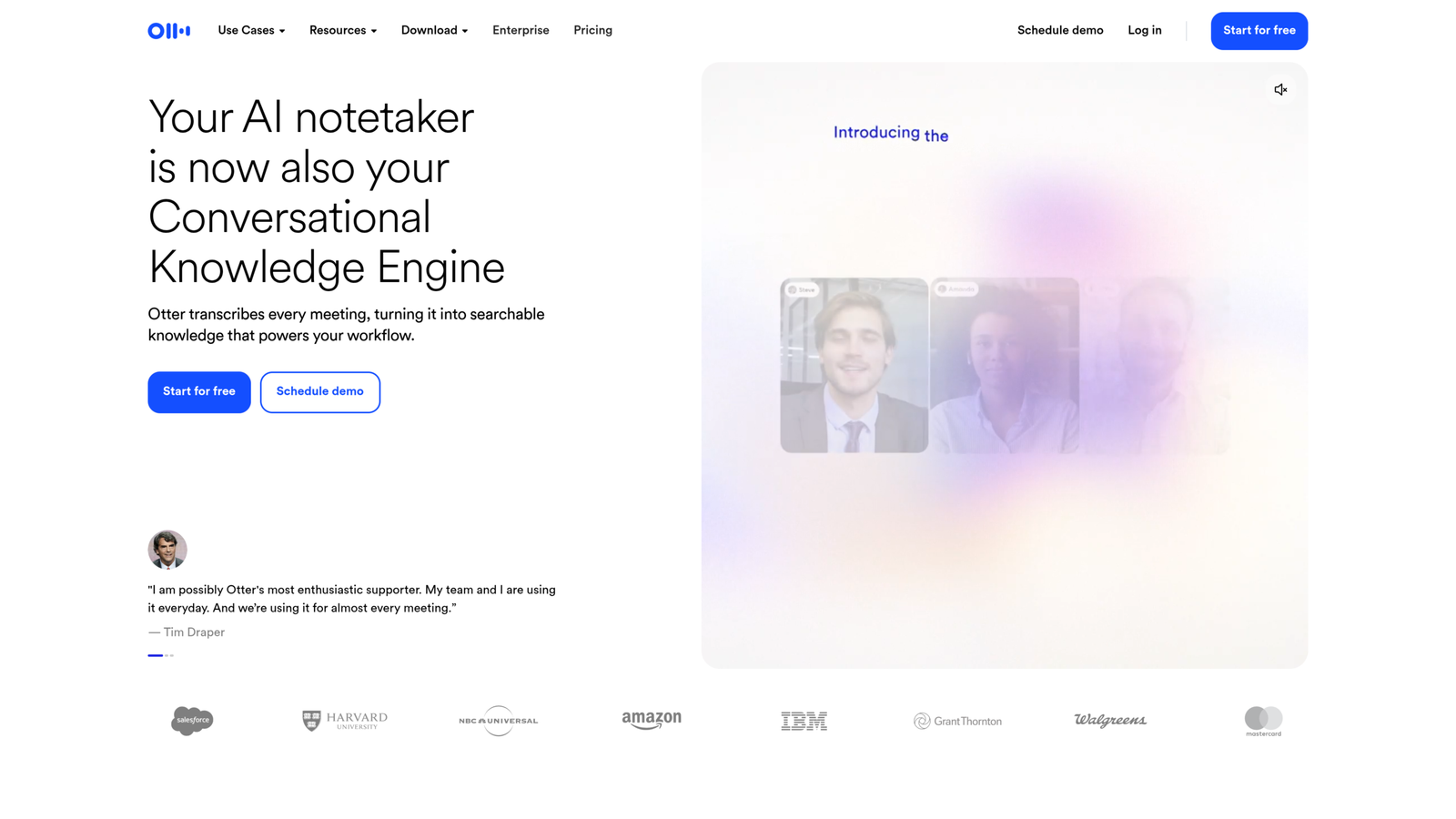
Ideal for: Teams craving real-time transcription and live note collaboration
Otter blends live speech-to-text with shared editing and automated meeting insights.
Its AI agent jumps straight into Zoom, Google Meet, or Teams calls, though you can also run it bot-free through desktop audio capture.
Its standout feature? Automated slide capture. Otter grabs shared screens during virtual meetings and drops those visual snapshots right alongside the transcript text.
That matters for:
- Product demos
- Training sessions
- Sales presentations
- Quarterly business reviews
- Engineering presentations
Teams can also collaborate directly inside meeting notes by adding comments, highlights, and action items.
For Microsoft Teams users specifically, Otter supports an AI meeting assistant for Teams.
Enterprise verdict: Strong general-purpose platform when live collaboration and visual meeting context matter.
5. tl;dv
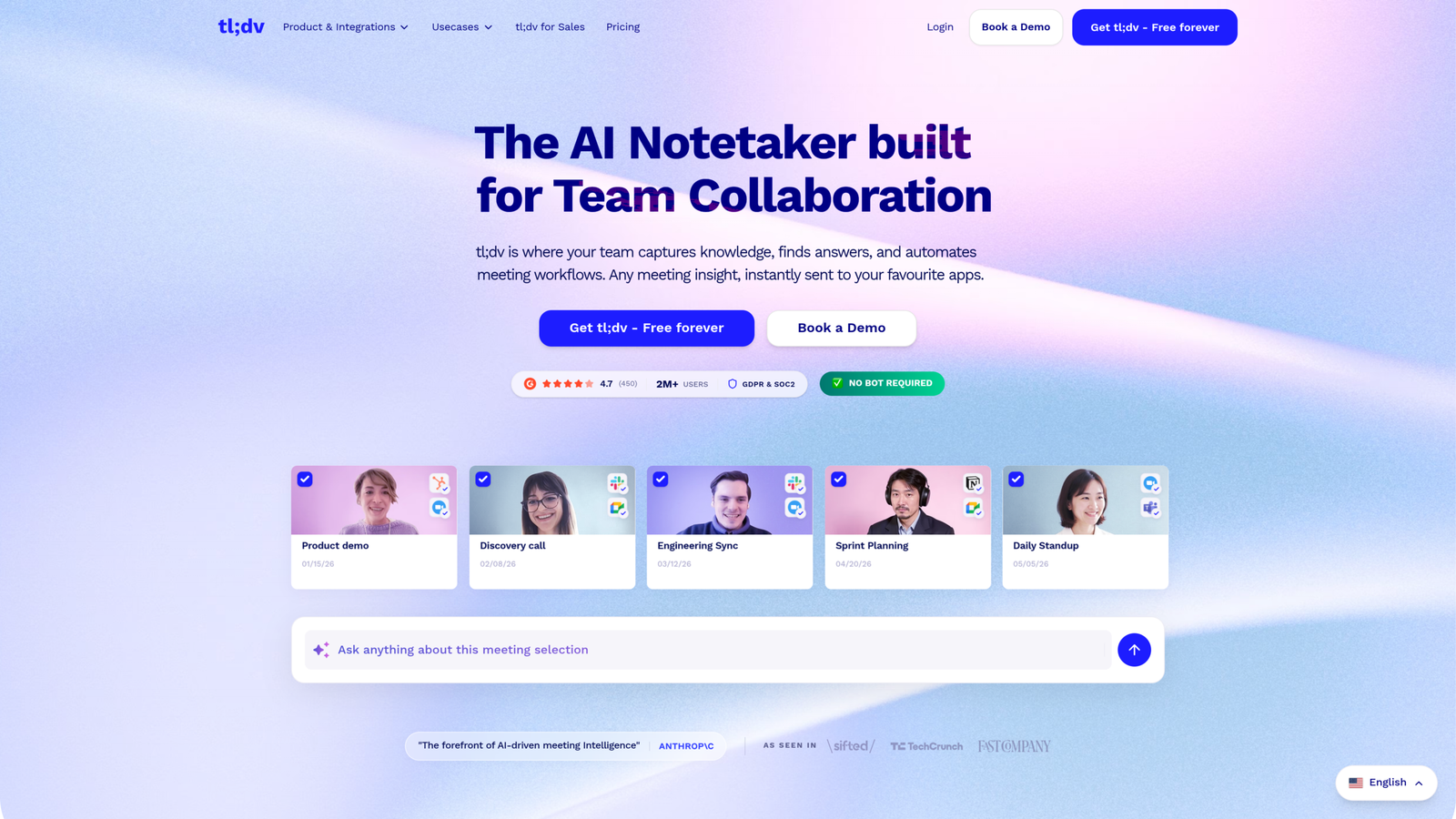
Target audience: Distributed product, sales, and customer success teams
tl;dv is built for asynchronous work; letting people catch up on meetings without actually sitting through them.
Rather than dragging everyone into live calls or forcing them to watch full recordings, you can send out specific clips, transcripts, and bite-sized summaries. It works natively with Zoom, Google Meet, and Microsoft Teams.
Global teams get a huge boost here, too. The platform transcribes, translates, and summarizes discussions across more than 30 languages, so cross-border communication stays smooth.
Typical use cases include:
- Customer research
- Product feedback
- Sales discovery
- Customer success reviews
- Sprint discussions
- Executive updates
- Async stakeholder reporting
Enterprise verdict: Strong choice when the organization wants to reduce meeting attendance through searchable recordings and concise async outputs.
6. Fellow AI
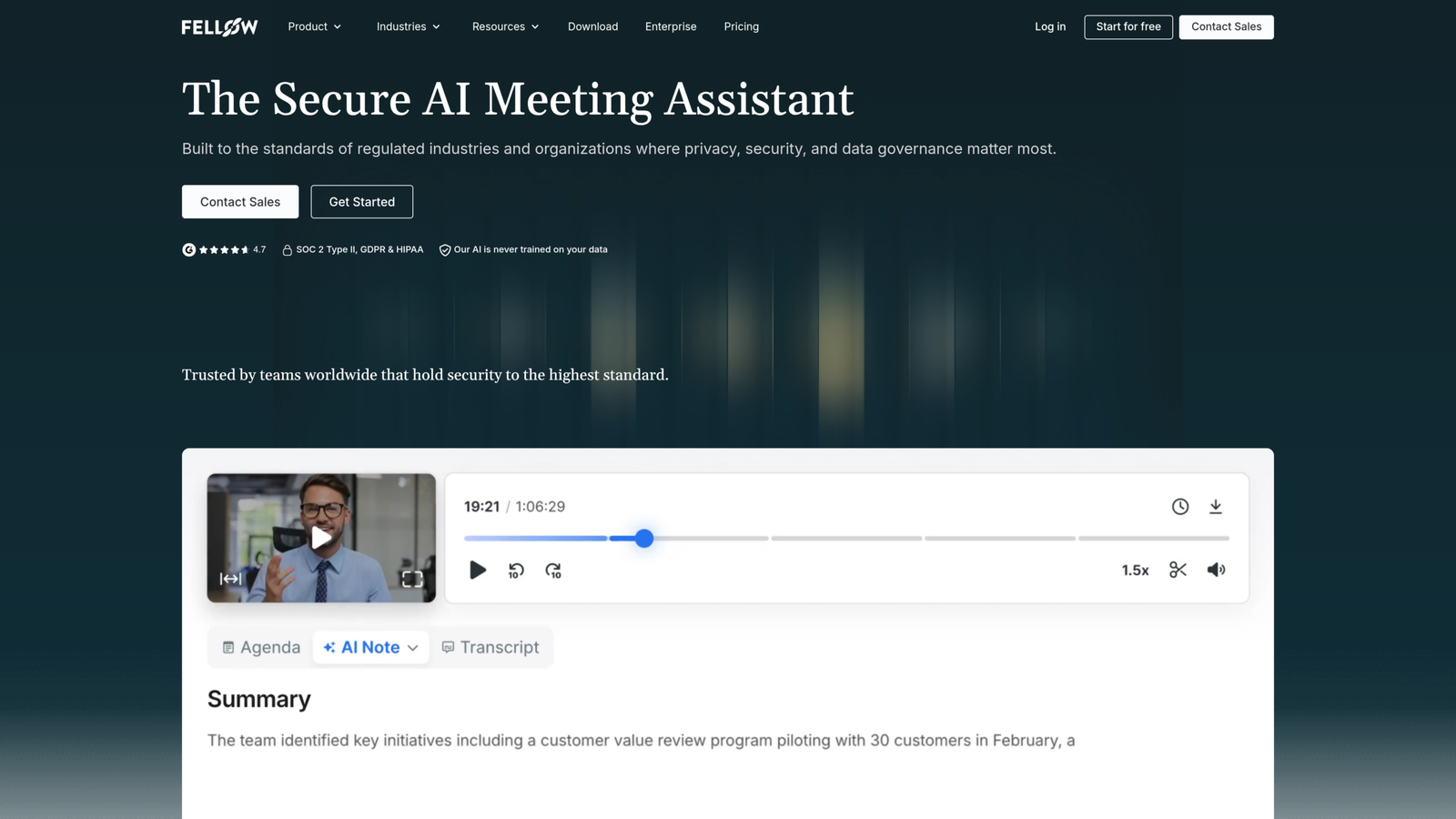
Ideal for: Teams treating meetings as core management operations
Fellow takes a broader meeting-management approach.
It hooks collaborative agendas and templates straight into calendar invites, tackling meeting quality before anyone even presses record. For managers running 1-on-1s, notes and recordings stay strictly private between both people while keeping action items searchable and trackable.
Naturally, it still handles automatic recording, transcription, and summaries. But the real pull here isn’t simple note-taking; it’s total meeting governance.
Enterprise verdict: Better suited to organizations that want to standardize how managers prepare, run, document, and follow up on meetings.
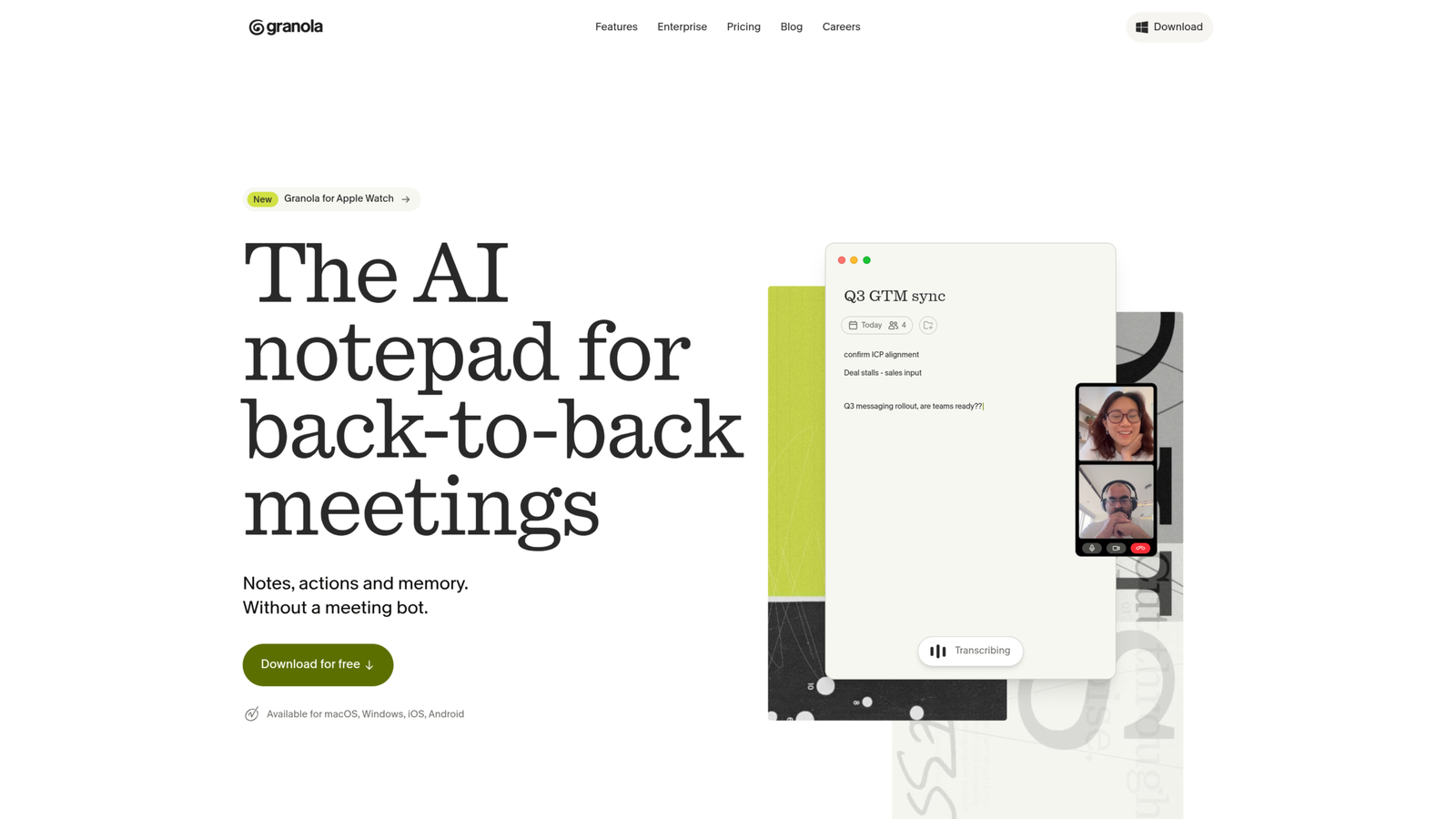
7. Granola AI
Best fit: Executives, researchers, consultants, and knowledge workers who want human-controlled synthesis
Granola uses a different philosophy from fully automated meeting bots.
It captures device audio without adding a visible meeting participant, while the user can type short notes during the conversation. Afterward, the system combines those human notes with the transcript to generate a richer final document.
This is a human-in-the-loop model. For example, during a customer interview, the user might type: “pricing objection”
Granola can use that shorthand as a signal and retrieve the relevant transcript context, quotes, and supporting details when generating the final note.
That approach has an important advantage. The human decides what deserves attention, while the system supplies the missing context.
Granola also supports transcript-level deletion and allows users to control what information remains available to its meeting intelligence features.
Its enterprise offering includes controls such as SCIM provisioning, domain management, administrative visibility, and SOC 2 Type II certification.
Enterprise verdict: Excellent fit for high-context meetings where human judgment should remain part of the documentation process.
How to Choose the Best AI Note Taker for Teams
Do not start with the AI summary quality. Start with the organization’s operating model.
| Requirement | Stronger Architecture / Tool Type |
| Automatic sales-call capture | Calendar bot |
| CRM pipeline automation | Fathom, Fireflies, Otter, similar CRM-centric tools |
| Confidential executive conversations | Bot-free system-audio capture |
| Customer research | Granola, Jamie, tl;dv |
| Microsoft Teams-heavy environment | Fathom, Otter, tl;dv, Fellow |
| Global multilingual teams | tl;dv, Jamie, other multilingual platforms |
| Recurring manager 1:1s | Fellow |
| Organization-wide conversation search | Fireflies, Otter, tl;dv |
| Human-reviewed executive notes | Granola |
| Strict data residency requirements | Evaluate bot-free and regional-hosting options first |
The best AI meeting note taker for teams is therefore the one whose capture architecture, governance model, and integrations match the organization’s risk profile.
How to Use AI Meeting Note Takers for Team Productivity
The biggest mistake is deploying a meeting recorder without defining what happens to the output.
A better workflow looks like this:
Meeting → Transcript → Validation → Decision/action extraction → System update → Human follow-up
For example:
- A sales representative completes a discovery call.
- The meeting tool produces the transcript and summary.
- AI identifies the customer’s pain points, budget discussion, objections, and next steps.
- The salesperson validates the extracted information.
- Approved information enters Salesforce or HubSpot.
- Assigned tasks enter the team’s project-management system.
- The summary is shared with relevant stakeholders.
This is how an ai note taker for teams becomes part of an operating system instead of another browser tab.
Common team productivity workflows
Sales
Meeting > call summary > opportunity update > follow-up task > customer email
Customer success
Customer call > product issue > owner > support ticket > account record
Product
Research interview > customer quote > insight > product requirement > Jira/Linear ticket
Management
1:1 > commitment > owner > deadline > follow-up reminder
Operations
Weekly meeting > decision > responsible team > task > status review
The automation layer is where the business value compounds.
Deployment Risks IT Teams Should Test
AI meeting notes introduce risks that traditional note-taking did not.
Speech hallucinations
A language model can produce a polished statement that was never actually made.
This is especially dangerous for:
- Contract terms
- Pricing
- Legal commitments
- Financial figures
- Customer requirements
- Deadlines
- Employee performance discussions
Require users to verify consequential outputs before they enter systems of record.
Speaker attribution errors
A wrong speaker label can create a false assignment.
A system saying “John will deliver this Friday” is materially different from “Sarah will deliver this Friday.”
Speaker diarization should therefore be evaluated independently from word-level transcription accuracy.
Privacy and consent
Recording laws vary by jurisdiction.
Teams should define:
- When recording is allowed
- Who must be notified
- Whether consent is required
- How consent is documented
- Which meetings must never be recorded
- Who can access recordings
- How external participants are handled
Bot-free capture reduces participant friction but does not eliminate these obligations.
Data retention
Do not retain everything indefinitely simply because storage is inexpensive.
Define separate retention periods for:
- Raw audio
- Transcripts
- AI summaries
- Recordings
- CRM records
- Action items
- Shared meeting clips
The shortest practical retention period should normally be preferred for raw conversational data.
Integration permissions
CRM integrations can create a second security boundary.
A meeting assistant that can read transcripts and write to Salesforce potentially has access to both sensitive conversation data and business-critical CRM records.
Use least-privilege OAuth scopes, centralized identity management, and role-based access controls.
A 3-Step Enterprise Rollout Framework
Step 1: Establish the data policy before deploying the software
Define the organization’s rules for:
- Approved meeting types
- Prohibited meeting types
- Recording consent
- Data residency
- Audio retention
- Transcript retention
- Sharing permissions
- External participants
- Employee access
- Deletion requests
Do not allow every employee to independently configure these settings.
Centralize them wherever the platform supports organization-level controls.
Step 2: Configure security and integration guardrails
At minimum, evaluate:
- SSO
- SCIM
- RBAC
- SOC 2 compliance
- ISO 27001 where relevant
- Encryption at rest
- Encryption in transit
- Data residency
- Retention controls
- Audit logs
- API permissions
- CRM permissions
- Subprocessor disclosures
- Model-training policies
Security certification is not the same thing as security suitability.
A vendor can have SOC 2 compliance while its default retention or sharing configuration is still inappropriate for your organization.
Healthcare and finance teams evaluating AI note-takers must review SaaS HIPAA compliance requirements to ensure vendor audio processing and data storage policies meet strict regulatory standards.
Step 3: Put Human-in-the-Loop validation into the workflow
Do not allow AI-generated commitments to become authoritative records automatically in high-risk processes.
Use a simple validation rule:
AI extracts → Employee reviews → Employee approves → System writes
For low-risk workflows, automation can be more aggressive.
For high-risk workflows, require explicit approval.
A practical policy matrix looks like this:
| Output | Automation Level | Human Review |
| Internal meeting summary | High | Optional |
| Slack recap | High | Recommended |
| Personal task | High | Optional |
| CRM call summary | Medium | Recommended |
| Sales opportunity amount | Low | Required |
| Contract commitment | Low | Required |
| Legal interpretation | Very low | Required |
| Employee performance record | Very low | Required |
This approach keeps automation useful without turning a probabilistic model into an unchecked system of record.
Final Assessment
An AI meeting note taker for teams should be evaluated as an enterprise information-processing system, not a smarter version of a notebook.
The important layers are:
- Capture architecture
- Speech recognition
- Speaker diarization
- Natural language understanding
- Action and decision extraction
- Search and knowledge retrieval
- Workflow automation
- Identity and access management
- Retention and compliance
- Human validation
The bot-versus-bot-free decision should happen early in the procurement process.
For sales-heavy teams, automated calendar joiners can provide strong coverage and CRM pipeline automation. For privacy-sensitive conversations, system-audio capture may provide a better participant experience and tighter control over the capture layer.
The strongest deployments do not stop at meeting summaries. They turn verified meeting intelligence into tasks, CRM updates, product requirements, decisions, and searchable organizational knowledge.
That is the real purpose of an AI meeting note taker for teams: not to write down everything people said, but to make important conversational information usable by the systems and people responsible for acting on it.